Generate a screenshot using cURL
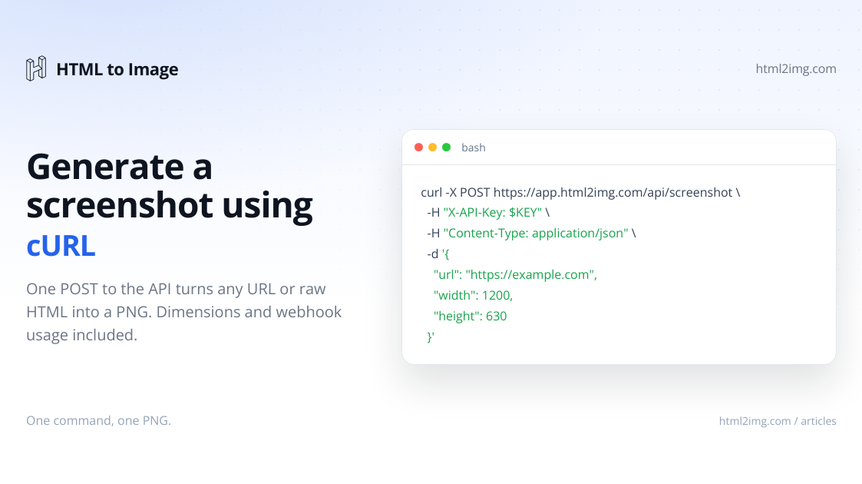
You want a PNG of a web page from the command line, a cron job or a CI step, without installing Chrome or Puppeteer on the machine. cURL is already there. One POST to the Screenshot API loads the page in a real Chrome browser and hands back a hosted image.
What you need
An API key from your dashboard. New accounts start with free credits and no card.
cURL, which ships with macOS, most Linux distributions and Windows 10 onwards.
jq, optional, for pulling the image URL out of the response.
Keep the key in an environment variable so it stays out of your shell history and scripts:
export HTML2IMG_API_KEY=your_api_keyRunning this in production? Get an API key with 50 free credits, no card needed.
The request
Send a JSON body to POST https://app.html2img.com/api/screenshot with your key in the X-API-Key header. The only required field is url:
curl -X POST https://app.html2img.com/api/screenshot \
  -H "X-API-Key: $HTML2IMG_API_KEY" \
  -H "Content-Type: application/json" \
  -d '{
    "url": "https://example.com",
    "width": 1280,
    "height": 800
  }'
width and height set the browser viewport, which decides which responsive layout the page shows. Leave them out and you get 1440 by 900.
The response
A successful capture returns a JSON envelope rather than the image bytes:
{
  "success": true,
  "id": "3679b320-f52a-4abc-9d50-02b7b33e2980",
  "expires_at": null,
  "credits_remaining": 950,
  "url": "https://i.html2img.com/image-1792239041458-3950.png"
}
url is the finished PNG on the CDN, live the moment you receive it. Downloading it never costs a credit. expires_at is null on paid plans, where renders stay hosted permanently; on the free tier it carries the date the file will be removed.
To request the screenshot and save the file in one line, pipe the URL through jq into a second curl:
curl -sS -X POST https://app.html2img.com/api/screenshot \
  -H "X-API-Key: $HTML2IMG_API_KEY" \
  -H "Content-Type: application/json" \
  -d '{"url": "https://example.com", "width": 1280, "height": 800}' \
  | jq -r '.url' | xargs curl -sS -o example.png
The parameters you will reach for
These go in the same JSON body. The parameters reference has the full list.
fullpage:truecaptures the entire scroll height instead of stopping at the fold. Capturing full-page screenshots covers lazy loading and sticky headers.selector: a CSS selector to crop the capture to one element, such as a pricing table or a chart. See screenshotting a single element.css: styles injected before the capture, the clean way to hide cookie banners and chat widgets.wait_for_selector: holds the capture until an element exists, for content that renders late.ms_delay: a fixed pause of 1 to 5,000 milliseconds. Leave it out rather than sending0, which fails validation.dpi: device pixel ratio from 1 to 4. Use2for a sharp image on retina screens.format:pdfreturns an A4 document with selectable text instead of a PNG, for the same single credit.
A full-page capture with the consent banner removed:
curl -X POST https://app.html2img.com/api/screenshot \
  -H "X-API-Key: $HTML2IMG_API_KEY" \
  -H "Content-Type: application/json" \
  -d '{
    "url": "https://example.com/pricing",
    "width": 1440,
    "fullpage": true,
    "css": "#onetrust-banner-sdk, #CybotCookiebotDialog { display: none !important; }"
  }'
When the capture fails
Errors come back as JSON with an HTTP status and a code you can act on. Add -w '\n%{http_code}\n' to see the status alongside the body. A URL that does not resolve returns 422:
{
  "error": "Render failed",
  "code": "url_not_found",
  "message": "That web address could not be found. Please check the URL for typos and make sure the site exists.",
  "id": "208cb721-7b29-45a1-84cd-32dbc4b6039d"
}
The codes worth knowing:
401 invalid_api_keyormissing_api_key: check the header name and that the variable is set402 insufficient_credits: the account is out of credits422 url_not_found,url_unreachable,connection_refused: the site is down, misspelt or blocking automated visitors422 selector_not_foundorselector_timeout: theselectororwait_for_selectornever matched504 timeout_error: the capture ran past the 30 second limit for synchronous requests, so use a webhook
The getting started guide lists every error shape.
Slow pages: let a webhook deliver the result
Heavy pages and long full-page captures can take longer than the 30 seconds a synchronous request allows. Add a webhook_url and the API responds straight away with "status": "processing" and an id, then POSTs the result to your endpoint when the capture is done:
curl -X POST https://app.html2img.com/api/screenshot \
  -H "X-API-Key: $HTML2IMG_API_KEY" \
  -H "Content-Type: application/json" \
  -d '{
    "url": "https://example.com",
    "fullpage": true,
    "webhook_url": "https://your-domain.com/webhooks/html2img?token=a-long-random-string"
  }'
Your endpoint receives:
{
  "status": "success",
  "message": "Screenshot generated successfully",
  "url": "https://i.html2img.com/image-1641234567890-123456.png",
  "filename": "image-1641234567890-123456.png",
  "format": "png",
  "dpi": 1,
  "log_id": "ab12345cd-6aa2-4927-9afe-012345abc123"
}
log_id matches the id from the first response, which is how you tie the result to the request. Check status before using the URL: a failed capture posts "status": "error" with an error message instead. Delivery is attempted once and no custom headers are sent, so put a shared secret in the URL and return a 200 quickly.
From one URL to a whole site
The same request works in a loop. To run it over every page of a site, screenshot every page of a website in bulk wraps it in a short bash script and fans it out with xargs, then moves to a Node script that reads the sitemap. If you would rather click than type, the free website screenshot tool runs the same renderer in your browser.
Need screenshots, OG images or PDFs from one API key? Browse the templates gallery or read the docs to get started.

Written by
Mike Griffiths
Mike has spent the last 20 years crafting software solutions for all kinds of amazing businesses. He specializes in building digital products and APIs that make a real difference. As an expert in Laravel and a voting member on the PHP language, Mike helps shape the future of web development.