HTML to Image API

Convert HTML, CSS or any URL into a PNG with a single API call. We render it in real Chrome and return a PNG within seconds.

Free for the first 25 images a month. No credit card.

Four ways to render

Raw HTML for full control, the URL endpoint for screenshots, named templates to skip the markup, or the MCP server straight from your AI agent.

Send your own HTML

POST raw markup and CSS to the HTML endpoint. We render it in Chrome and return a PNG URL within seconds.

POST /api/html
{ "html": "<h1>Hello</h1>" }
Read the html parameter docs

Capture any URL

POST a public URL to the Screenshot endpoint. We load the page in Chrome and return a PNG of the rendered output.

POST /api/screenshot
{ "url": "https://example.com" }
Read the url parameter docs

Use a named template

POST a JSON payload to a named template endpoint. We render a tested design with your data and skip the markup step.

POST /api/v1/templates/open-graph-image
{ "title": "Launch day" }
Browse templates

Call the MCP server

Connect the MCP server to your AI agent and render images straight from a tool call — no SDK to wire up. Paid plans.

html2img / MCP
render_html({ html })
Explore the MCP server

What can you build?

Social media images

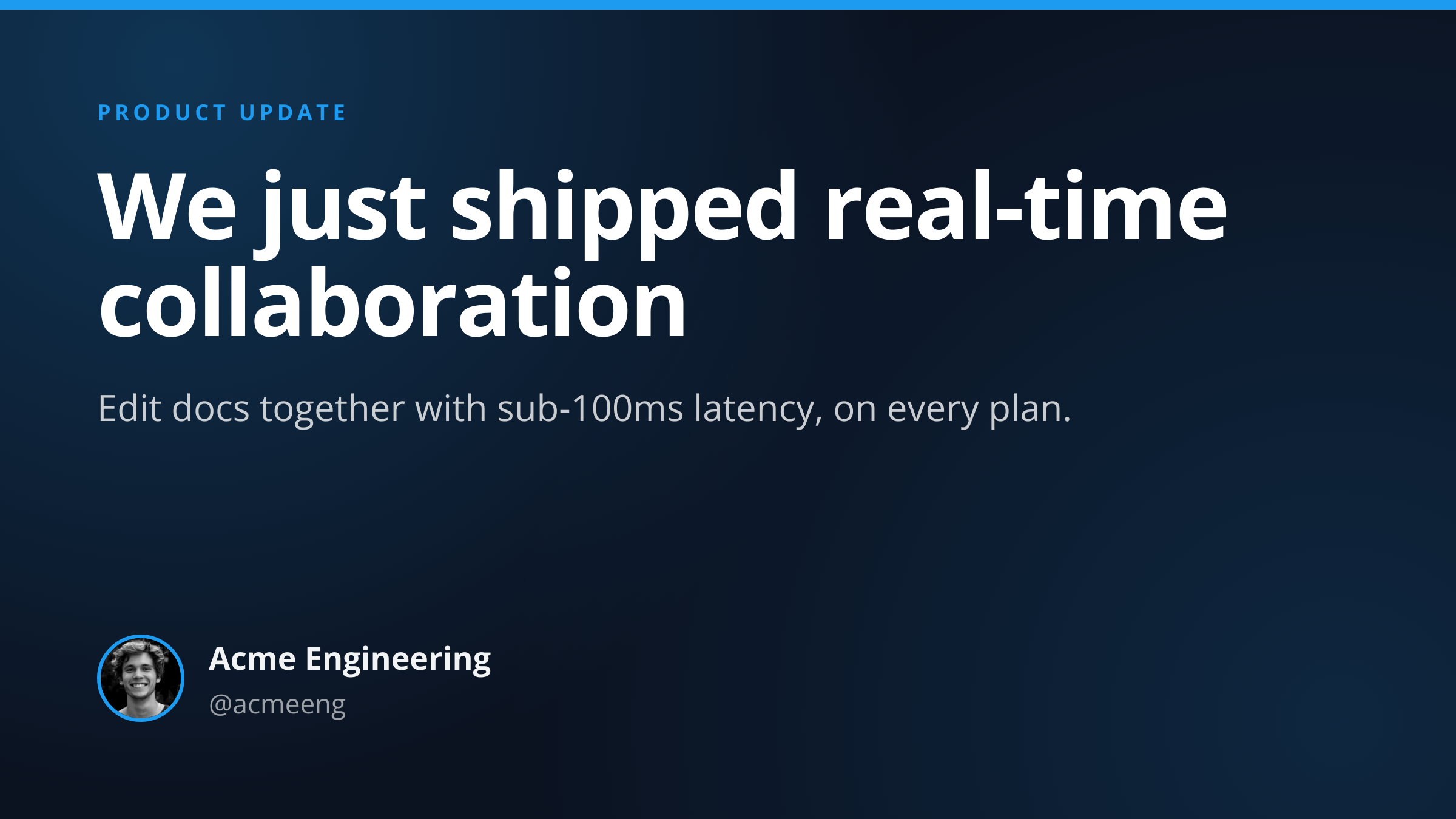
Open Graph cards, Twitter posts, Instagram squares and stories. Render the same shape across every platform with one endpoint per spec.

See social templates

Business documents

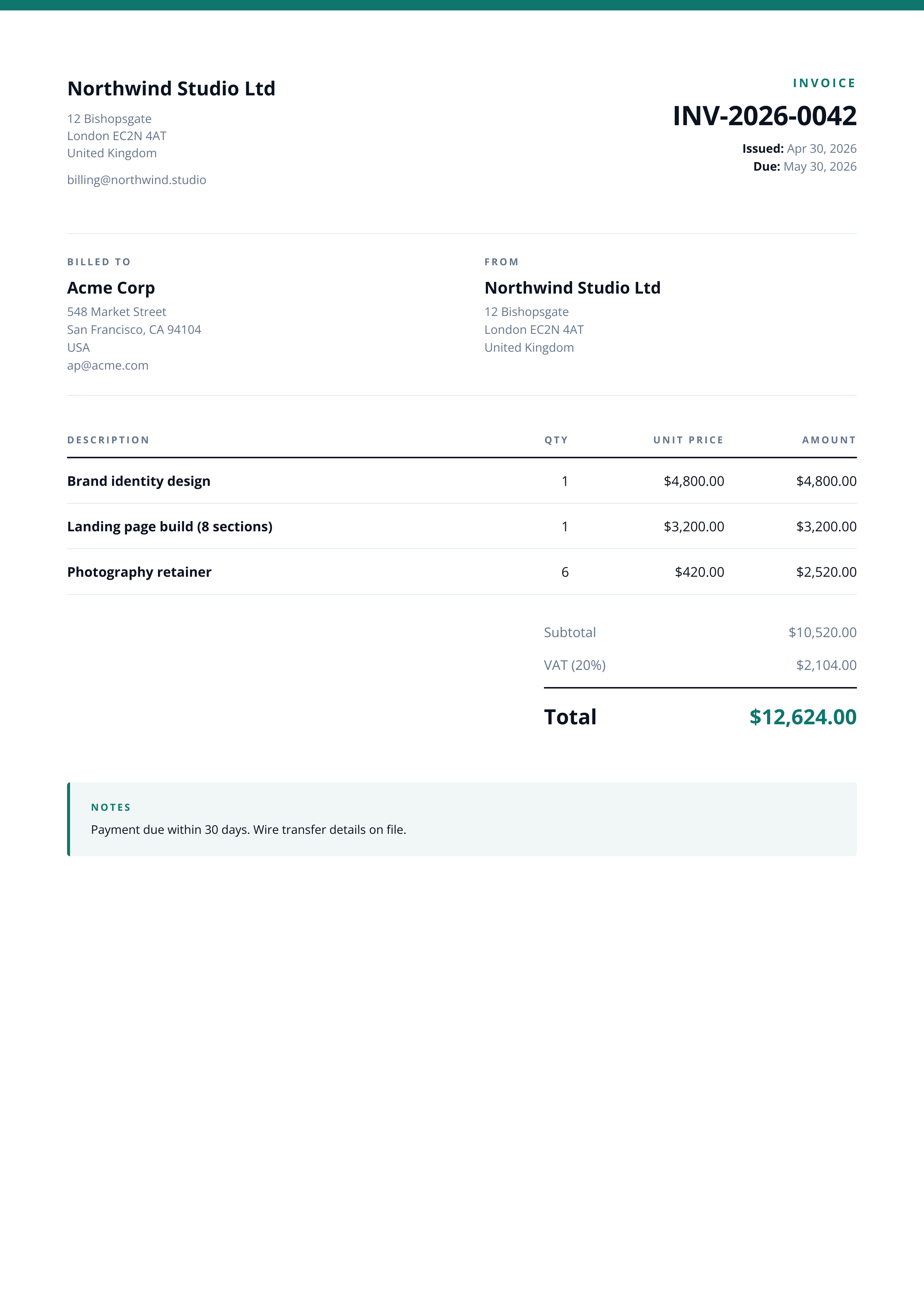
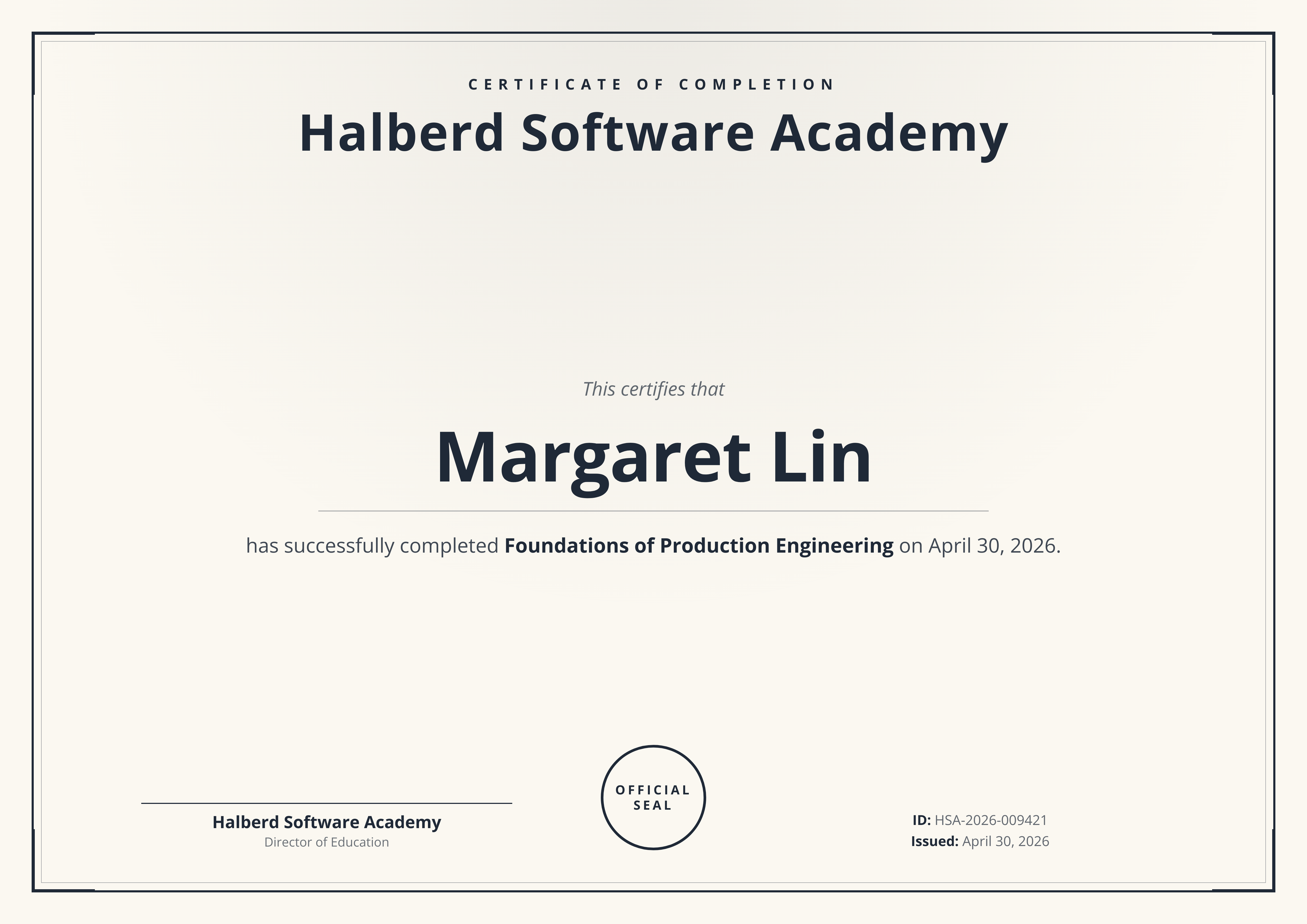
Invoices, receipts, event tickets and certificates. Send your line items, get back an A4 PNG you can attach to email.

See business templates

Developer assets

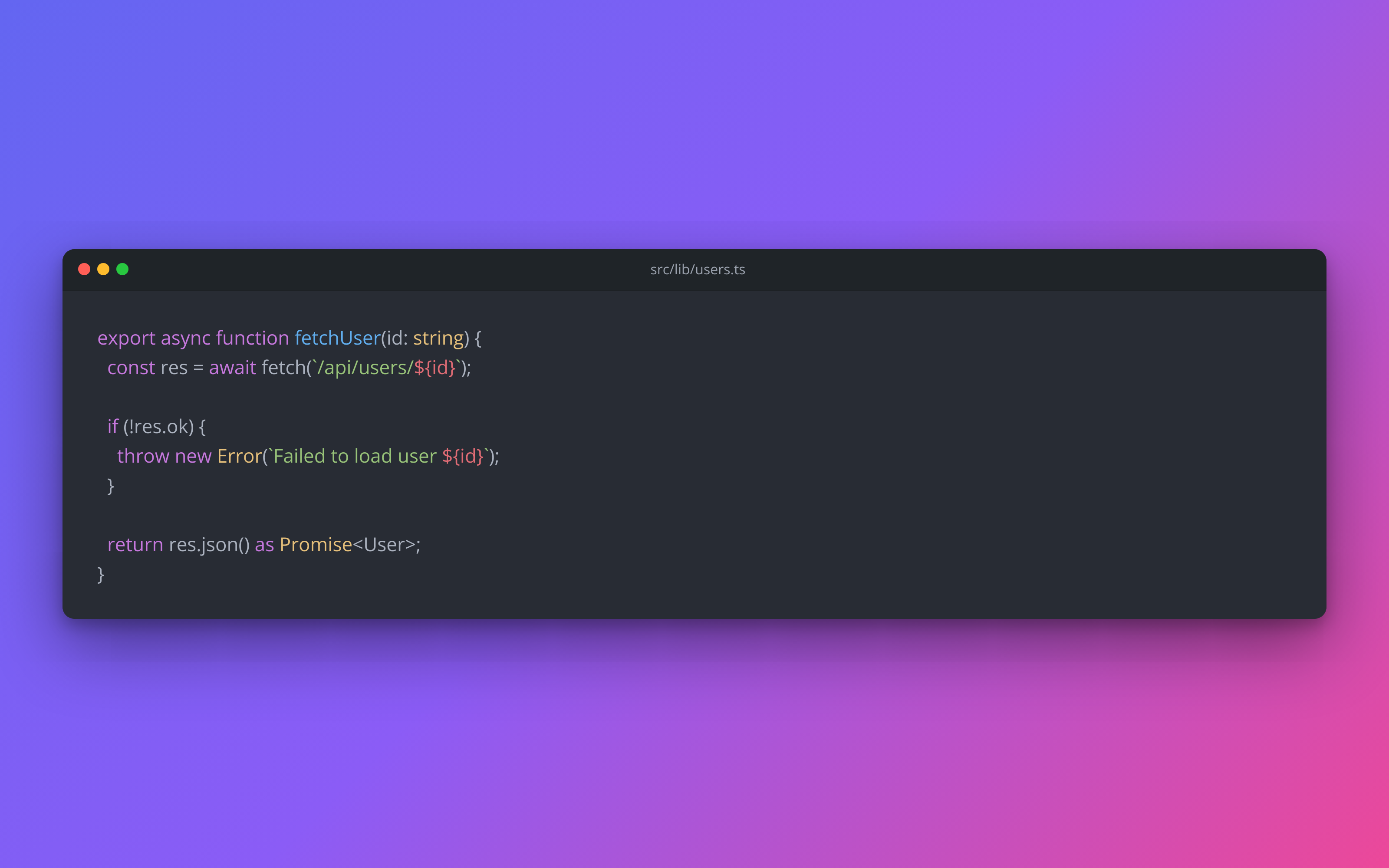
Code screenshots, GitHub social previews and project showcase cards. Built for changelogs, release notes and launch posts.

See developer templates

URL screenshots

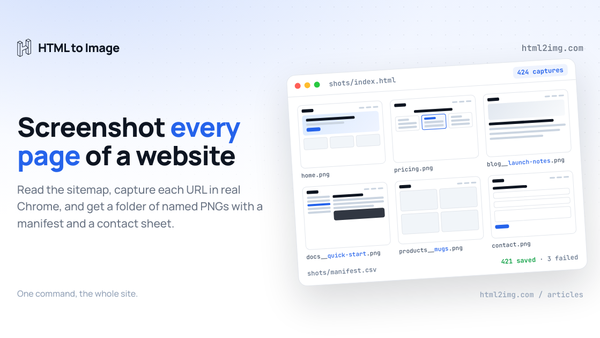
Full-page captures or selector-based crops. Inject CSS to remove cookie banners, ads or sticky headers before render.

See screenshot examples

Popular templates

Six designs developers reach for first.

Browse all 25 templates

Free image tools

Fill in the fields, see the result, then call the same renderer from your code.

Browse all tools

Latest articles

Guides on rendering images for email, social, docs and your build pipeline.

Read all articles

Built for production

Webhook delivery

Skip the 30 second sync timeout for slow renders. We POST the finished URL to your webhook.

webhook_url docs

DPI control

Render at 1x, 2x or 3x. Pick the right tradeoff between sharpness, memory and render time.

dpi docs

Custom fonts

Google Fonts, Adobe Fonts and self-hosted @font-face all work server-side without a CORS dance.

All features

Global CDN

Images are served from i.html2img.com over a global edge CDN, delivered fast from a location near your users.

Response format

Works in your language

Worked guides for the seven languages developers use most. Any language that can make an HTTP request will work.

Generating Open Graph images?

The Open Graph image template renders 1200x630 social cards from a JSON payload, one call per share.

See the Open Graph image template

Comparing options?

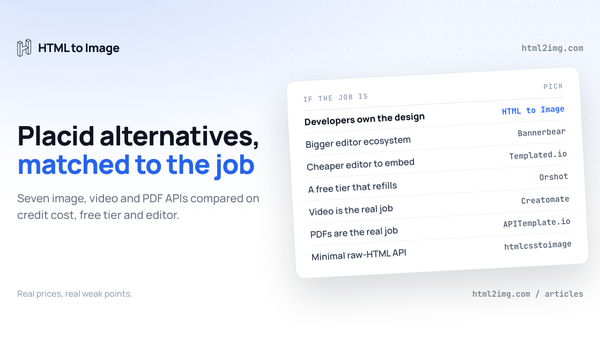
Side-by-side notes against htmlcsstoimage, Bannerbear, Urlbox and ApiFlash from the team that built HTML to Image.

Read the comparison hub

Frequently asked questions

What is the free tier?

25 image renders per month, no credit card required. Every feature on the paid plans is available on the free plan, including templates, webhooks and DPI control.

What languages can I use?

Any language that can make an HTTP request. We publish worked examples for PHP, Laravel, Ruby on Rails, Python, JavaScript, Node.js, React and Vue. See the language guides at /docs/usage.

What's the difference between the HTML and Screenshot endpoints?

The HTML endpoint accepts raw markup, runs your inline JavaScript, and returns a PNG. The Screenshot endpoint accepts a URL and captures the rendered page without running user-supplied JavaScript. Pick HTML for full control, Screenshot for capturing existing pages. The getting started guide covers both.

How accurate is the rendering?

We render in real Chrome, so flexbox, grid, custom properties, custom fonts and JavaScript work as they do in your browser. Pixel-perfect parity is the design target, not pixel-similar. See the features page.

How does HTML to Image compare to alternatives?

We have put together honest comparisons against htmlcsstoimage, Bannerbear, Urlbox and ApiFlash. Each covers pricing, features and migration effort.

What is a template?

A template is a named, parameterised image design hosted on our side. POST a JSON payload to its endpoint, get a styled PNG back, and skip the HTML step entirely. See /templates for the catalog.
Render your first image

25 images a month on the free tier. No credit card.