The Tweet to Image Generator builds a tweet-style card from text you supply: display name, handle, avatar, post body, timestamp, and the reply, repost and like counts. The output is a clean, high-resolution PNG with none of the compression artefacts, cropped edges, or stray browser chrome you get from screenshotting the app on a phone, which makes it the right source for a slide, a newsletter, a carousel, or a case-study page.
It renders from data rather than capturing x.com, and that is a deliberate choice in both directions. Practically, X blocks anonymous crawlers, so a URL-based screenshot returns a login wall rather than the post. Ethically, a from-data renderer is honest about what it is: a mockup tool for reproducing your own posts and for designing card layouts. Please do not use it to fabricate posts and attribute them to other people. Screenshots of things nobody said cause real harm, and a tidy render makes a fake more convincing, not less.
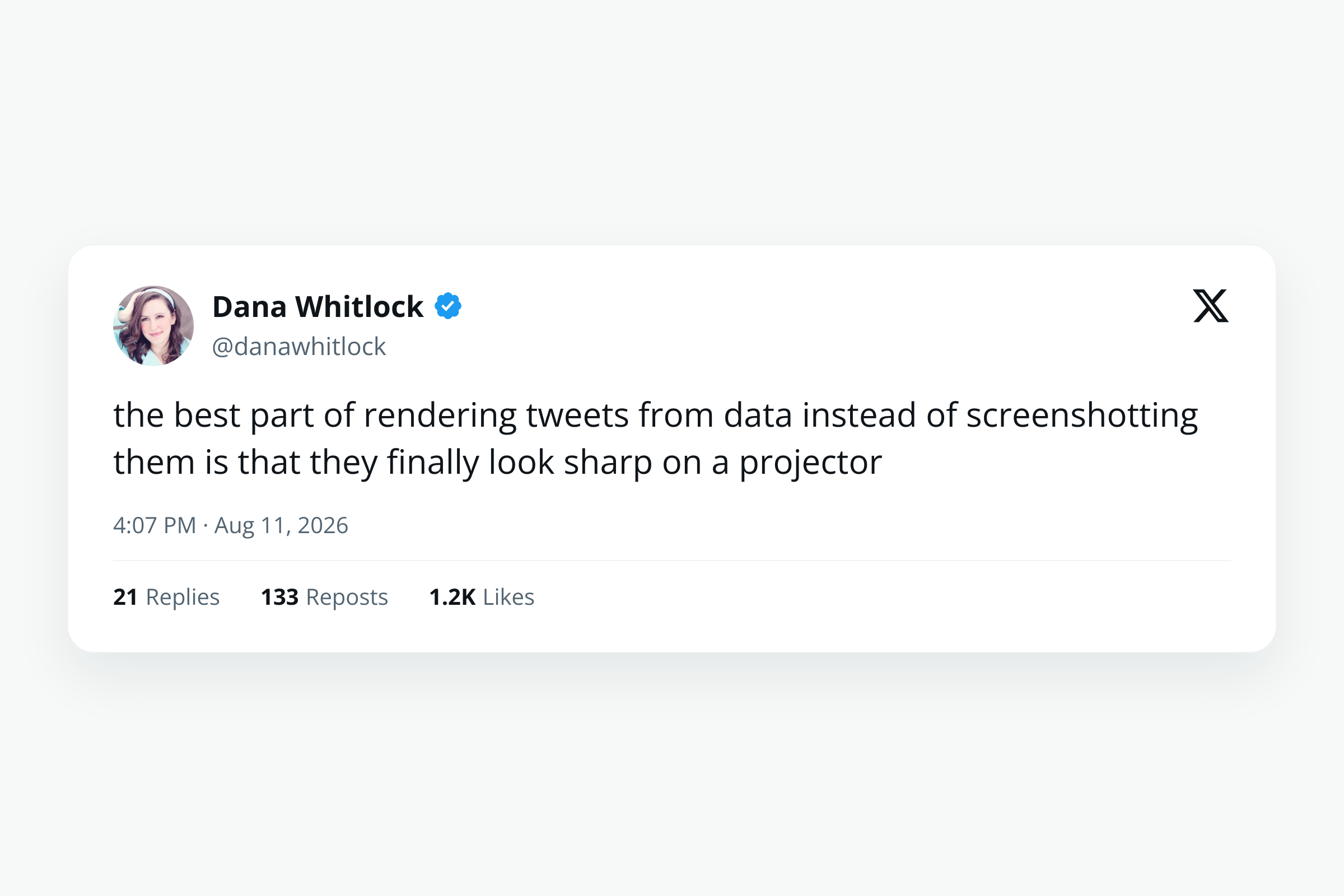
How it works
Fill in the post details
Enter the display name, handle, and body text of the post you are reproducing. The body accepts line breaks, so a multi-paragraph post keeps its shape.
Add the avatar and verification
Point the avatar field at an image URL, and choose whether the card shows no check, the blue check, or the gold organisation check, so the render matches the account it represents.
Set the metrics, timestamp and theme
Reply, repost and like counts are plain text fields, so you can enter them exactly as X displays them, abbreviations and all. Leave them blank for a clean card with no engagement row. The theme field switches between light, dim and dark.
Render and download
The card renders to a PNG at a size that stays sharp in a presentation or a blog post, and is served from the CDN at a stable URL.
When to use it
Testimonials on a landing page
Praise posted about your product reads better as a card than as a blockquote, and rendering it keeps the typography consistent with the rest of the page rather than pasting in five differently-compressed phone screenshots.
Slides and conference talks
A phone screenshot projected onto a large screen looks exactly like a phone screenshot projected onto a large screen. A rendered card at full resolution stays crisp at any size.
Newsletters and roundups
Newsletters that quote posts need images, because embeds do not survive email. One render per quoted post gives a consistent set that looks intentional instead of assembled.
Carousels and repurposed content
Turning a thread into a LinkedIn or Instagram carousel means one image per post. Generating them from the text takes minutes rather than screenshotting and cropping each one by hand.
Designing a card layout
If you are building your own social-proof component, the mockup is a fast way to try copy lengths and see where a long handle or a three-line body starts to break the layout.
Examples
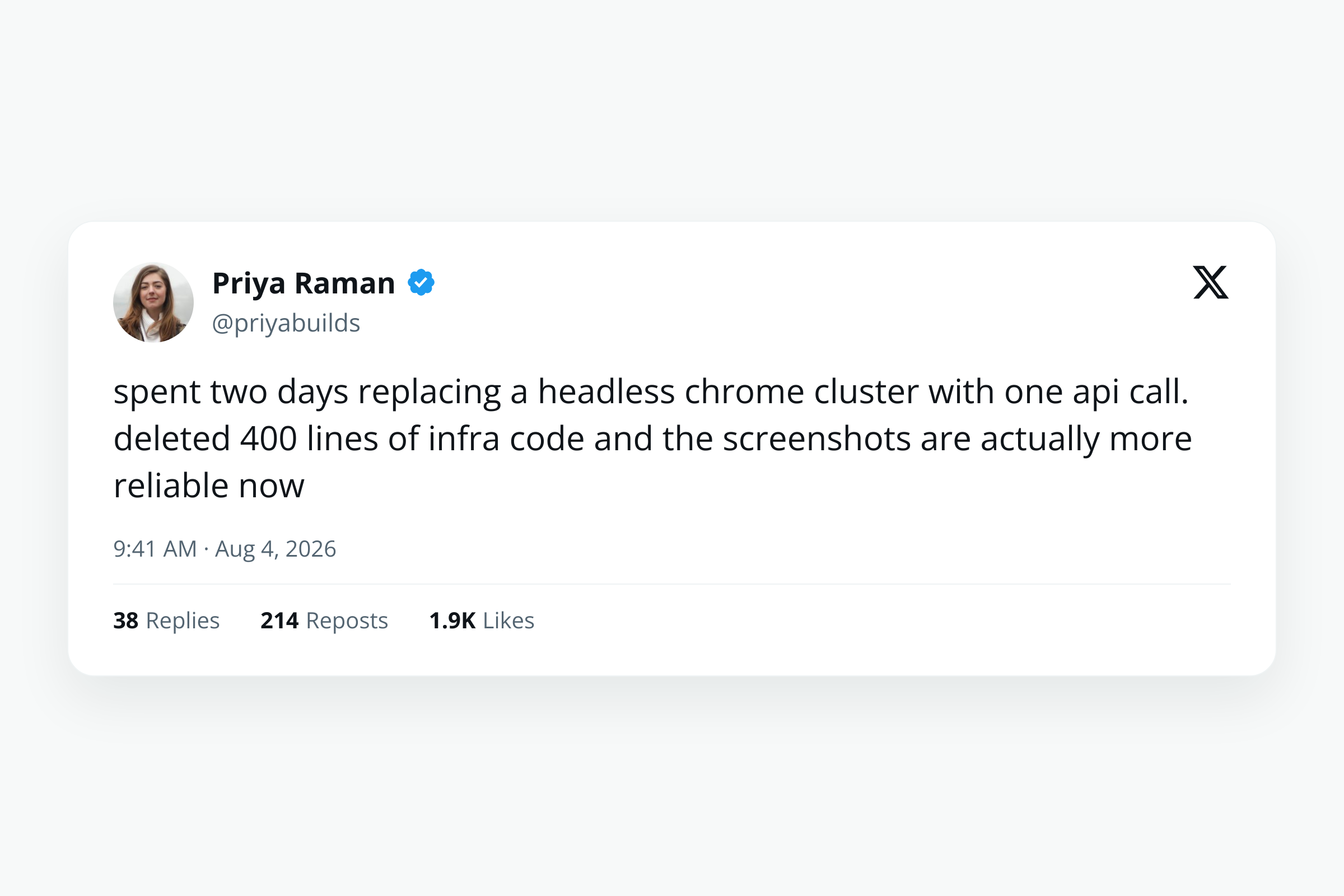
A short post with a blue check
A one-line post with an avatar, a blue verification check, and the full engagement row underneath. The most common shape for a testimonial.
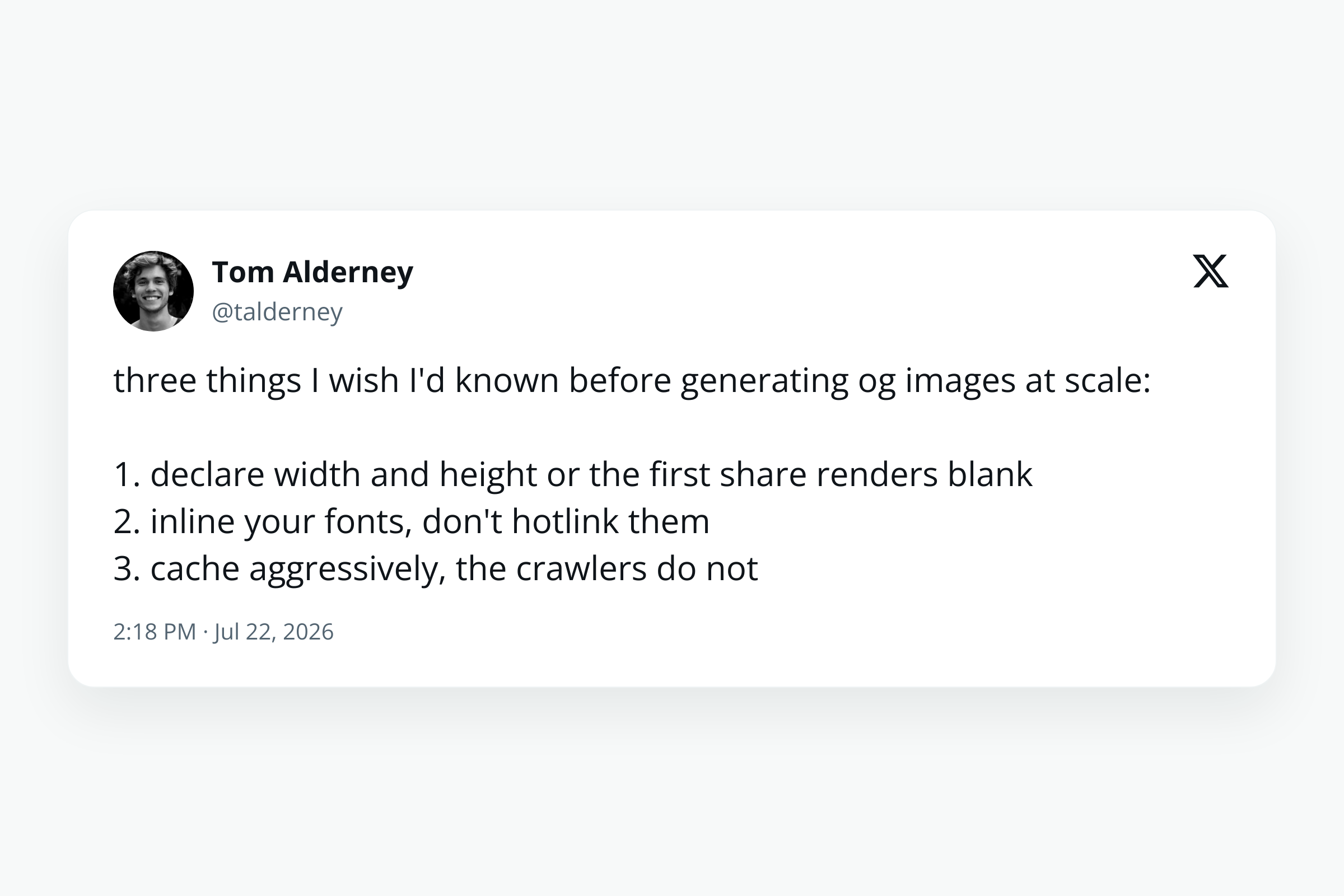
A multi-line post, no metrics
A longer post across several lines with the engagement counts left blank, which produces a cleaner card for a slide where the numbers are not the point.
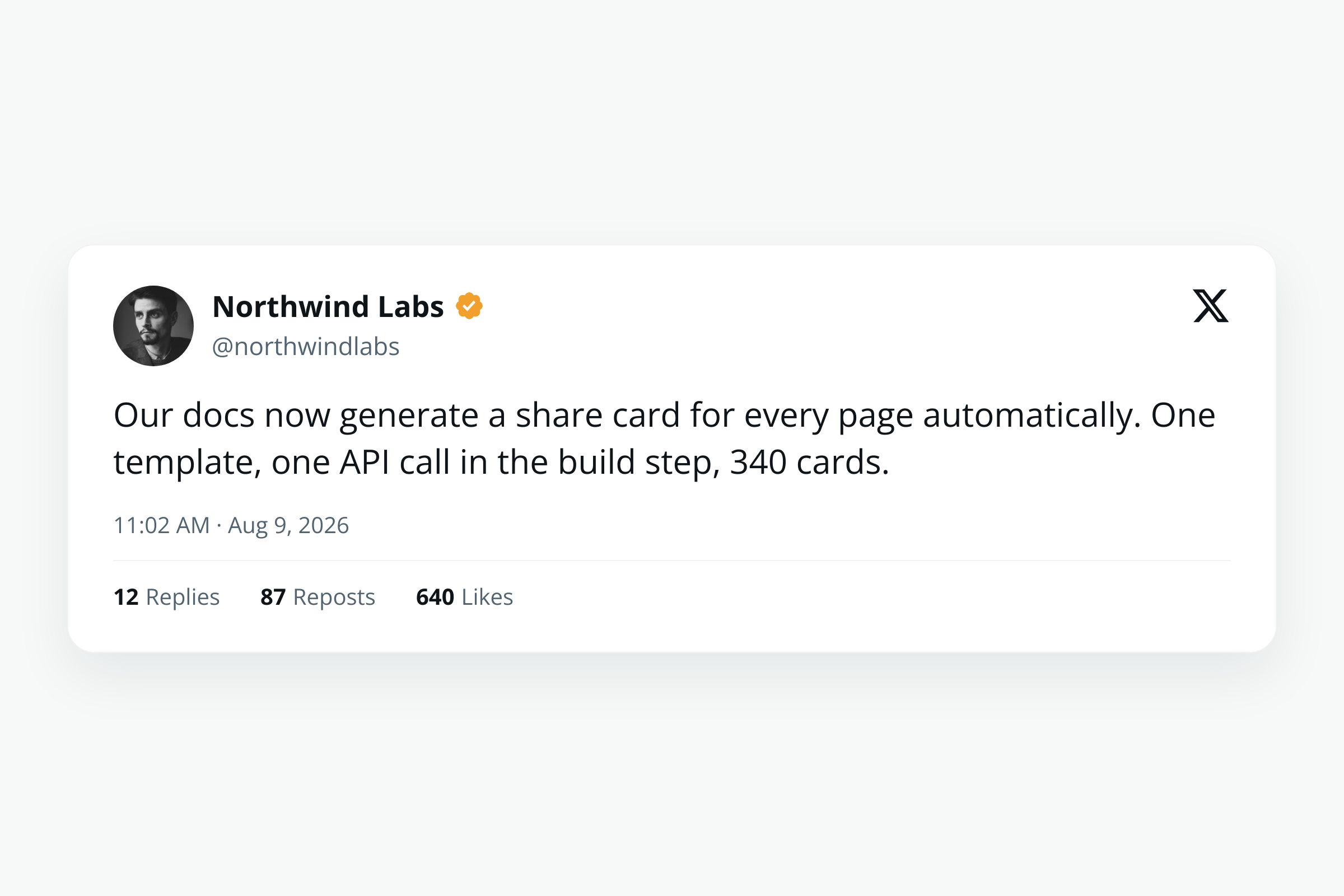
An organisation account
A post from a company account with the gold check and a logo avatar, the shape you want when quoting a brand rather than a person.
Use it from your code
The Tweet to Image Generator runs on the HTML to Image API, and so can you. Every snippet below is a
complete request: swap YOUR_API_KEY for a key from your dashboard and it runs
as-is. The response carries a url for the finished file.
curl -X POST https://app.html2img.com/api/v1/templates/tweet-mockup-card \
  -H "X-API-Key: YOUR_API_KEY" \
  -H "Content-Type: application/json" \
-d '{"display_name":"Jordan Whitfield","handle":"@jwhitfield","body":"shipped a tiny side project this weekend and it already has more users than my last YC company\n\nfunny how that works","avatar_url":"https://i.pravatar.cc/160?img=15","verified":"blue","timestamp":"8:14 AM · Apr 30, 2026","replies":"124","retweets":"512","likes":"4.2K","views":"182K","theme":"light"}'<?php
$payload = [
'display_name' => 'Jordan Whitfield',
'handle' => '@jwhitfield',
'body' => 'shipped a tiny side project this weekend and it already has more users than my last YC company\n\nfunny how that works',
'avatar_url' => 'https://i.pravatar.cc/160?img=15',
'verified' => 'blue',
'timestamp' => '8:14 AM · Apr 30, 2026',
'replies' => '124',
'retweets' => '512',
'likes' => '4.2K',
'views' => '182K',
'theme' => 'light',
];
$ch = curl_init('https://app.html2img.com/api/v1/templates/tweet-mockup-card');
curl_setopt_array($ch, [
CURLOPT_POST => true,
CURLOPT_RETURNTRANSFER => true,
CURLOPT_HTTPHEADER => [
'X-API-Key: YOUR_API_KEY',
'Content-Type: application/json',
],
CURLOPT_POSTFIELDS => json_encode($payload),
]);
$response = json_decode(curl_exec($ch), true);
curl_close($ch);
echo $response['url'];const response = await fetch('https://app.html2img.com/api/v1/templates/tweet-mockup-card', {
method: 'POST',
headers: {
'X-API-Key': 'YOUR_API_KEY',
'Content-Type': 'application/json',
},
body: JSON.stringify({
"display_name": "Jordan Whitfield",
"handle": "@jwhitfield",
"body": "shipped a tiny side project this weekend and it already has more users than my last YC company\n\nfunny how that works",
"avatar_url": "https://i.pravatar.cc/160?img=15",
"verified": "blue",
"timestamp": "8:14 AM · Apr 30, 2026",
"replies": "124",
"retweets": "512",
"likes": "4.2K",
"views": "182K",
"theme": "light"
}),
});
const { url } = await response.json();
console.log(url);import requests
response = requests.post(
'https://app.html2img.com/api/v1/templates/tweet-mockup-card',
headers={'X-API-Key': 'YOUR_API_KEY'},
json={
'display_name': 'Jordan Whitfield',
'handle': '@jwhitfield',
'body': 'shipped a tiny side project this weekend and it already has more users than my last YC company\n\nfunny how that works',
'avatar_url': 'https://i.pravatar.cc/160?img=15',
'verified': 'blue',
'timestamp': '8:14 AM · Apr 30, 2026',
'replies': '124',
'retweets': '512',
'likes': '4.2K',
'views': '182K',
'theme': 'light',
},
)
print(response.json()['url'])using System;
using System.Collections.Generic;
using System.Net.Http;
using System.Net.Http.Json;
var client = new HttpClient();
client.DefaultRequestHeaders.Add("X-API-Key", "YOUR_API_KEY");
var payload = new
{
display_name = "Jordan Whitfield",
handle = "@jwhitfield",
body = "shipped a tiny side project this weekend and it already has more users than my last YC company\n\nfunny how that works",
avatar_url = "https://i.pravatar.cc/160?img=15",
verified = "blue",
timestamp = "8:14 AM · Apr 30, 2026",
replies = "124",
retweets = "512",
likes = "4.2K",
views = "182K",
theme = "light",
};
var response = await client.PostAsJsonAsync("https://app.html2img.com/api/v1/templates/tweet-mockup-card", payload);
var result = await response.Content.ReadFromJsonAsync<Dictionary<string, string>>();
Console.WriteLine(result["url"]);require 'net/http'
require 'json'
uri = URI('https://app.html2img.com/api/v1/templates/tweet-mockup-card')
request = Net::HTTP::Post.new(uri)
request['X-API-Key'] = 'YOUR_API_KEY'
request['Content-Type'] = 'application/json'
request.body = {
display_name: "Jordan Whitfield",
handle: "@jwhitfield",
body: "shipped a tiny side project this weekend and it already has more users than my last YC company\n\nfunny how that works",
avatar_url: "https://i.pravatar.cc/160?img=15",
verified: "blue",
timestamp: "8:14 AM · Apr 30, 2026",
replies: "124",
retweets: "512",
likes: "4.2K",
views: "182K",
theme: "light",
}.to_json
response = Net::HTTP.start(uri.hostname, uri.port, use_ssl: true) do |http|
http.request(request)
end
puts JSON.parse(response.body)['url']Tips
Only reproduce posts that exist
This is a mockup renderer, which makes it just as good at rendering something nobody said. Use it for your own posts, for posts you have permission to quote, and for layout work. Fabricating a post and attributing it to a real person is the one use we would ask you not to put it to.
Link back to the original
An image cannot be clicked through to the source. When you use a rendered card as a testimonial, put the link to the real post next to it so readers can verify it, which also makes the quote more persuasive rather than less.
Use a real avatar URL
The avatar field takes any public image URL, and a card with a generic placeholder face reads as a mockup immediately. Point it at the account's actual profile image, or at your own asset if you have one.
Keep the body under about 280 characters
The layout is designed around a post-length body. Much more than that and the text either shrinks past comfortable reading size or overflows the card, which is the same constraint the original post had.
Type metrics the way X displays them
The count fields are text, not numbers, so enter 4.2K or 1.1M exactly as shown rather than the raw figure. That keeps the card faithful to the screenshot it is standing in for.
Frequently asked questions
Can I paste a tweet URL and have it screenshot the post?
No, and it is worth explaining why. X blocks anonymous crawlers, so a server-side screenshot of an x.com URL returns a login wall rather than the post. Rendering from the text you supply is the approach that actually works, and it also produces a much cleaner image than a capture of the live page would.
Is it acceptable to use these images?
For your own posts, for posts you have permission to quote, and for design work, yes. Reproducing a real post accurately and linking to the original is ordinary practice. Fabricating a post that was never made, or altering the wording of a real one, is not something this tool should be used for.
What size is the output?
The card renders at a resolution that stays sharp in a presentation, a blog post, or a printed slide deck, rather than at the pixel dimensions of a phone screenshot.
Can I render the dark theme?
Yes. The theme field takes light, dim or dark, matching the three themes X itself offers, so a card can sit on a dark slide without an awkward white block around it.
Can I include the post's image?
Yes. The image URL field adds an attached image below the post body, laid out the way the app displays media.
How do I generate these in bulk?
Call the tweet mockup template endpoint with your API key, once per post, passing the fields as JSON. The code examples on this page show the exact call in six languages.
How much does it cost?
Free on this page at three renders an hour per visitor. A free account includes 50 renders and API access, which is what you want for turning a thread into a carousel.
Related templates
Related guides
How to Turn a Tweet Into an Image (Without Screenshotting X)
Tweet to image without the screenshot: why a URL capture of X returns a blank PNG, how to render the card from JSON, and the line not to cross.
How to create a code screenshot for social media
Code screenshots for social media, done properly: set the theme, background and line numbers with one API call, or automate the lot in your build.
How to Choose an HTML to Image API (and When You Don't Need One)
How to choose an HTML to image API: the rendering engine, pricing model and production details that separate a dozen near-identical services.
More tools
Quote Card Generator
Turn a quote and an attribution into a 1080 by 1080 PNG for Instagram and LinkedIn.
Twitter Card Generator
Generate 1200 by 628 X share cards from a title, description, and brand artwork.
URL to PDF Converter
Turn any public web page into an A4 PDF with selectable text, straight from its URL.