Model Context Protocol

Let your AI generate images

Connect HTML to Image to your AI assistant. It writes the HTML and CSS, we render the pixels, and the image comes back in the conversation. One tool call.

Available on paid plans. Same credits as the API.
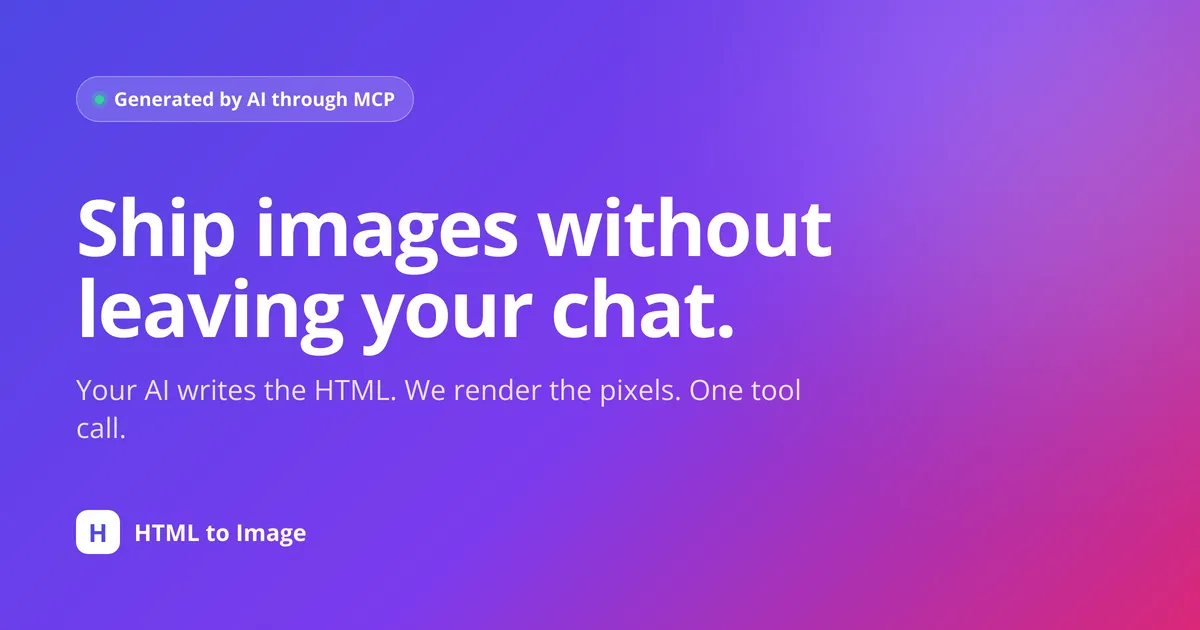
A social card generated by an AI assistant through the HTML to Image MCP server

Every image on this page was generated through the HTML to Image API.
Why connect your AI to HTML to Image

Turn any MCP-capable assistant into an image generator that designs, renders and iterates on its own.

Images without leaving the chat

Ask your assistant for a card, an OG image or an invoice. It writes the HTML, renders it, and hands back a URL. No context switch, no glue code.

The model sees its own work

Every render returns a preview image, so the assistant can review the result and refine the design until it is right - the same loop a human designer uses.

Works in the tools you already use

One endpoint, one API key. Claude Code, Claude Desktop, Cursor, VS Code, Windsurf, Antigravity, Gemini CLI and Codex all connect natively.

The same engine as the API

Real Chrome rendering, modern CSS, server-side Google Fonts, PNG or PDF output. Metered against the same credits as the REST API - one credit per image.

Made by an AI, rendered by us

Ask in plain language. Your assistant writes the HTML and calls the tool. Here is the kind of thing it ships back.

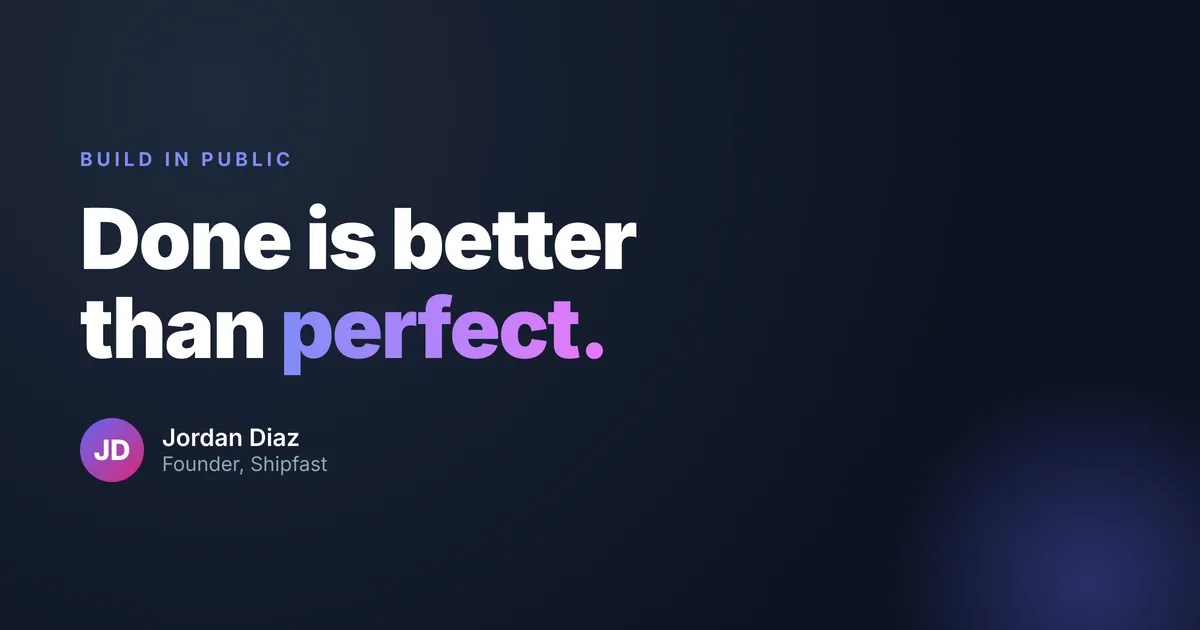
Social & quote cards generated through the HTML to Image MCP server

Social & quote cards

"Make a build-in-public quote card."

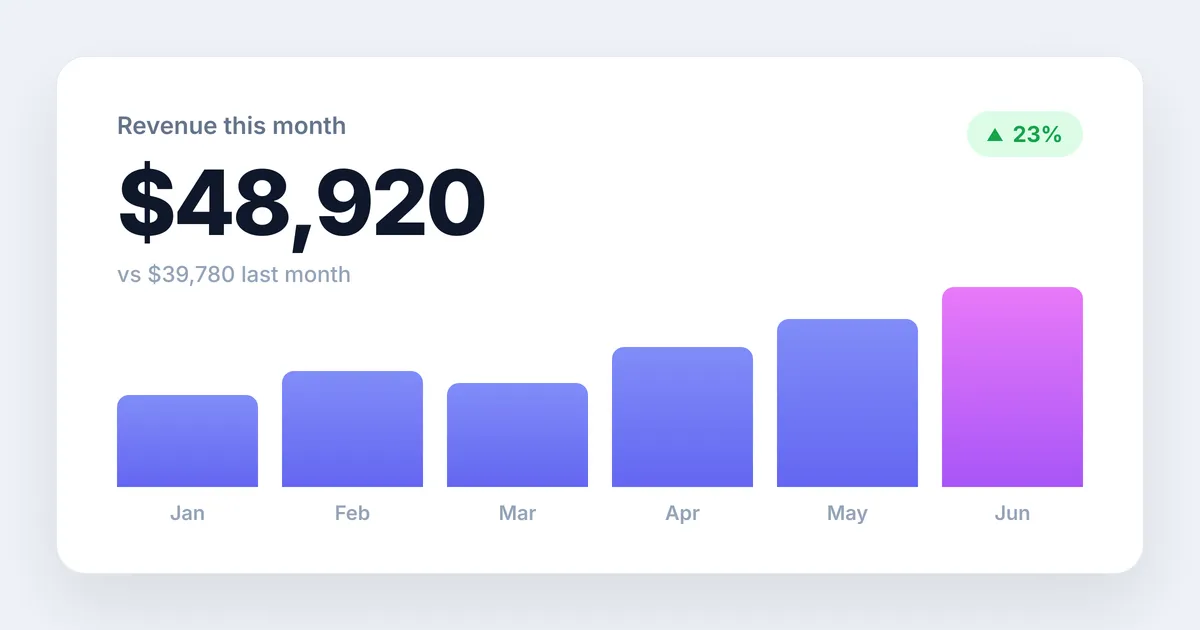
Reports & dashboards generated through the HTML to Image MCP server

Reports & dashboards

"Render this month’s revenue as a stat card."

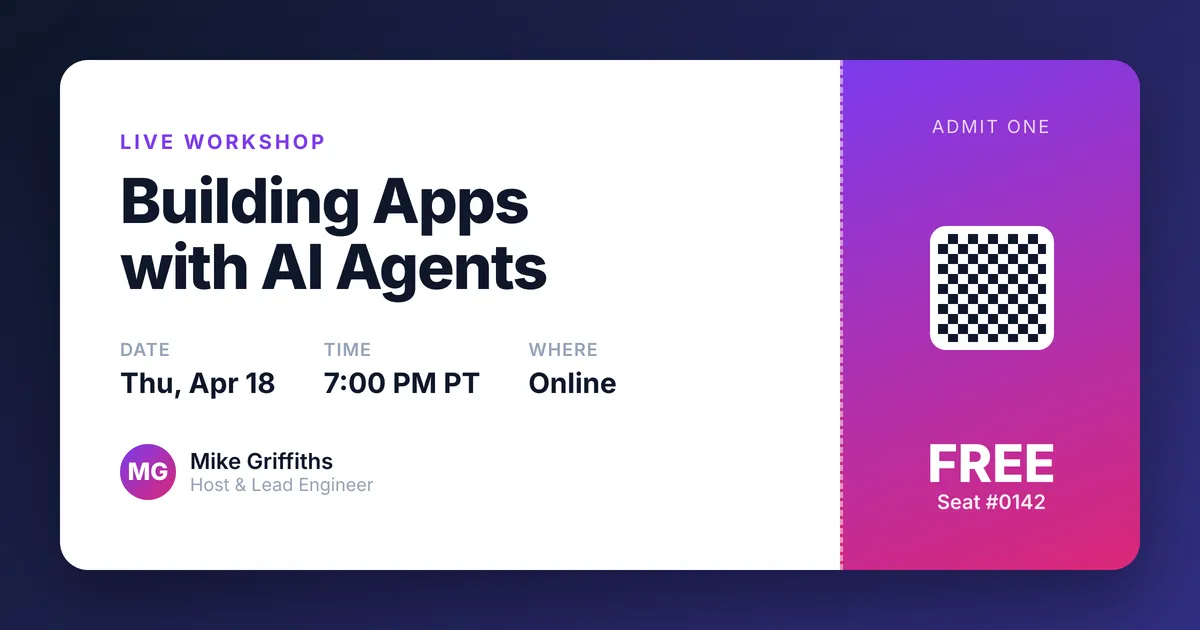
Tickets & documents generated through the HTML to Image MCP server

Tickets & documents

"Design a free workshop ticket."

Up and running in three steps

1

Get an API key

Pick a paid plan and create a key on the API keys page. The key doubles as your MCP bearer token.

2

Connect your client

Paste one line into Claude Code, or a small config block into Cursor, VS Code or Claude Desktop. Setup takes a minute.

3

Ask for an image

Tell your assistant what you want. It writes the markup, calls the tool, and returns a shareable image URL.

Connect in one line

Using Claude Code? Add the server with a single command. Every other client takes a small config block.

Claude Code bash
claude mcp add --transport http html2img https://app.html2img.com/mcp \
  --header "Authorization: Bearer YOUR_API_KEY"
See setup for Claude Desktop, Cursor, VS Code and more

Two tools your assistant can call

generate-image-from-html

Render HTML and CSS to a PNG or PDF. The model designs the markup; we return the image. Ideal for cards, OG images, invoices and certificates.

screenshot-url

Capture a screenshot of any live, public web page by URL. Inject CSS to hide banners, or target a single element with a selector.

Full tools reference

Works with your AI client

Claude Code
Native
Claude Desktop
via mcp-remote
Cursor
Native
VS Code
Native
Windsurf
Native
Antigravity
Native
Gemini CLI
Native
Codex CLI
Native

ChatGPT connectors require OAuth and cannot use an API key, so they are not supported yet.

The MCP server is available on paid plans. The free tier does not include MCP access. See pricing to choose a plan, then create a key on the API keys page.

Give your AI a render engine

Pick a plan, grab a key, and connect in a minute. Paid plans from $9 a month · setup for every client.