social template

YouTube Thumbnail API

Send the video title and host details as JSON, get back a 1280x720 thumbnail PNG.

Prefer to try it in your browser first? Open the YouTube Thumbnail tool.

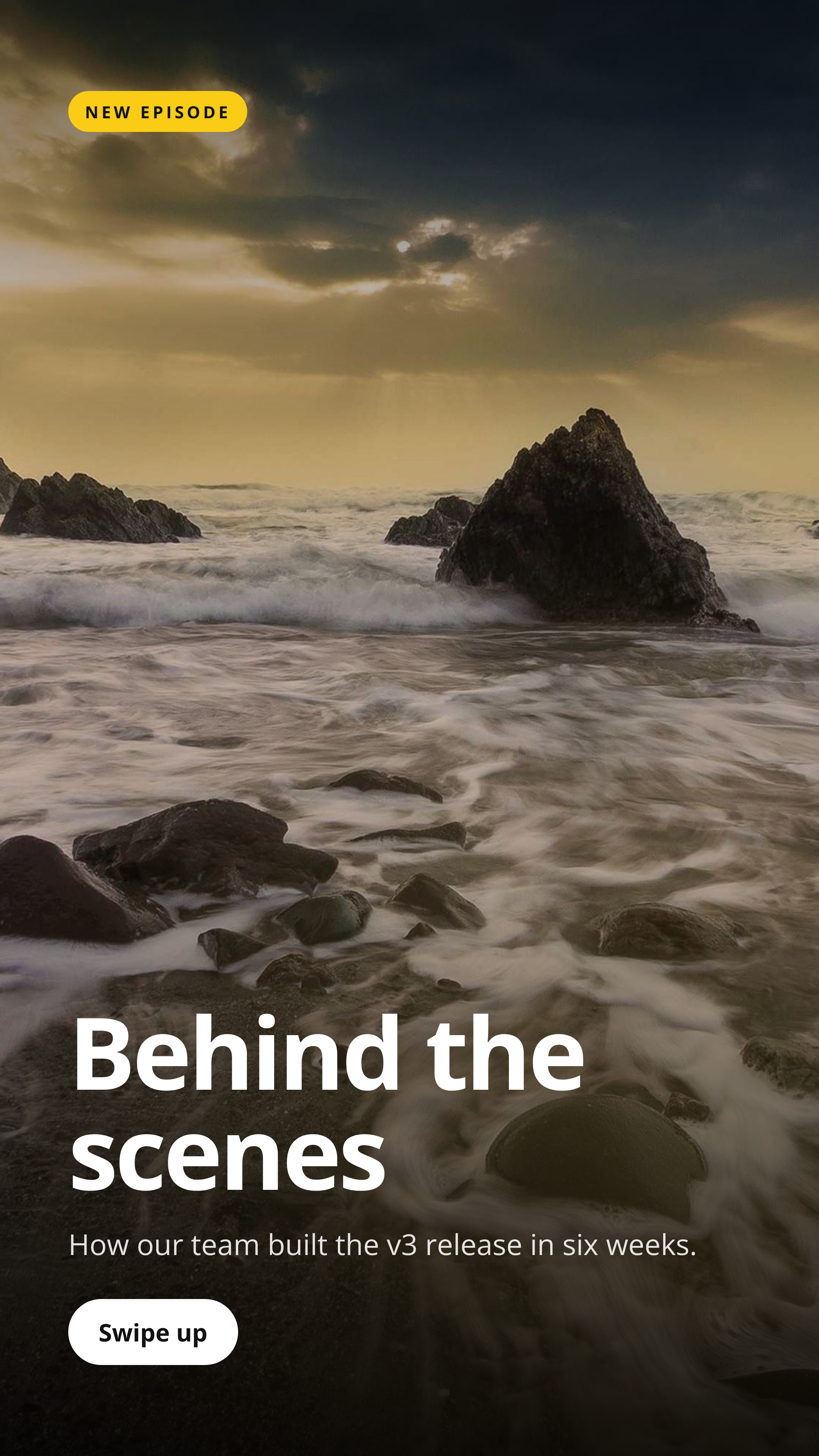
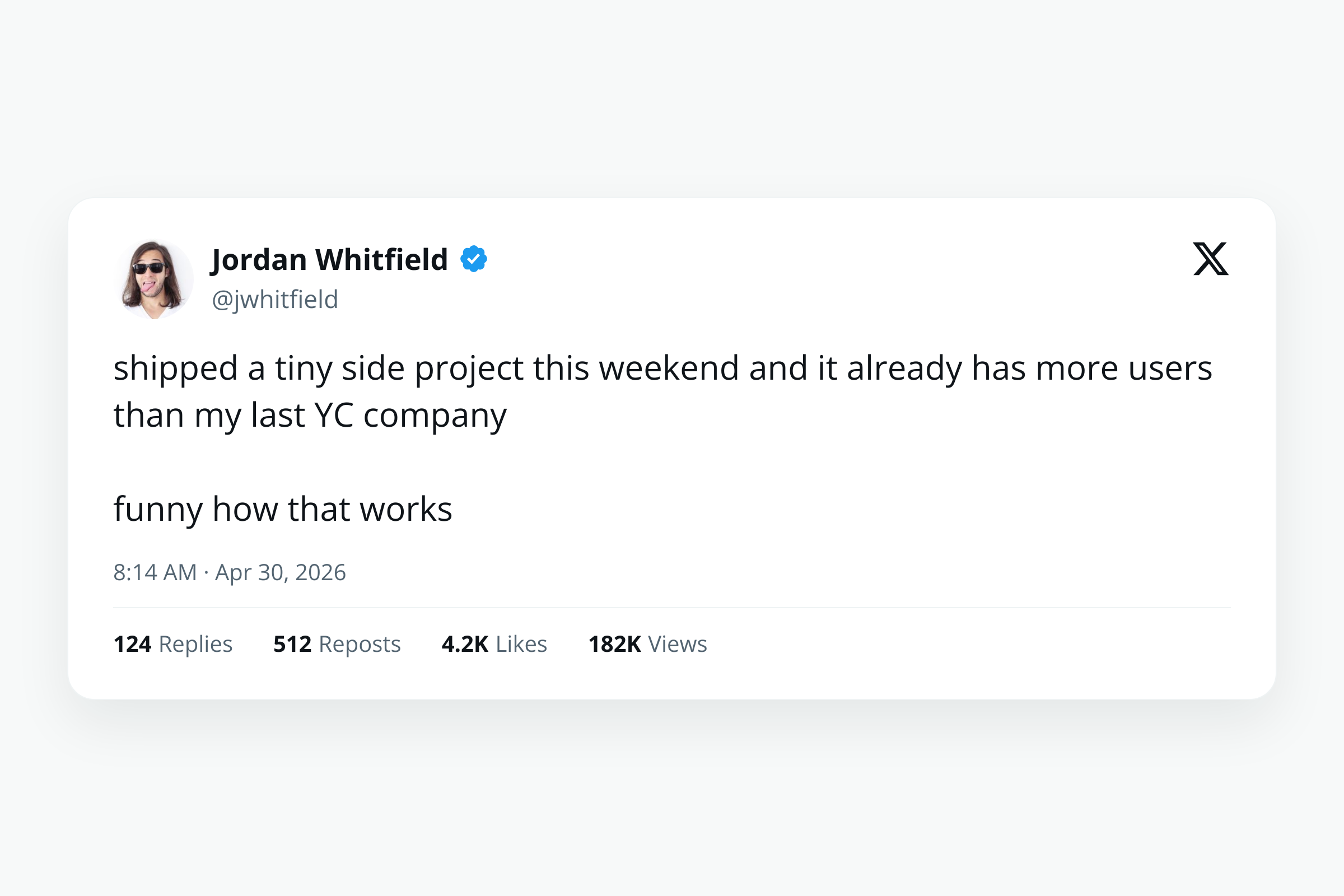
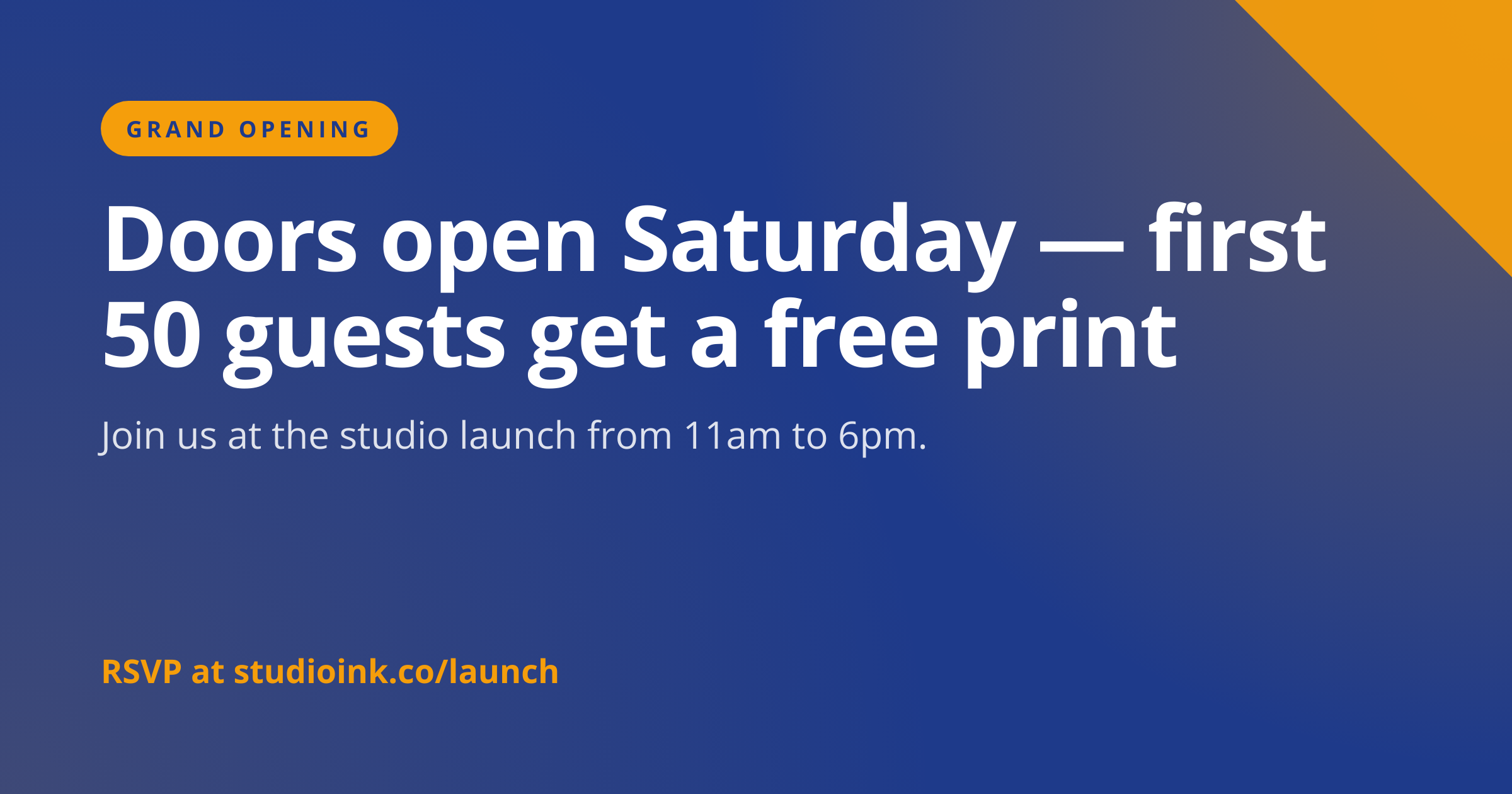
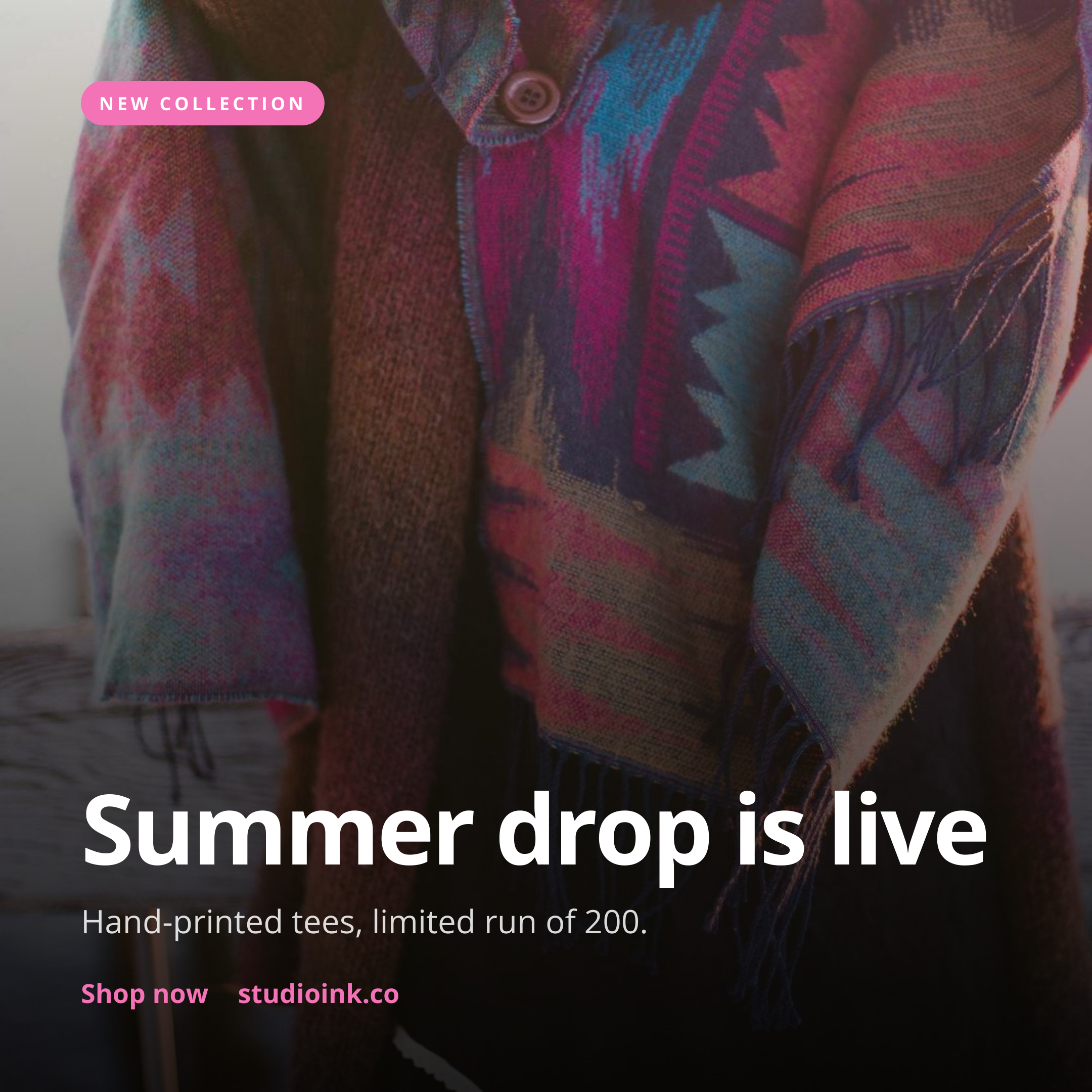
YouTube Thumbnail template preview, a social image generated by the HTML to Image API

Education channels and high-volume creators use the YouTube thumbnail generator API to ship one polished thumbnail per video without booking design time per upload. The 1280x720 size meets YouTube's upload spec exactly, and the layout reserves the bottom-right corner so the duration badge does not overlap with copy. You post the title, host avatar URL, and brand inputs as JSON, and the response holds a PNG ready to upload via the Data API or the YouTube Studio dashboard.

API reference

View the YouTube Thumbnail API reference

Inputs, defaults, error responses and cURL, PHP, Node and Python code samples.

Read the docs →

Use cases

High-volume creators auto-generating thumbnails from metadata

Daily news channels and education creators pushing 5+ videos a week cannot design each thumbnail by hand. Pull the episode metadata from your CMS, post to this endpoint, and use the resulting URL as the upload thumbnail via the YouTube Data API. Halberd Software's technical channel publishes 2 to 3 explainers per week through this exact pipeline, with thumbnails matching the channel's editorial style every time.
Podcast video hosts cross-posting to YouTube

Audio-first shows that publish video versions to YouTube benefit from thumbnails that read as podcast content rather than as standard YouTube fare. Render with the episode title, the host's photo, and the show name in the eyebrow slot, and the YouTube subscribers see consistent branding. Wren Analytics ships a daily podcast to YouTube with rendered thumbnails that take 2 seconds each in the publishing pipeline.

Education platforms publishing course videos

Course platforms publish dozens of lesson videos with consistent branding requirements. Render thumbnails per lesson with the lesson number, course name, and module color, upload via the Data API, and the course page on YouTube reads as a structured curriculum rather than a series of one-off videos. Linden & Co's coding course publishes 80 lessons through this template.

News channels publishing breaking story videos at speed

Breaking news teams need a thumbnail that looks editorial but goes live within minutes of the video being ready. Render with the headline, eyebrow ("Breaking", "Update", "Analysis"), and a hero photo URL pulled from the wire image system. The thumbnail is ready before the video has finished encoding, so no upload time is lost waiting on design.

SaaS tools producing demo videos

B2B SaaS marketing teams publish weekly product demo videos and want each thumbnail to reflect the feature being demoed. Render with the feature name and a 16:9 screenshot, upload, and the demo library reads as a structured showcase rather than a YouTube playlist with mixed visual treatments. Northwind Studio's 40-video demo library all uses this template.

Output specifications

Dimensions
1280x720
Color space
sRGB
Transparency
Not supported
File size range
80 KB to 350 KB

Matches the spec at YouTube thumbnail dimensions and constraints.

How it works

1

Send a JSON payload

POST to the template endpoint with the values you want rendered. Authenticate with your API key.

2

We render the image

The template is rendered server-side as a 1280x720 PNG.

3

You get back a URL

Cache it, embed it in your page, attach it to an email.

Quick example

A single cURL call to render a YouTube Thumbnail as a PNG:

curl -X POST https://app.html2img.com/api/v1/templates/youtube-thumbnail \
  -H "X-API-Key: YOUR_API_KEY" \
  -H "Content-Type: application/json" \
  -d '{"title":"I built a $0 SaaS in 7 days","eyebrow":"CASE STUDY","duration":"14:22","host_name":"Devon Reed","host_avatar_url":"https://i.pravatar.cc/160?img=33","background_image_url":"https://picsum.photos/seed/yt-thumb/1280/720","background_color":"#0F172A","accent_color":"#FACC15"}'

For the full PHP, Node and Python equivalents, plus every input the template accepts, see the YouTube Thumbnail API reference. Setting up your key is covered in the authentication guide.

Common pitfalls

Contrast too low against the player overlay

Subtle gradients that read fine on the static thumbnail get washed out when YouTube layers its red play button or pink hover state on top. Use accent_color values with a contrast ratio above 4.5 against the background so the thumbnail survives the player overlay without looking muddy.

Important content placed where the duration badge sits

Text or hero faces in the bottom-right corner get covered by the duration badge in the YouTube grid. Keep the focal area inside the upper 80 percent of the canvas, and reserve the bottom-right corner for low-priority content like a small brand mark.

Files over 2 MB rejected by YouTube uploader

YouTube caps thumbnail uploads at 2 MB. Hi-DPI renders or thumbnails with very dense photographic backgrounds can exceed this. Stick with default DPI, and if a particular render approaches the cap, reduce JPEG-equivalent visual complexity by simplifying the background.

Inputs at a glance

A quick summary of what the YouTube Thumbnail template accepts. The full reference, with example values and array shapes, is in the docs.

Name Type Required
title string Required
eyebrow string Optional
duration string Optional
host_name string Optional
host_avatar_url url Optional
background_image_url url Optional
background_color string Optional
accent_color string Optional

See the full inputs reference for descriptions, examples and validation rules.

Related templates

Other templates in the social media category.

Browse by category

A starting point from each of the other two template categories.

Content and marketing

See the full template gallery for every design grouped by category.

Related guides

FAQ

Try it free

25 renders a month on the free tier. See the pricing page for higher-volume plans.