content template

Quote Card API

Send the quote and attribution as JSON, get back a 1200x1200 square PNG for social sharing.

Prefer to try it in your browser first? Open the Quote Card tool.

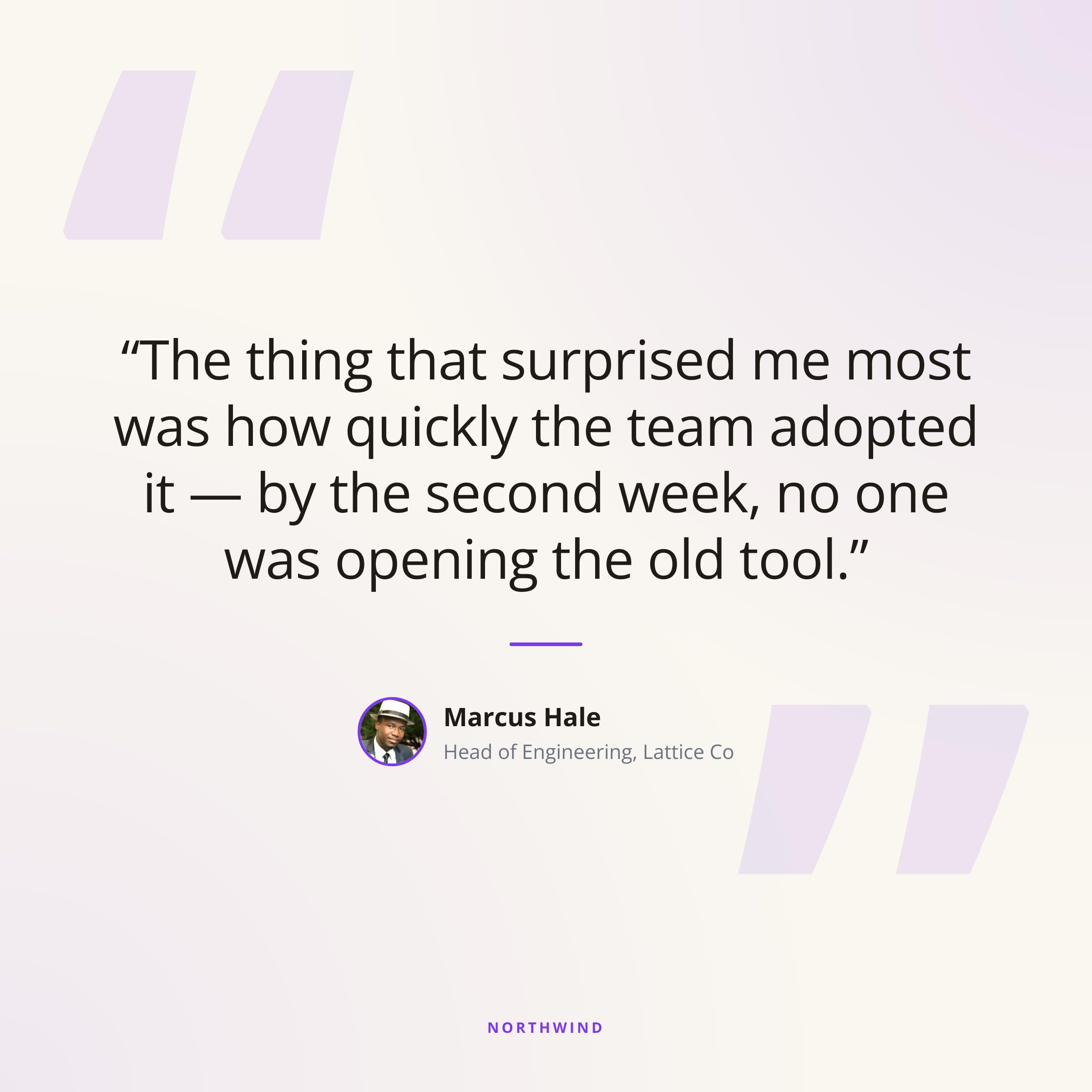
Quote Card template preview, a content image generated by the HTML to Image API

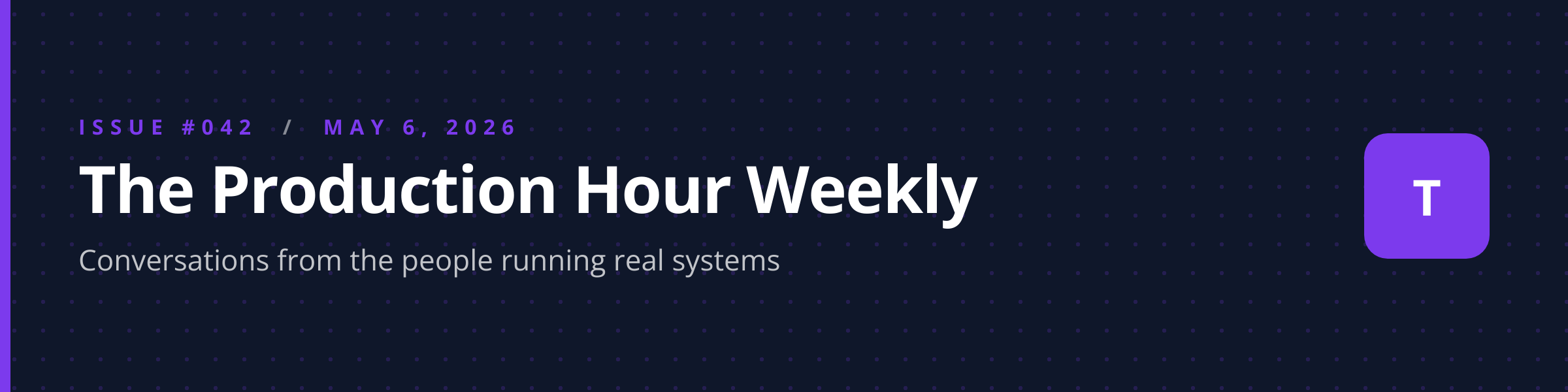
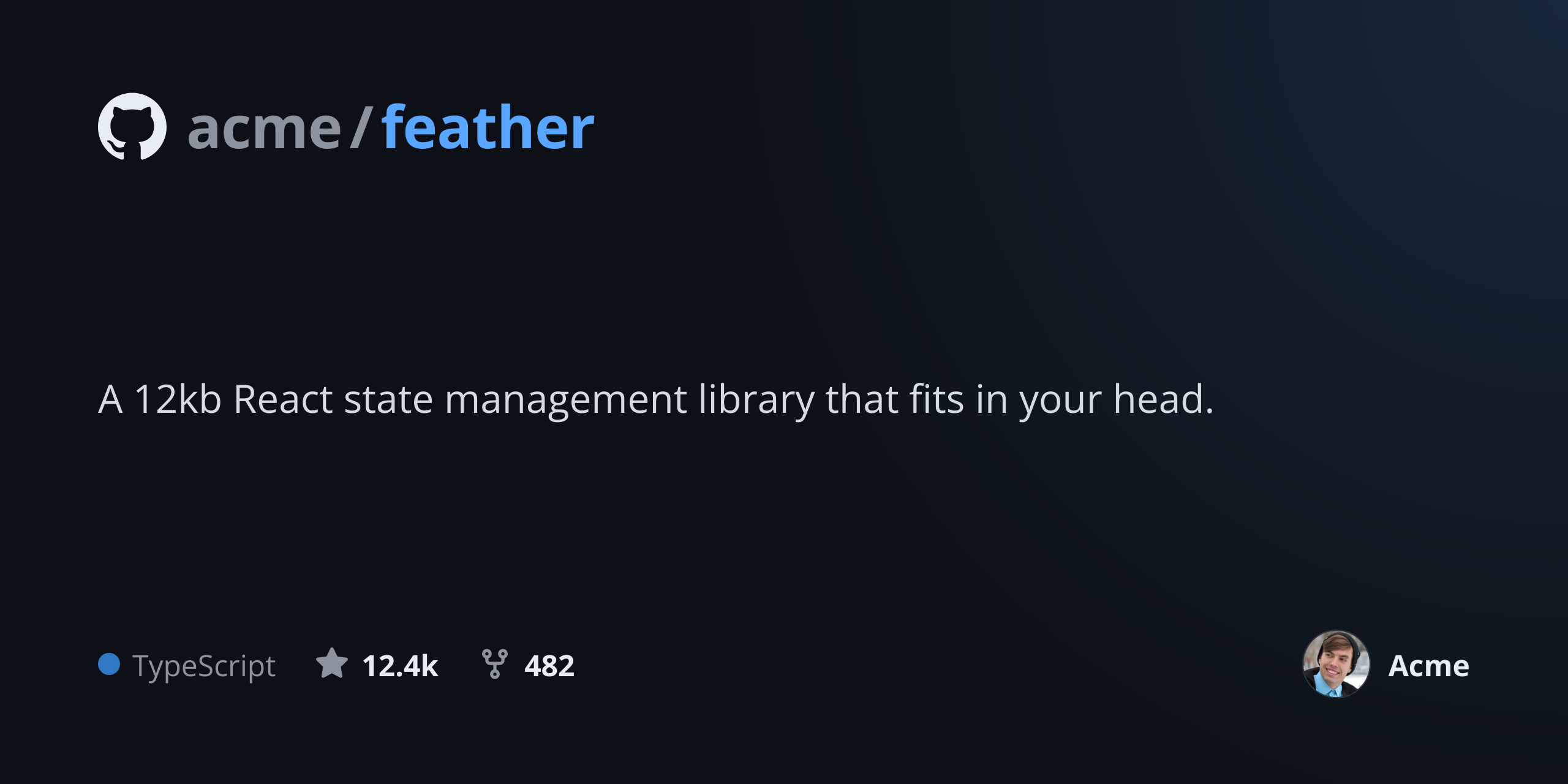
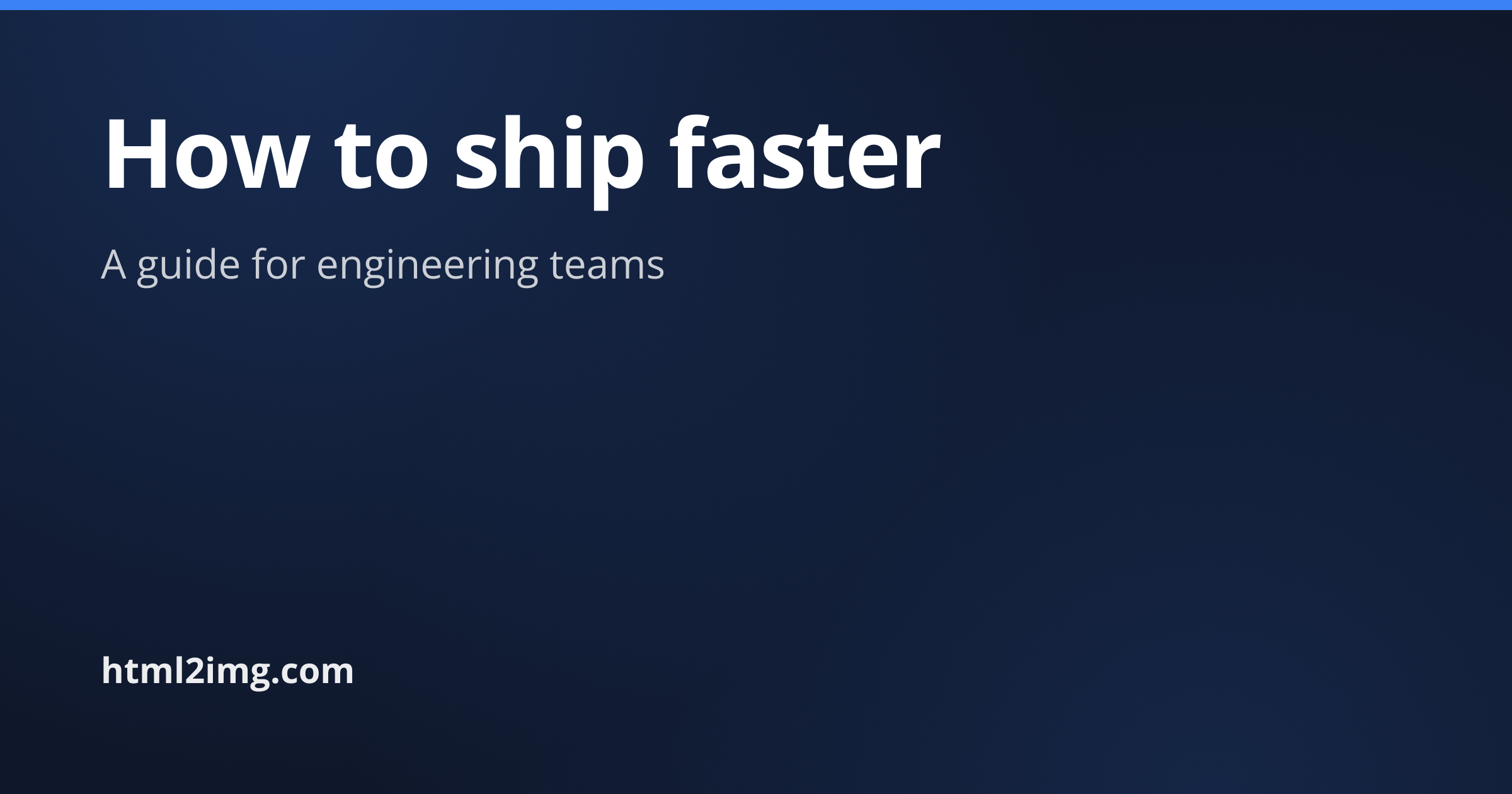
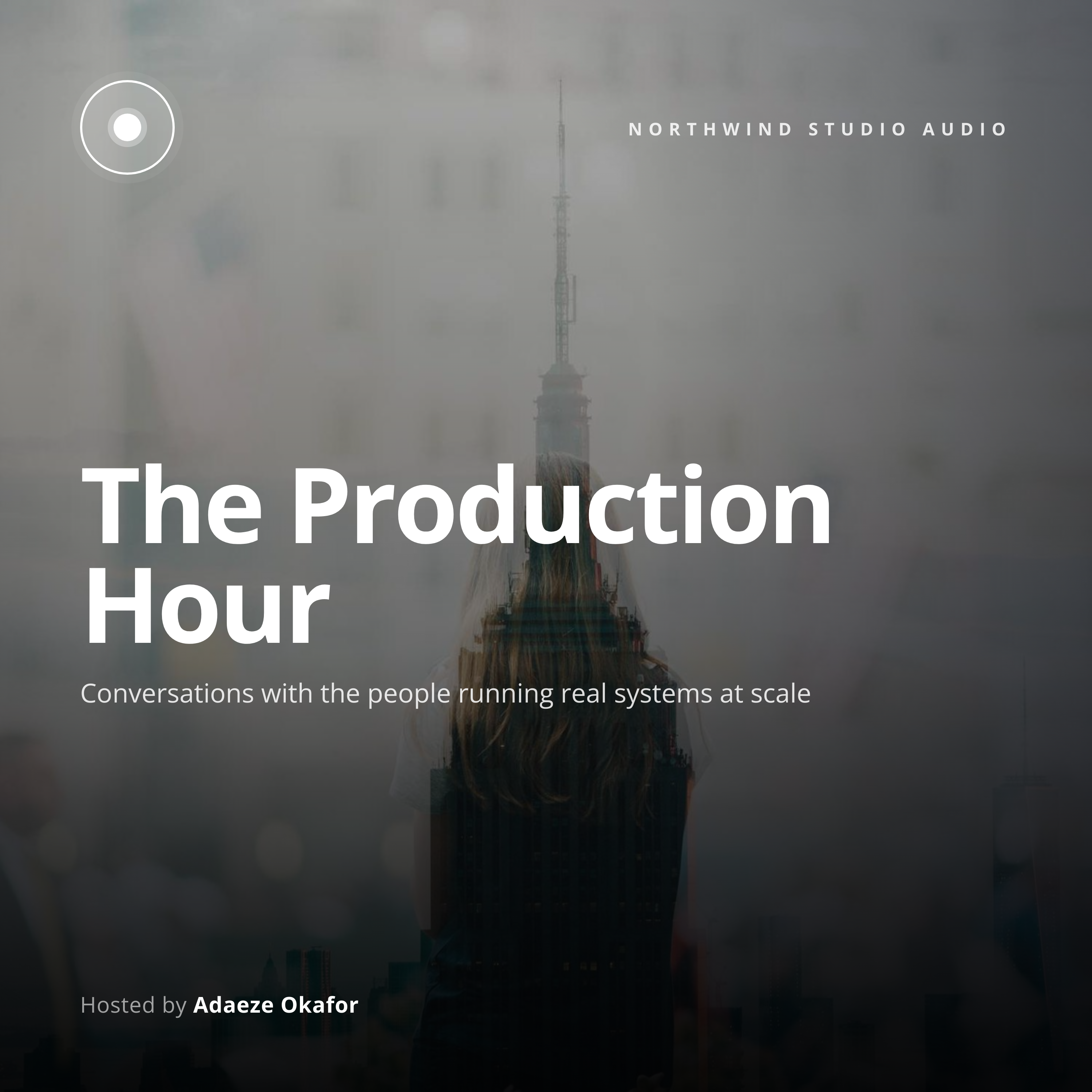
Editorial teams and B2B SaaS marketing turn customer testimonials and key article excerpts into branded pull-quote graphics with the Quote Card API. The square format reads on Instagram, LinkedIn personal posts, and X without re-cropping, which keeps a single asset reusable across the channels you publish to. You post the quote text, attribution, and optional avatar URL, and the response holds a 1200x1200 PNG hosted on i.html2img.com.

API reference

View the Quote Card API reference

Inputs, defaults, error responses and cURL, PHP, Node and Python code samples.

Read the docs →

Use cases

SaaS publishing customer testimonials to social

Account managers collect a quote from a happy buyer, paste it into a workflow, and the system renders a branded card ready for the social calendar. The accent color and brand mark stay consistent across hundreds of testimonials, so the feed reads as one editorial voice rather than a mix of typography choices. Halberd Software ships 12 testimonial cards per month through this pipeline, and each one takes 90 seconds from quote received to scheduled in Buffer.
News outlets pulling editorial quotes for sharing

Publication editors highlight the strongest line of an interview or feature in a separate share image rather than relying on the article hero. Render the quote with the journalist's name and the publication mark, and the resulting card travels well in a way the full article often does not. Wren Analytics powers this for two regional news sites, who report a 3x increase in click-through compared to plain article shares.

Podcast highlight sharing key episode lines

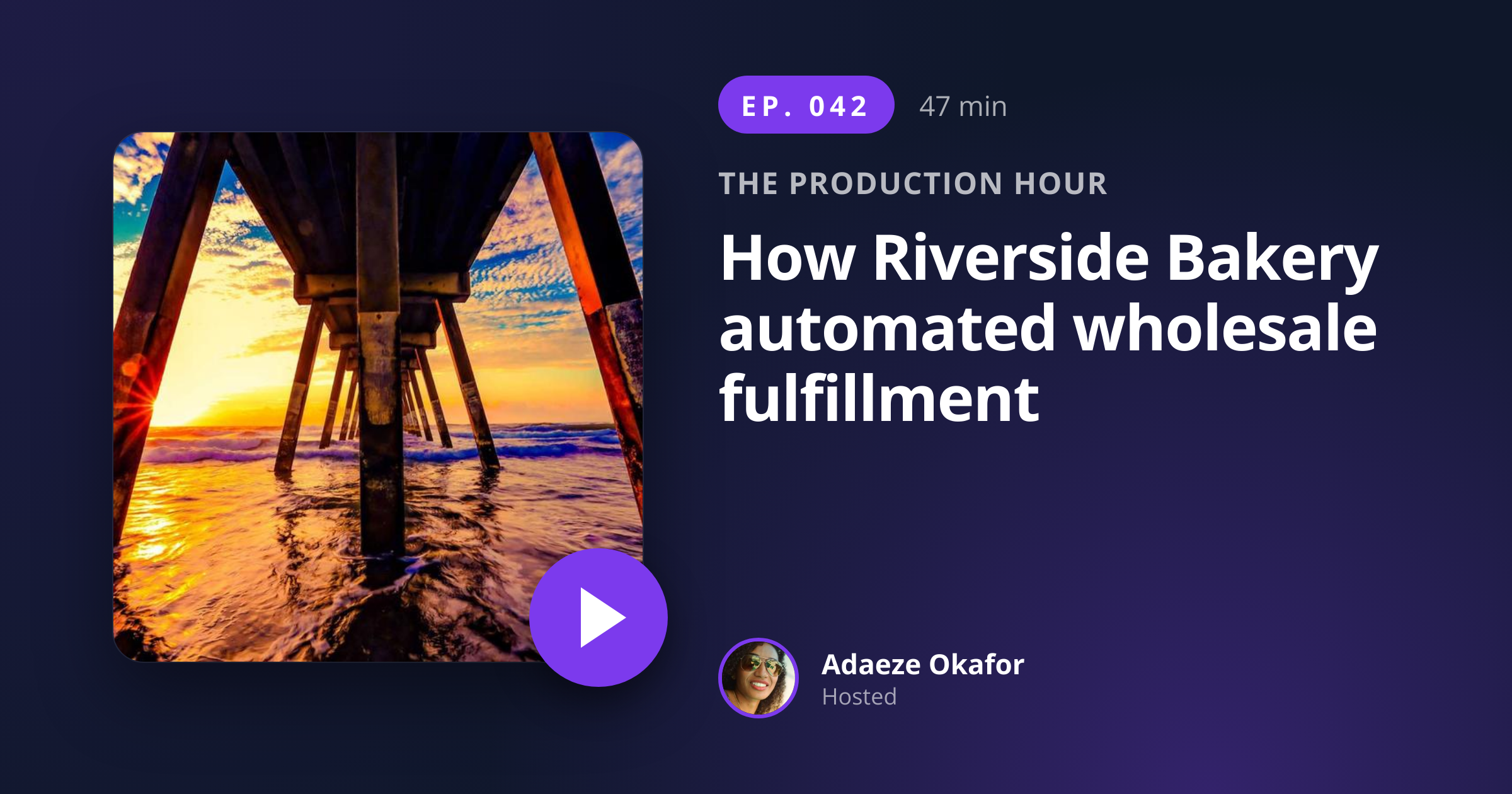
Podcast producers pull the most quotable line from each episode and ship it as a card with the host's avatar and the episode number. Listeners tag friends in the comments, and the show finds new subscribers from listeners who would not click on a generic episode-promo card. The format works for interview shows where the guest line lands harder than the host setup.

Conference speaker quote promotion

Event organizers tease keynote content by sharing one strong line from each speaker in the lead-up to the conference. Render the speaker's line with their headshot and a small event badge, and the cards drive registration when shared by the speakers themselves. The Type Conference uses this template for 28 speakers each year, with each card adding measurable signups during the speaker's repost cycle.

Internal recognition quotes for company channels

HR and people teams publish quotes from peer recognition Slack channels as styled cards on the company intranet or a town-hall slide. The quote feels weighted and considered when it appears in branded artwork rather than as a chat screenshot, and the practice scales across remote teams that do not see each other in person. Linden & Co recognizes one team member per Friday this way.

Output specifications

Dimensions
1200x1200
Color space
sRGB
Transparency
Not supported
File size range
50 KB to 130 KB

Matches the spec at Square social format (Instagram, LinkedIn, X).

How it works

1

Send a JSON payload

POST to the template endpoint with the values you want rendered. Authenticate with your API key.

2

We render the image

The template is rendered server-side as a 1200x1200 PNG.

3

You get back a URL

Cache it, embed it in your page, attach it to an email.

Quick example

A single cURL call to render a Quote Card as a PNG:

curl -X POST https://app.html2img.com/api/v1/templates/quote-card \
  -H "X-API-Key: YOUR_API_KEY" \
  -H "Content-Type: application/json" \
  -d '{"quote":"The thing that surprised me most was how quickly the team adopted it \u2014 by the second week, no one was opening the old tool.","attribution_name":"Marcus Hale","attribution_role":"Head of Engineering, Lattice Co","avatar_url":"https://i.pravatar.cc/160?img=51","brand_name":"Northwind","background_color":"#FAF7F0","accent_color":"#7C3AED"}'

For the full PHP, Node and Python equivalents, plus every input the template accepts, see the Quote Card API reference. Setting up your key is covered in the authentication guide.

Common pitfalls

Very long quotes shrink type below readable

A 320-character quote forces the renderer to scale down the type until it fails the 24-pixel mobile readability bar. Trim to under 240 characters or split a long quote across two cards posted as a carousel.

Attribution wraps to two lines and pushes layout

A long title plus a long company name overflows the attribution slot and shifts the avatar block off-axis. Keep the combined attribution under 60 characters, or shorten the role to a generic descriptor like "CEO" or "Engineering Lead".

Smart quotes versus straight quotes inconsistency

Source quotes pasted from Slack arrive as straight quotes while quotes from a typeset article use curly. Normalize to one style on your side before posting, since the renderer prints exactly what you send and a mixed grid looks unprofessional.

Inputs at a glance

A quick summary of what the Quote Card template accepts. The full reference, with example values and array shapes, is in the docs.

Name Type Required
quote string Required
attribution_name string Required
attribution_role string Optional
avatar_url url Optional
brand_name string Optional
logo_url url Optional
background_color string Optional
accent_color string Optional

See the full inputs reference for descriptions, examples and validation rules.

Related templates

Other templates in the content and marketing category.

Browse by category

A starting point from each of the other two template categories.

See the full template gallery for every design grouped by category.

Related guides

FAQ

Try it free

25 renders a month on the free tier. See the pricing page for higher-volume plans.