business template

Event Ticket API

Send event details, attendee data, and a QR image URL, get a 1600x600 PNG ticket back.

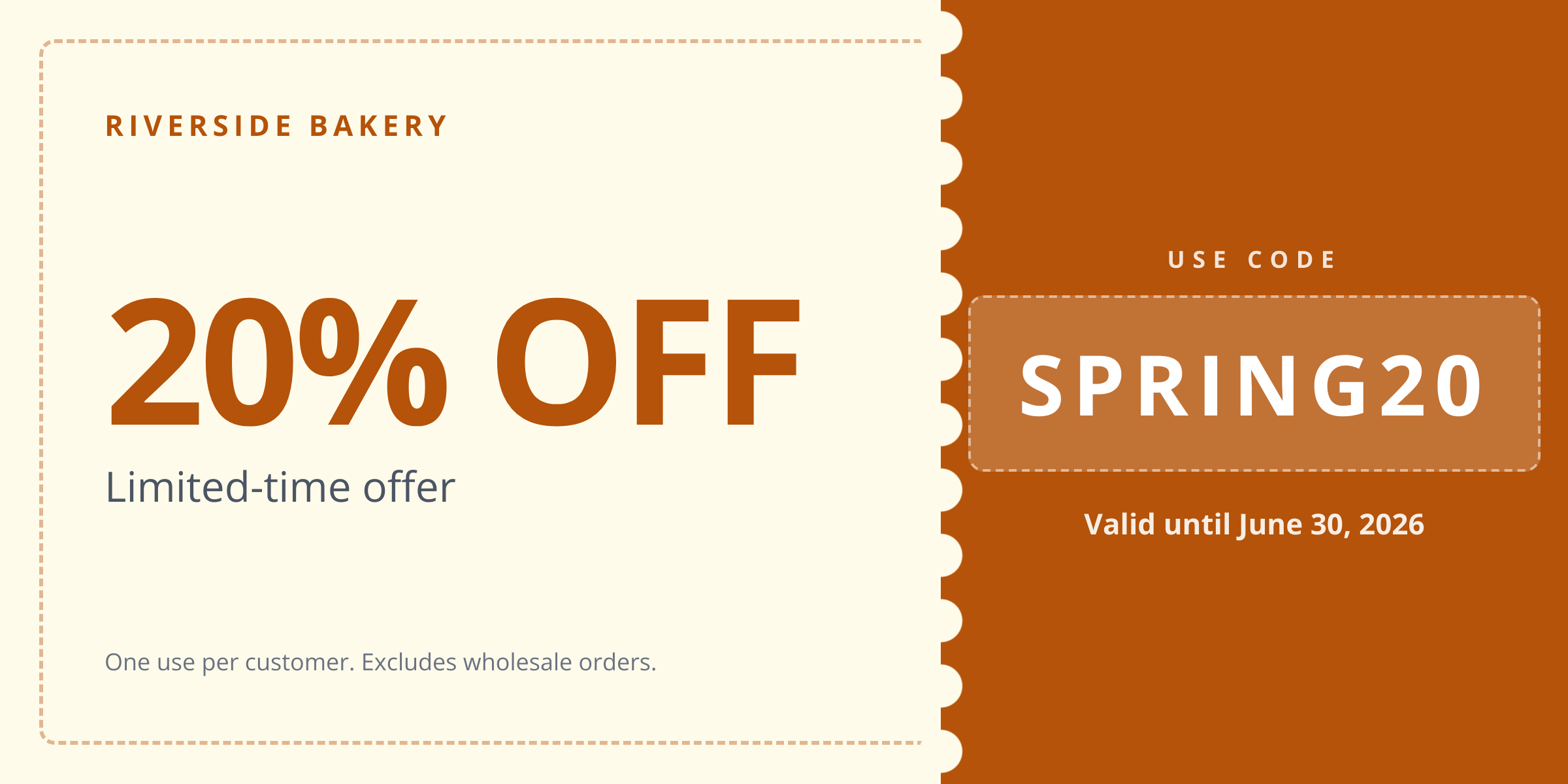
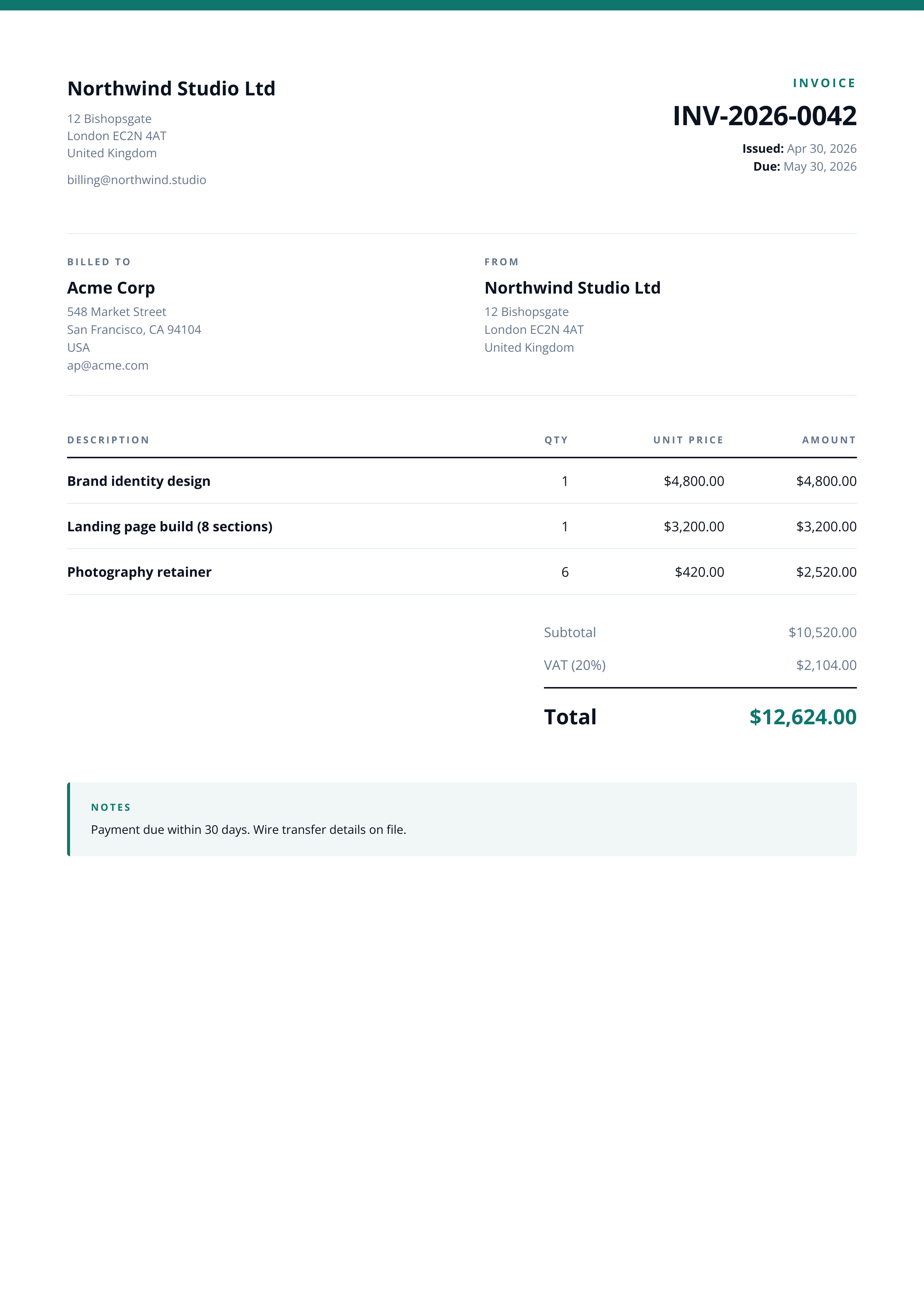
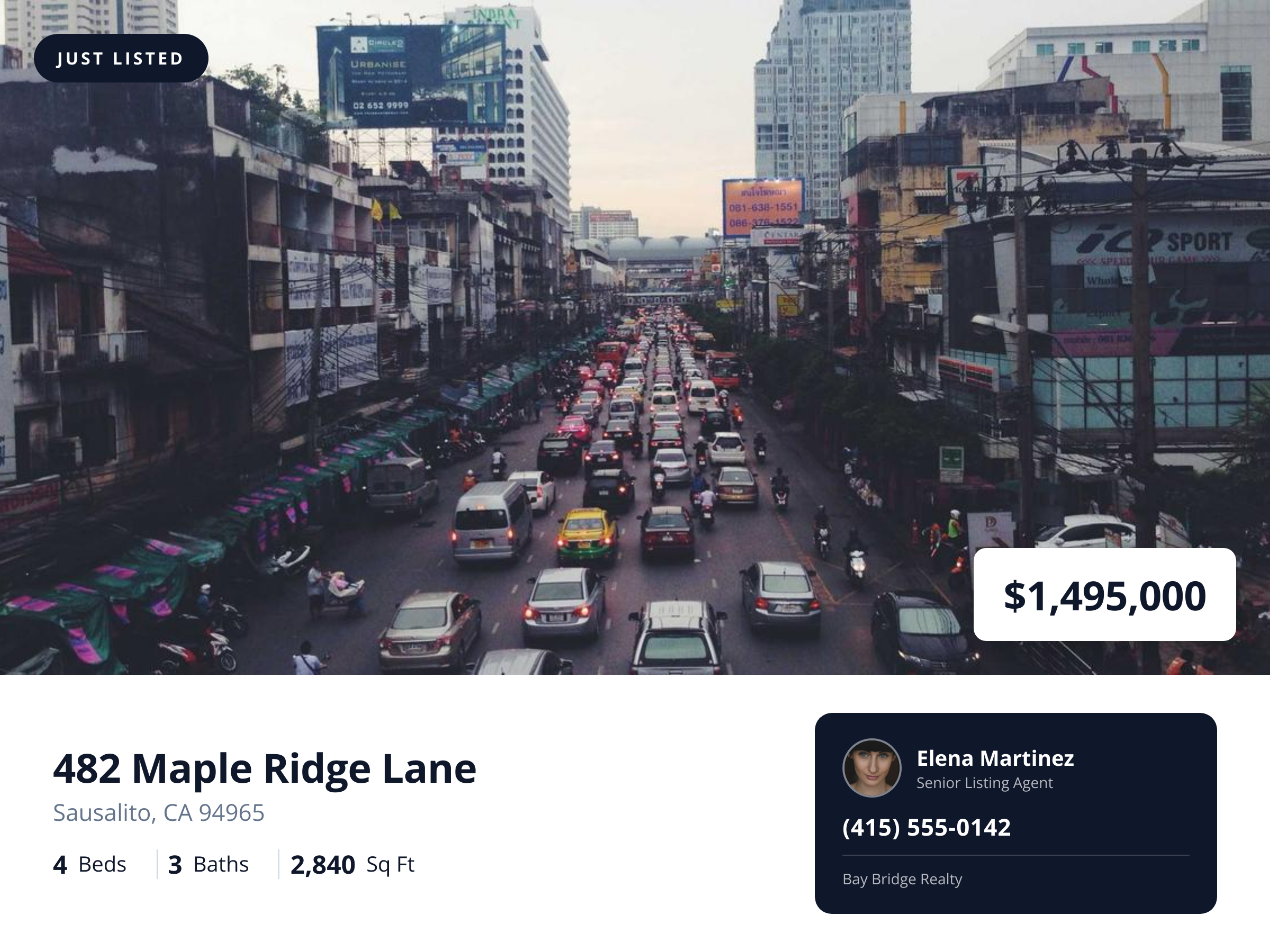
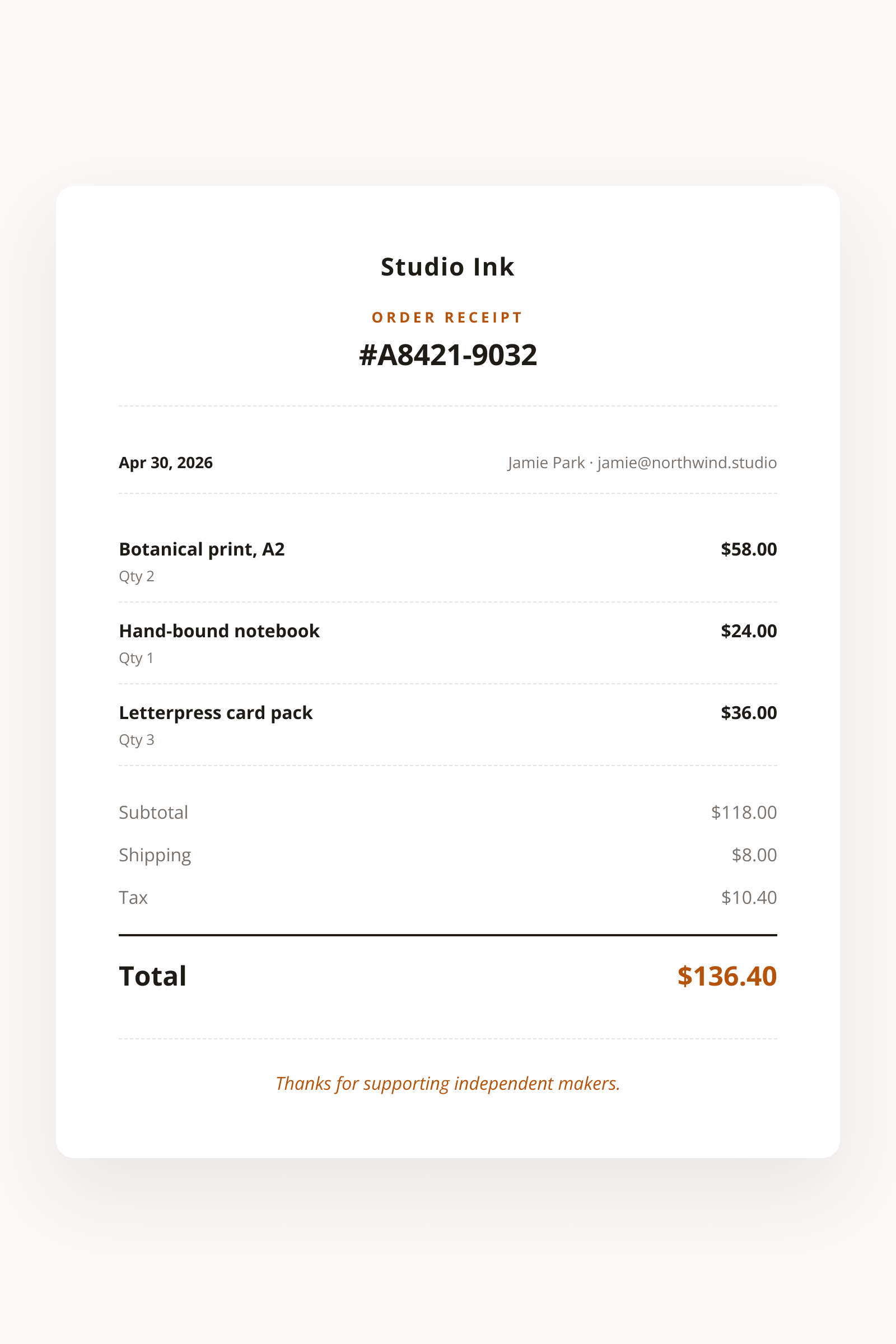
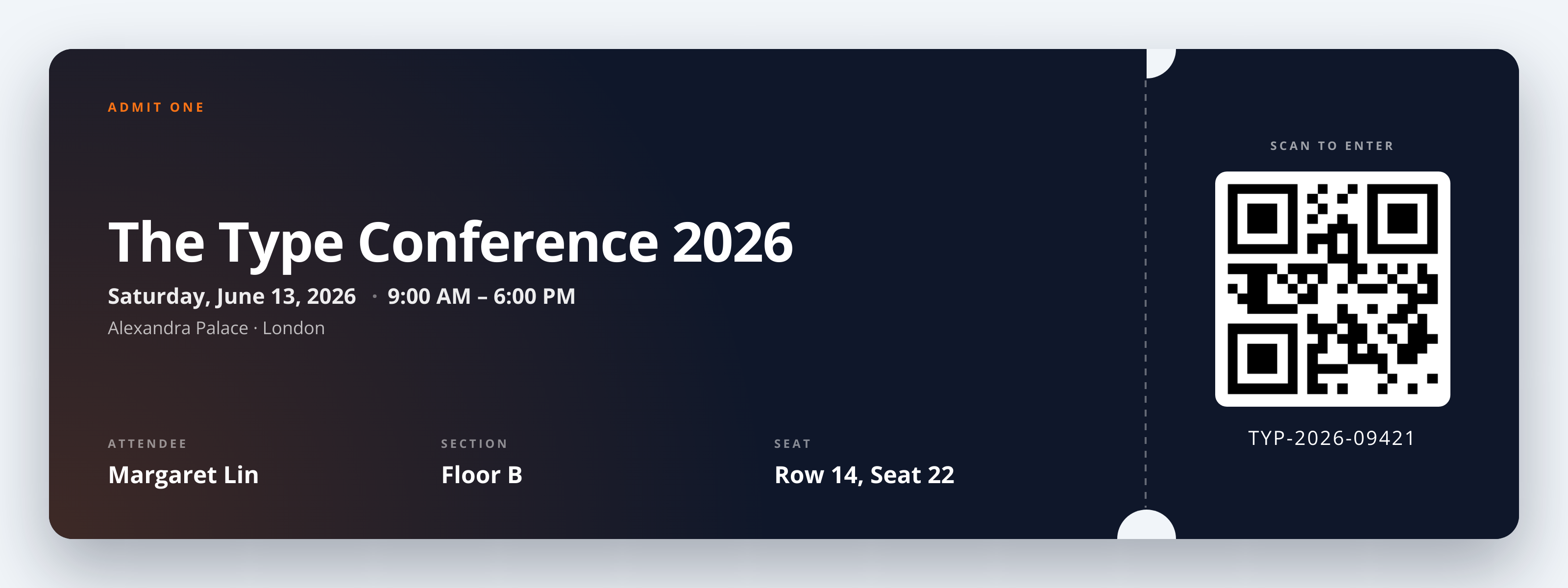
Event Ticket template preview, a business image generated by the HTML to Image API

Conferences, club nights, and ticketed museums use this event ticket image generator API to issue branded tickets without standing up an in-house design pipeline. Each render packages the attendee name, seat assignment, and supplied QR or barcode image into a landscape PNG that emails cleanly and prints to a standard ticket roll. You post a JSON payload with event metadata, attendee details, and a public URL to the QR you generated, and the response holds a 1600x600 file ready to attach to a confirmation message.

API reference

View the Event Ticket API reference

Inputs, defaults, error responses and cURL, PHP, Node and Python code samples.

Read the docs →

Use cases

Conference confirmation email replacing Apple Wallet

For events that have not invested in a .pkpass signing pipeline, a clean PNG ticket gets attendees through the door. Render one ticket per registrant from your CRM, attach the URL to the confirmation email, and rely on the QR for door scanning. Most attendees screenshot the email anyway, and the high-contrast layout reads under bright lobby lights. The Type Conference issued 4,200 PNG tickets last year through this flow, with zero scanner refusals from images viewed on attendee phones.

Club night door check-in

Door staff at small venues need a ticket that scans on the first try, regardless of how dim the lobby is or how cracked the attendee screen happens to be. Pass a high-contrast QR image URL on a white background, set accent_color to your branding, and render. The result fits inside a tweet, a WhatsApp share, and an SMS link preview. Riverside Bakery runs its quarterly supper club through this template and reports a sub-three-second average check-in.

Webinar registration confirmation

Sales teams that gate their webinars with a registration form benefit from a ticket-style confirmation, even for online events. The registrant feels they are attending an event rather than clicking a calendar link, and the PNG forwards naturally to colleagues who want to join. Wren Analytics renders one ticket per webinar attendee with the calendar invite, and downstream attendance climbs by 14 percent compared to plain confirmation emails.

Partner event resale and transfer

Tickets often change hands once or twice between purchase and entry. A PNG ticket that displays the attendee name as plain text rather than embedded in a wallet pass is easier for the new holder to inspect, edit upstream, and re-issue. Halberd Software powers transfer flows for three event platforms by re-rendering the ticket each time a transfer is approved, with no caching layer to invalidate.

Ticketed museum entry

Galleries that sell timed-entry tickets through a Squarespace or Webflow site can integrate this endpoint with a webhook from their checkout. Render the ticket with the booking time, gallery name, and a barcode for the front-desk scanner. Linden & Co operates this for 11 small museums in California, replacing a vendor that charged per ticket with a fixed monthly bill that held flat through their busiest summer.

Output specifications

Dimensions
1600x600
Color space
sRGB
Transparency
Not supported
File size range
80 KB to 180 KB

Matches the spec at Standard digital ticket landscape format.

How it works

1

Send a JSON payload

POST to the template endpoint with the values you want rendered. Authenticate with your API key.

2

We render the image

The template is rendered server-side as a 1600x600 PNG.

3

You get back a URL

Cache it, embed it in your page, attach it to an email.

Quick example

A single cURL call to render a Event Ticket as a PNG:

curl -X POST https://app.html2img.com/api/v1/templates/event-ticket \
  -H "X-API-Key: YOUR_API_KEY" \
  -H "Content-Type: application/json" \
  -d '{"event_name":"The Type Conference 2026","event_date":"Saturday, June 13, 2026","event_time":"9:00 AM \u2013 6:00 PM","venue":"Alexandra Palace \u00b7 London","attendee_name":"Margaret Lin","section":"Floor B","seat":"Row 14, Seat 22","ticket_id":"TYP-2026-09421","qr_url":"https://api.qrserver.com/v1/create-qr-code/?size=240x240&data=TYP-2026-09421","background_color":"#0F172A","accent_color":"#F97316"}'

For the full PHP, Node and Python equivalents, plus every input the template accepts, see the Event Ticket API reference. Setting up your key is covered in the authentication guide.

Common pitfalls

QR contrast too low for handheld scanners

You apply your brand accent to the QR background and the door scanner refuses to read it. Always supply a black-on-white QR image (or dark on light), and use accent_color only for the surrounding chrome.

Perforated stub clips when printed by guest

Attendees printing the ticket at home crop the perforated stub when their printer trims the page. Position the most important data (event name, attendee, QR) at least 60 pixels from the right edge so a 5 percent margin trim leaves it intact.

Thermal printer drops faint accent colors

Box-office thermal printers reduce subtle gradients and pastel accents to fragmented dot patterns. Pick an accent_color with a contrast ratio above 4.5 against the background so the ticket survives a 200 DPI thermal print without ghosting.

Inputs at a glance

A quick summary of what the Event Ticket template accepts. The full reference, with example values and array shapes, is in the docs.

Name Type Required
event_name string Required
event_date string Required
event_time string Optional
venue string Optional
attendee_name string Required
section string Optional
seat string Optional
ticket_id string Optional
qr_url url Optional
logo_url url Optional
background_color string Optional
accent_color string Optional

See the full inputs reference for descriptions, examples and validation rules.

Related templates

Other templates in the business and commerce category.

Browse by category

A starting point from each of the other two template categories.

See the full template gallery for every design grouped by category.

Related guides

FAQ

Try it free

25 renders a month on the free tier. See the pricing page for higher-volume plans.