content template

Podcast Episode Card API

Send episode number, title, and host details as JSON, get back a 1200x630 PNG for social posts.

1200x630Dimensions
sRGBColor space
Not supportedTransparency
70 KB to 200 KBFile size range

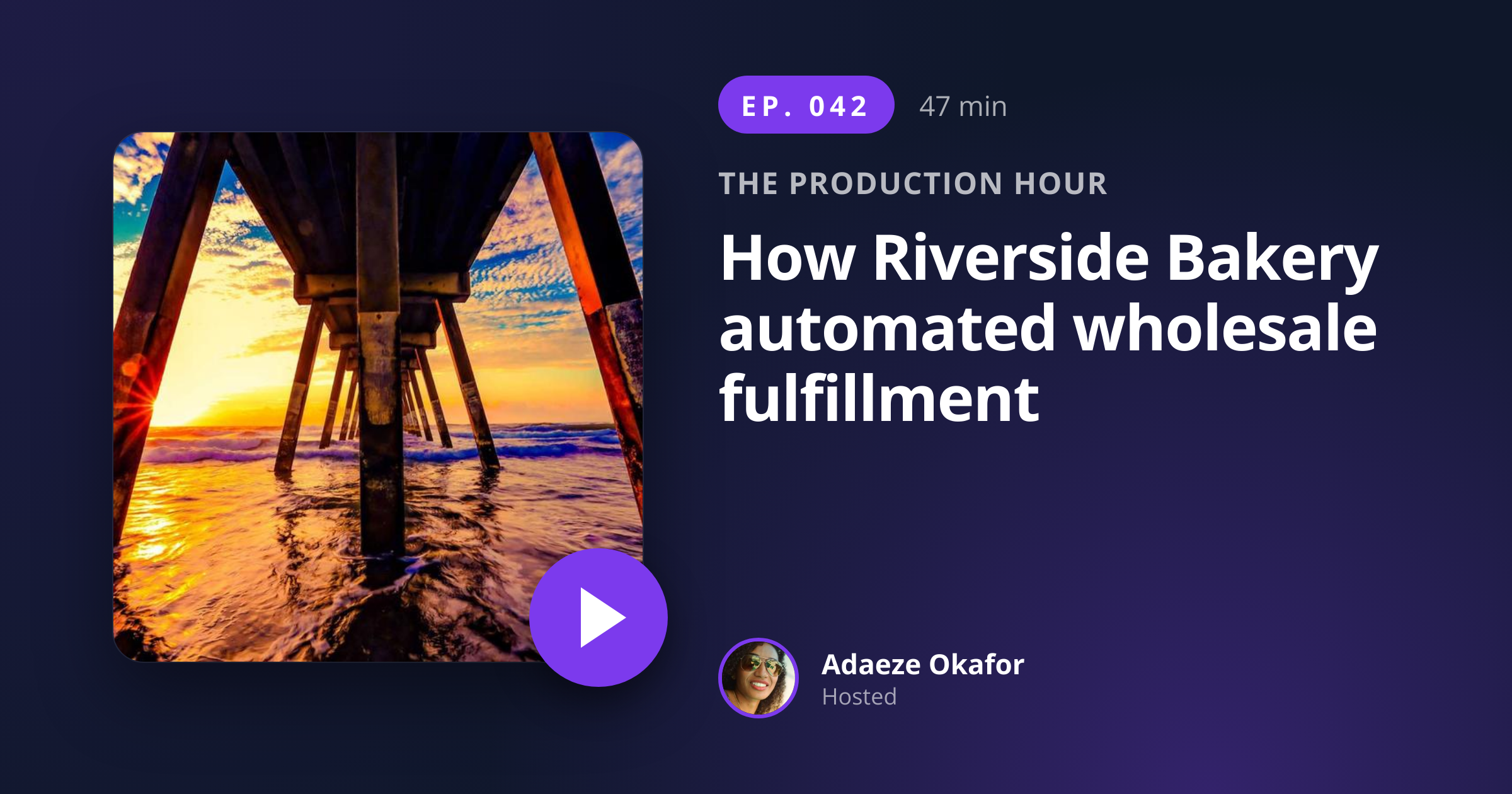
Show producers and podcast networks use the podcast episode card API to ship a unique share card per episode rather than reusing the show cover. The 1200x630 ratio unfurls cleanly in Slack, Discord, X, and LinkedIn, and the layout reserves a slot for the show cover image so visual continuity with the directory listing stays intact. You post the episode number, title, duration, and host details as JSON, and the response holds a PNG ready to attach to a launch-day post or embed in the show notes.

bash
curl -X POST https://app.html2img.com/api/v1/templates/podcast-episode-card \
  -H "X-API-Key: YOUR_API_KEY" \
  -H "Content-Type: application/json" \
  -d '{"episode_number":"042","episode_title":"How Riverside Bakery automated wholesale fulfillment","podcast_name":"The Production Hour","duration":"47 min","host_name":"Adaeze Okafor","host_avatar_url":"https://i.pravatar.cc/160?img=49","cover_image_url":"https://picsum.photos/seed/podcast-cover-card/600/600","accent_color":"#7C3AED"}'

A single cURL call to render a Podcast Episode Card as a PNG. Add "format": "pdf" to the payload to get a PDF instead. For the full PHP, Node and Python equivalents, plus every input the template accepts, see the Podcast Episode Card API reference. Setting up your key is covered in the authentication guide.

API reference

View the Podcast Episode Card API reference: inputs, defaults, error responses and cURL, PHP, Node and Python code samples. Read the docs.

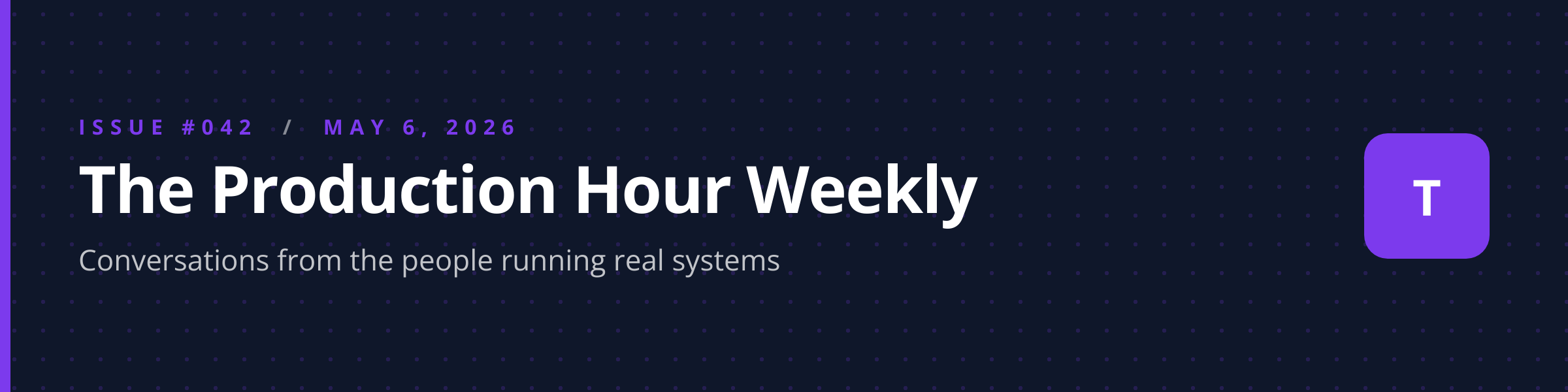
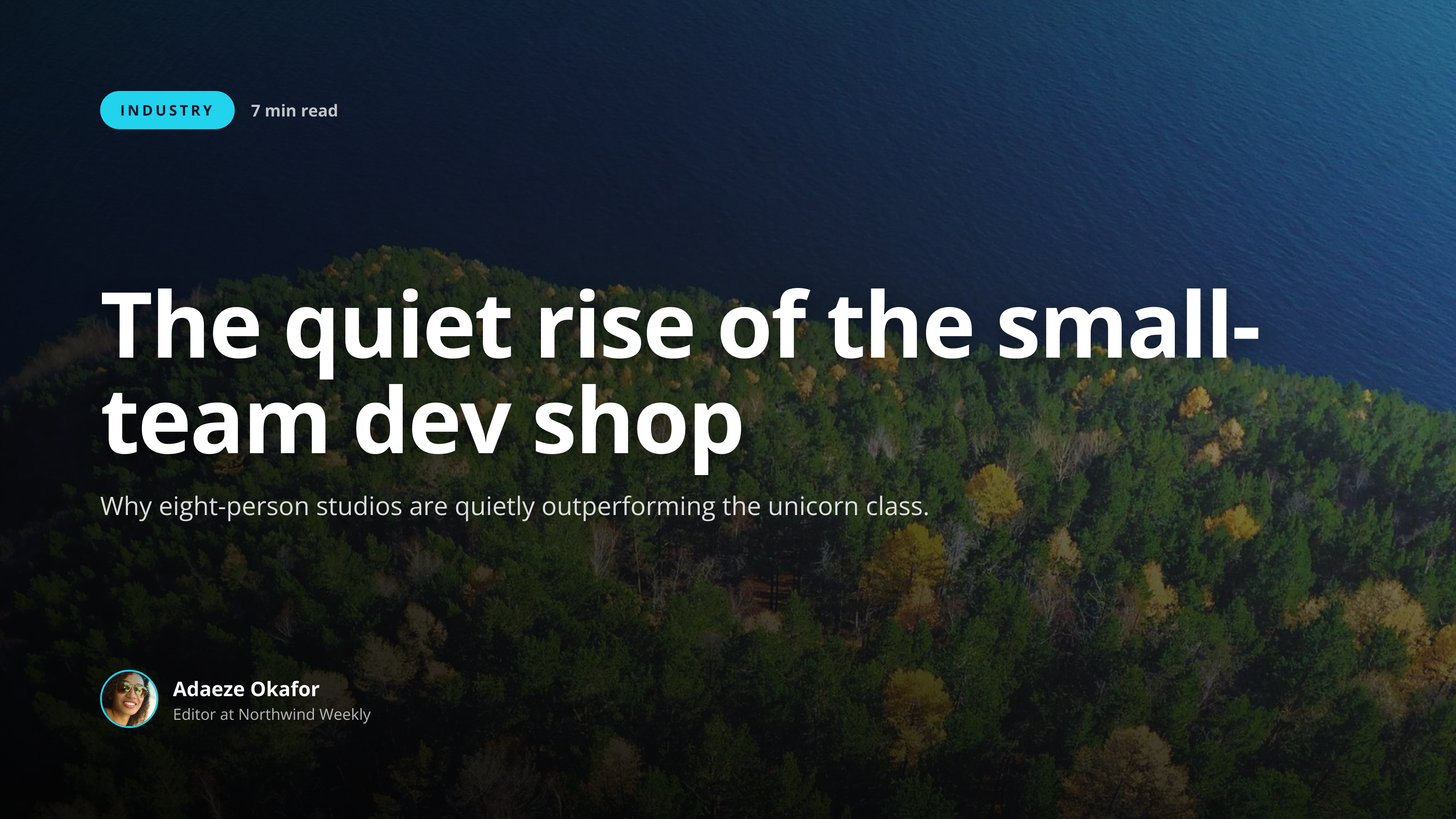
Podcast Episode Card template preview, a content image generated by the HTML to Image API
Podcast Episode Card 1200x630

Use cases

Podcast hosts promoting each episode

Hosts publishing weekly episodes need fresh artwork for the launch-day social post. Trigger the render from your publishing pipeline (Buzzsprout, Transistor, Acast) on episode-published, attach the URL to the X and LinkedIn announcements, and the post lands with proper card art rather than a generic show graphic. The Production Hour ships every Tuesday with this exact flow, and the launch posts get 3x the engagement of the previous show-cover-only posts.
Newsletters embedding episode cards

Show newsletters that link to the latest episode benefit from a per-episode card embedded in the email body. Render with the episode number, title, and host avatar, and subscribers can identify the episode at a glance before clicking through. Linden & Co's podcast network newsletter includes 8 episode cards per week (one per show), and the click-through rate beats the previous text-only template.

Podcast directory pages with consistent share artwork

Show websites that publish each episode as a separate URL benefit from per-page OG images that show the actual episode rather than a generic show cover. Render once at publish time, set as og:image on the episode page, and shares from the directory unfurl with episode-specific artwork. Northwind Studio Audio serves 14 shows through this pattern.

Partner cross-promotion content

Podcast networks running cross-promotion deals with adjacent shows benefit from episode cards that promote a guest appearance. Render with the partner show's branding and the cross-promo episode title, and both shows can share the card in their respective channels with consistent visuals. Halberd Software's cross-promo program runs through this template for 8 partner shows.

Agency-managed podcasts producing per-episode social

Agencies running podcasts on behalf of B2B clients deliver per-episode social cards as a standard deliverable. Render with the client's accent_color and host avatar, attach to the social calendar, and the agency ships consistent artwork across all client podcasts. Wren Analytics manages 6 client podcasts through this template, with 24 episode cards per month rendered in CI.

Output specifications

Dimensions
1200x630
Color space
sRGB
Transparency
Not supported
File size range
70 KB to 200 KB

Matches the spec at 1.91:1 social share format (X, LinkedIn, Slack).

These specifications describe the default PNG output. The template can also return a PDF document with selectable text through the HTML to PDF API: set format to pdf in the request. See the format parameter docs for how PDF output behaves.

How it works

1

Send a JSON payload

POST to the template endpoint with the values you want rendered. Authenticate with your API key.

2

We render the image

The template is rendered server-side as a 1200x630 PNG, or as a PDF document if you set format to pdf.

3

You get back a URL

Cache it, embed it in your page, attach it to an email.

Common pitfalls

Long episode titles hurt readability

A 90-character title forces the renderer to scale type below the readable threshold for feed display. Trim to under 70 characters or rephrase into a punchy hook before posting, since the show notes page can carry the longer version.

Duration formats inconsistent across episodes

One episode shows "47:00", the next "47 min", the next "0:47:30". The mixed format makes a series of cards look uneven. Standardize on one format ("47 min") and apply across all episodes so the show feed reads as one curated series.

Missing host avatar leaves an empty circle

A 404 on host_avatar_url falls back to a generic shape, which looks unfinished. Validate the avatar URL before posting, or supply a brand-safe fallback so the card never ships with a placeholder shape.

Inputs at a glance

A quick summary of what the Podcast Episode Card template accepts. The full reference, with example values and array shapes, is in the docs.

Name Type Required
episode_number string Required
episode_title string Required
podcast_name string Required
duration string Optional
host_name string Optional
host_avatar_url url Optional
cover_image_url url Optional
accent_color string Optional

See the full inputs reference for descriptions, examples and validation rules.

Related templates

Other templates in the content and marketing category.

Browse by category

A starting point from each of the other two template categories.

See the full template gallery for every design grouped by category.

Related guides

FAQ

How does this differ from podcast-cover?

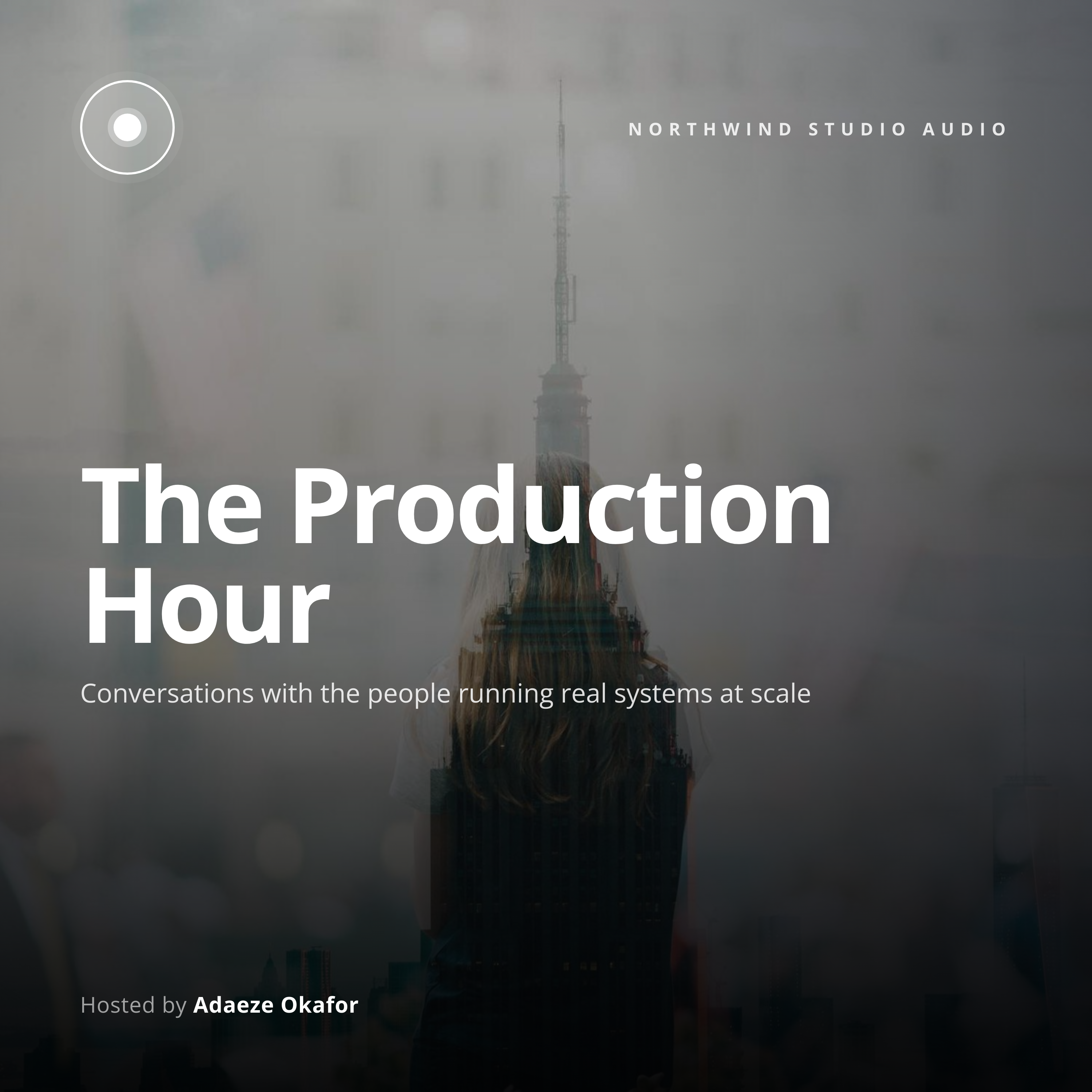
podcast-cover is the show identity at 3000x3000 used by Apple Podcasts and Spotify. This template is per-episode promo at 1200x630 for social sharing. Use both: the cover for the directory, this card for episode launches.

Can I auto-generate one per episode?

Yes, call the endpoint from your publishing pipeline on the episode-published webhook. Most podcast hosts support webhooks (Buzzsprout, Transistor, Acast). The render finishes in 1 to 2 seconds, so the card is ready before your social scheduler runs. Shows that send sponsors a recap can render a second copy with format: "pdf" for the media kit.

Will it unfurl in Slack?

Yes, the 1200x630 ratio unfurls cleanly in Slack and Discord. Slack and Discord refresh cached previews after a few hours, so append a query string to bust the cache when you republish artwork mid-day. The unfurl shows the full-width card alongside the post link.

Can I include a play button visual?

The design includes a play indicator near the episode number. You do not need to supply one yourself. The indicator uses the accent_color so it stays visually unified with the rest of the card design.

What if there is no host name?

Omit the host_name and host_avatar_url fields, and the layout reflows to fill the freed space with the show name and accent treatment. Single-host shows often skip these fields after the first season since the audience already knows the host.

Can I use this for video podcasts?

Yes, for the social promo card that links to the YouTube or Spotify Video URL. For the YouTube thumbnail itself, use the youtube-thumbnail template at 1280x720, which respects YouTube's duration-badge safe zone.

Try it free

25 renders a month on the free tier. See the pricing page for higher-volume plans.