social template

Instagram Square Post API

Send title and subtitle as JSON, get back a 1080x1080 square PNG ready for the Instagram feed.

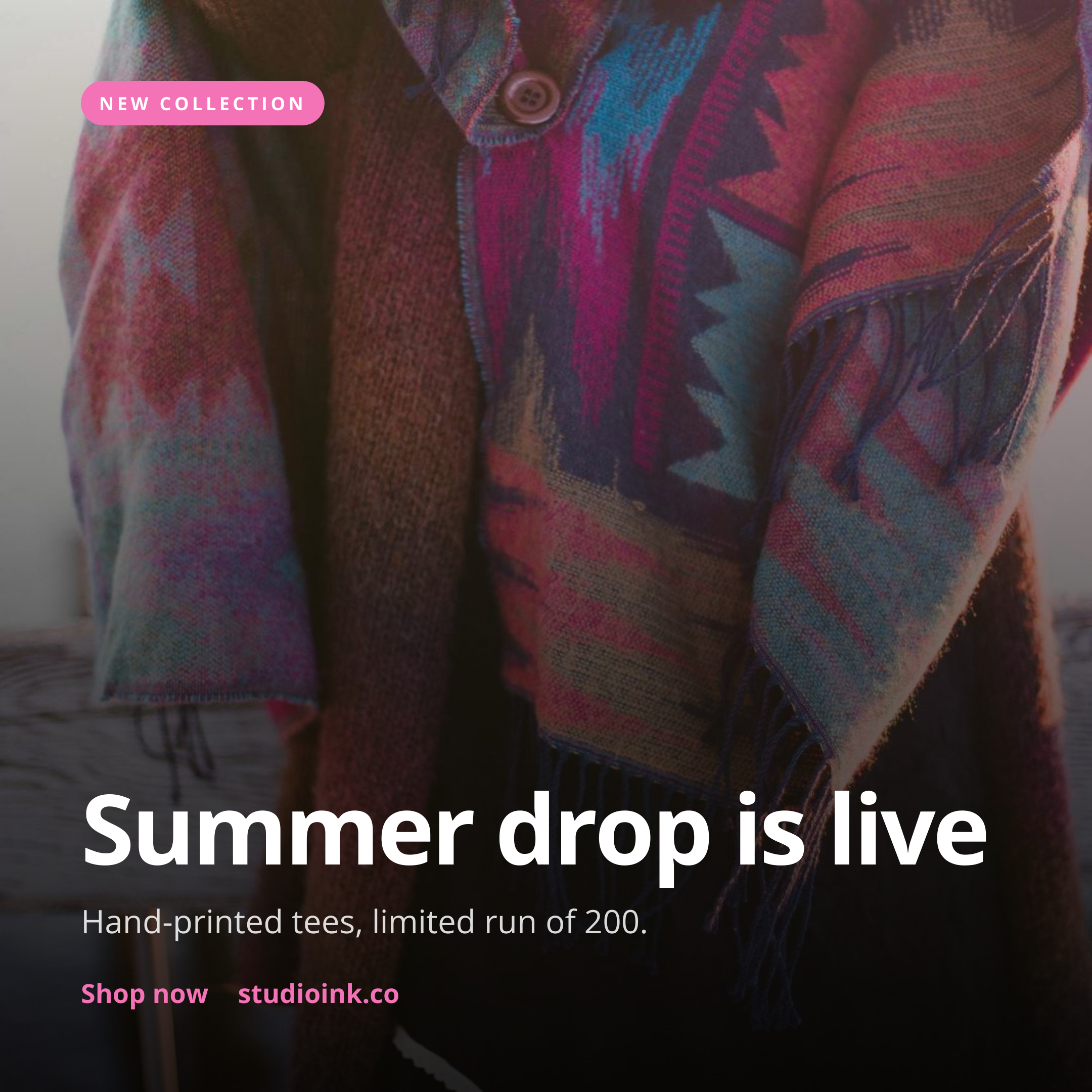
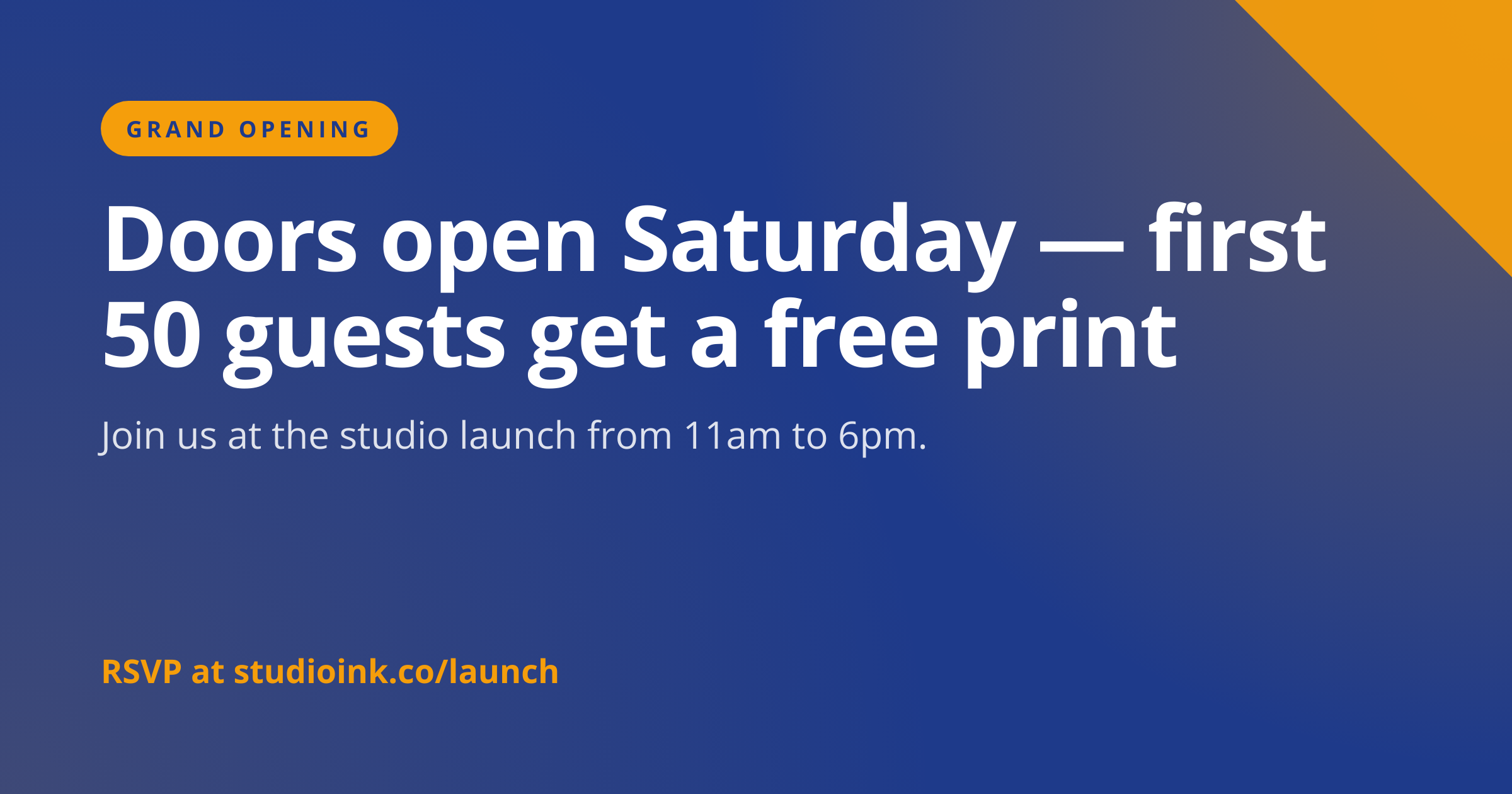
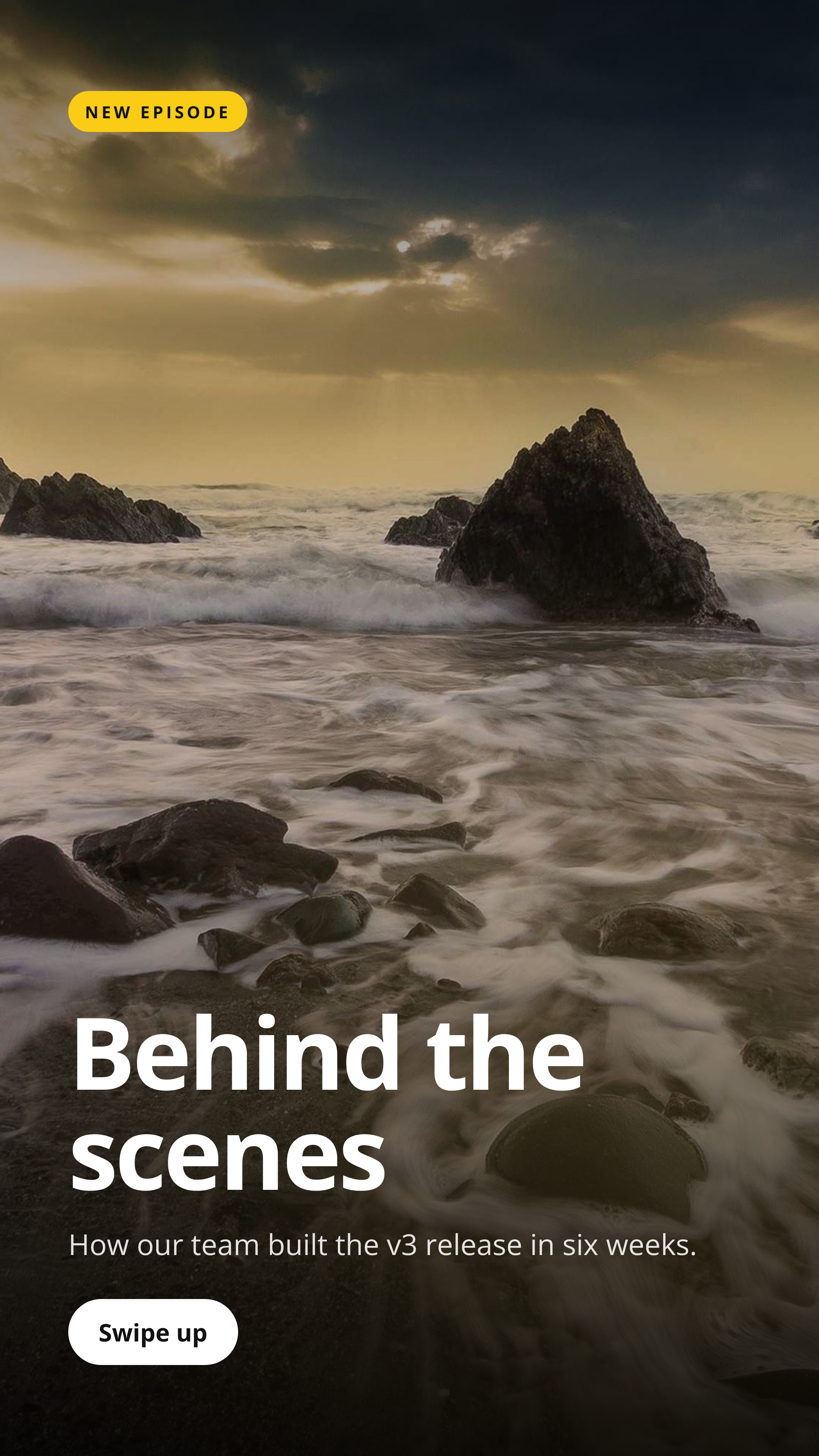
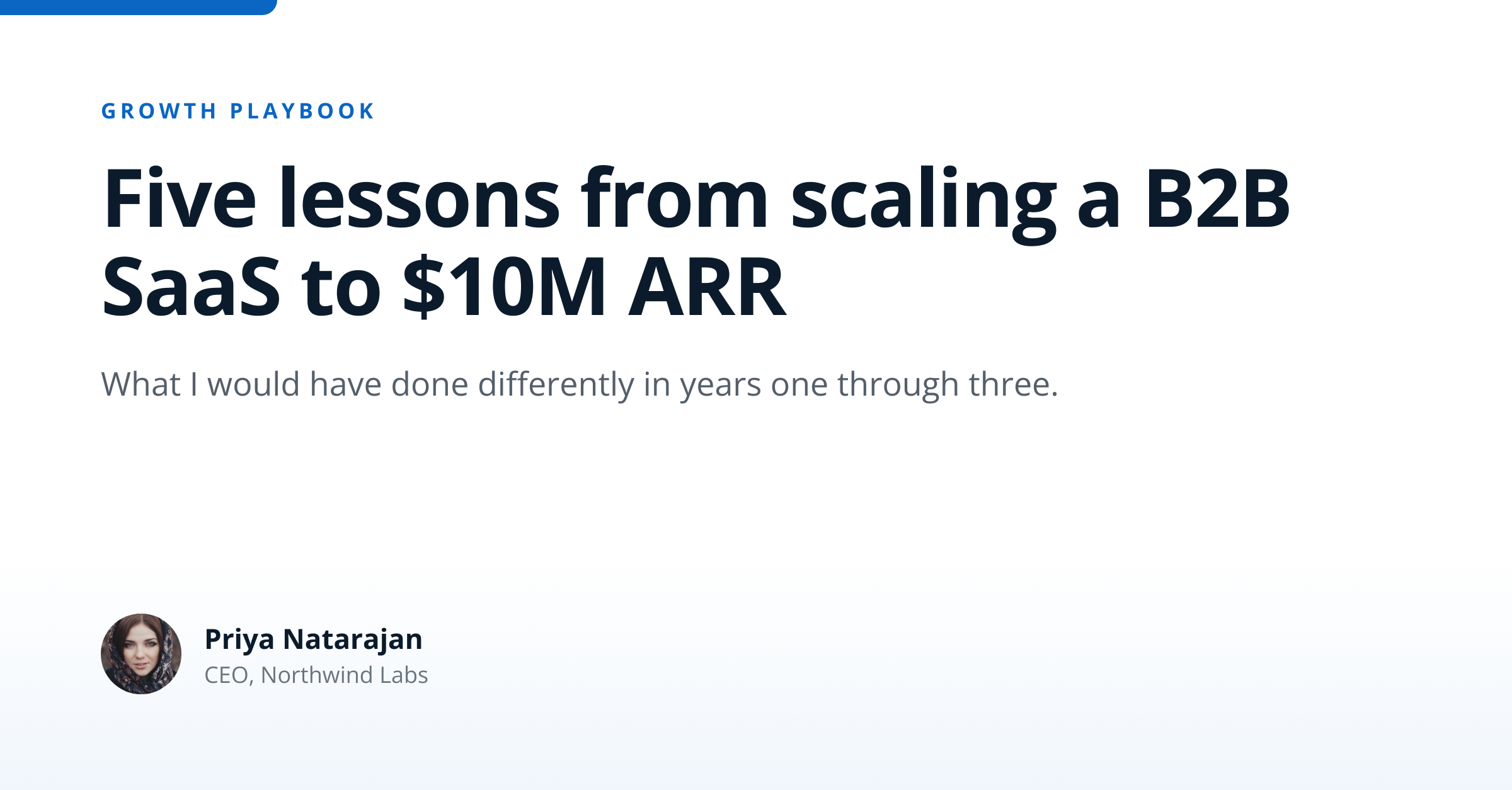
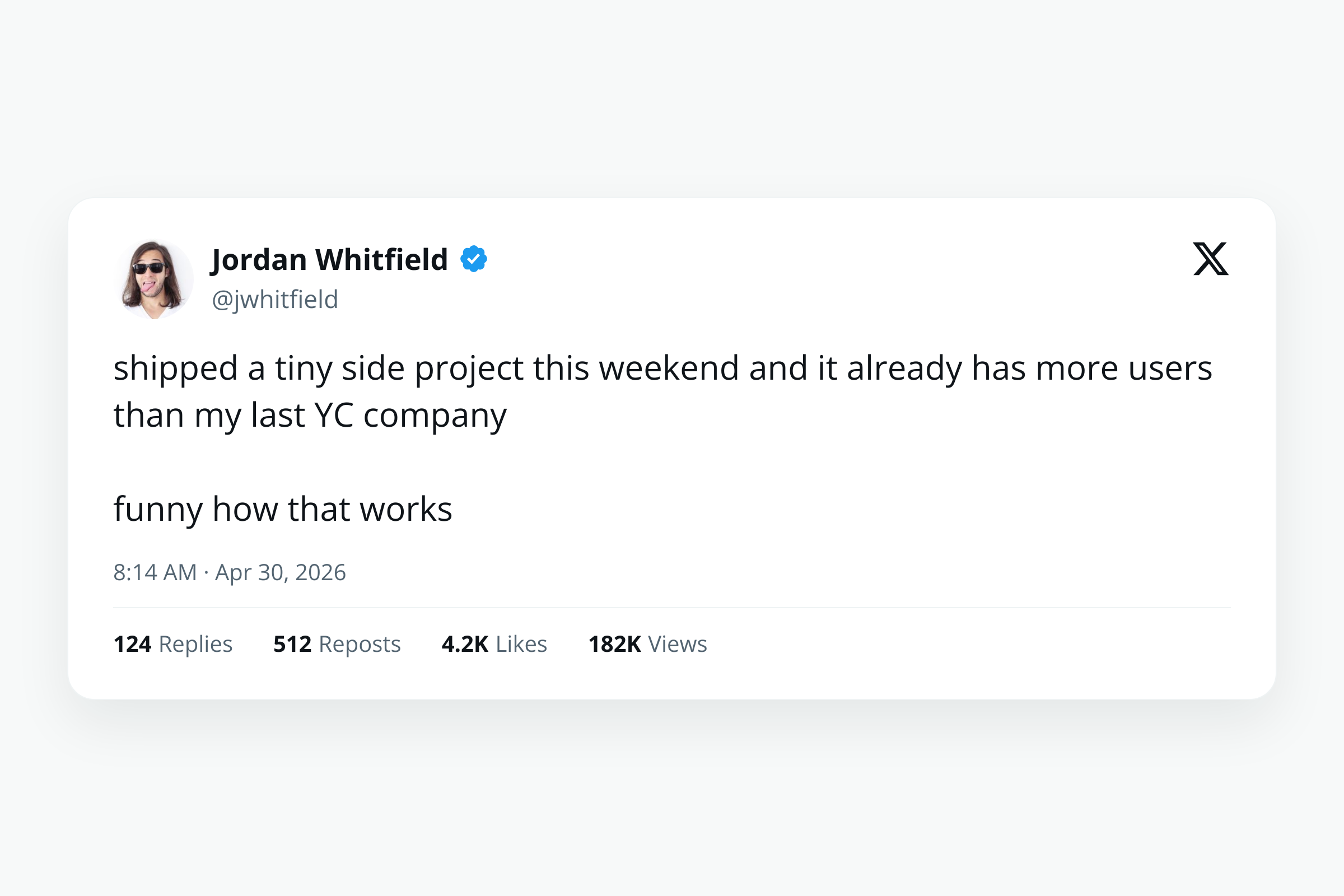
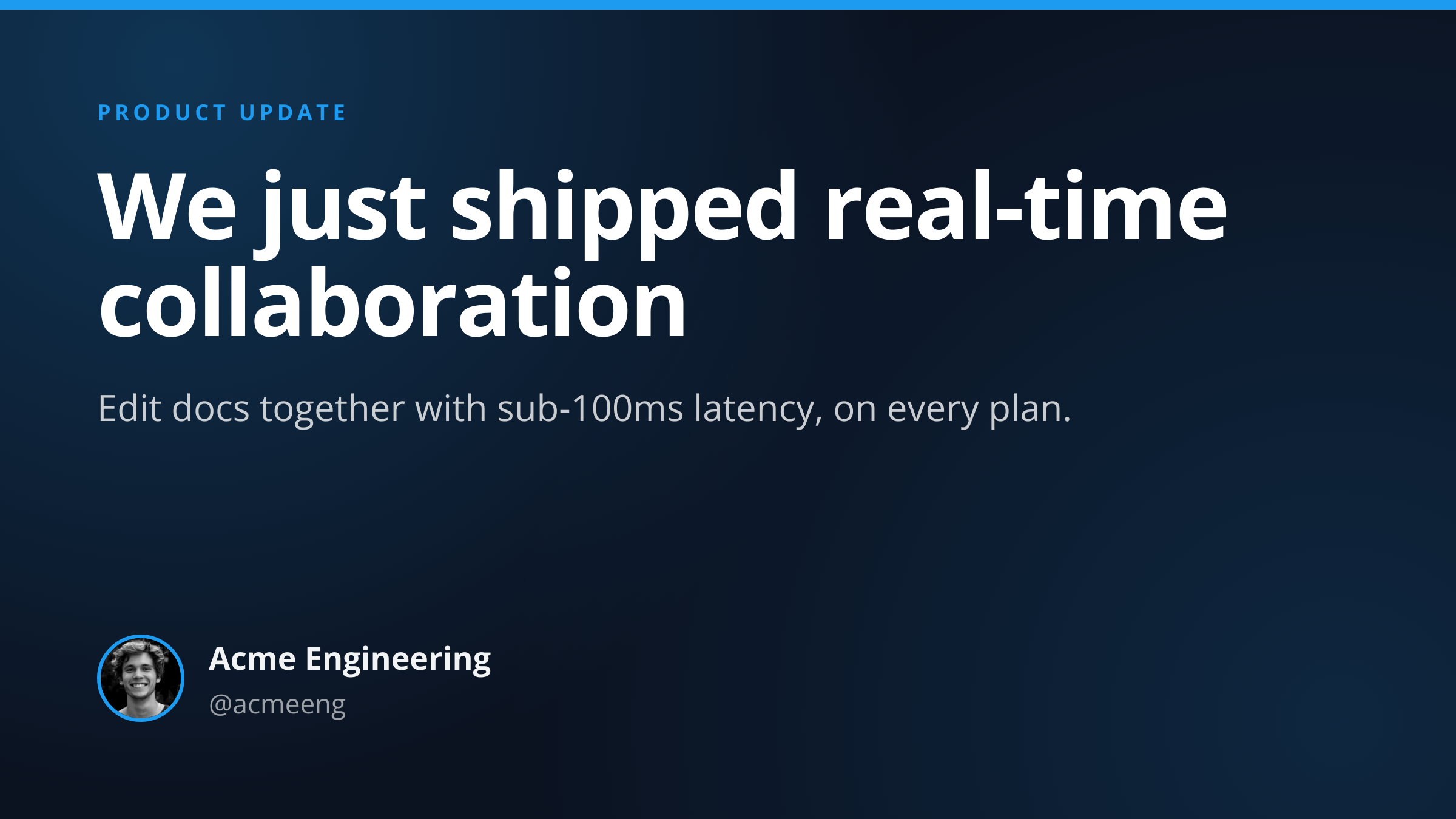
Instagram Square Post template preview, a social image generated by the HTML to Image API

Brand teams and content tools use the Instagram post image API to ship daily feed cards without booking a designer for every post. The 1080x1080 output is the safest default size on Instagram, since 1:1 reads cleanly across the home feed, profile grid, and reposts. You post the title, subtitle, and brand inputs as JSON, and the response holds a PNG hosted on i.html2img.com that you can schedule via Buffer, Later, or the Graph API.

API reference

View the Instagram Square Post API reference

Inputs, defaults, error responses and cURL, PHP, Node and Python code samples.

Read the docs →

Use cases

SaaS auto-generating quote graphics from blog content

Marketing teams that publish weekly blog posts can pull the strongest quote from each article and render a square card for the Instagram feed. Connect your CMS publishing webhook to a script that posts to this endpoint with the quote, attribution, and brand inputs. The Instagram queue stays full without anyone designing manually. Northwind Studio publishes 3 quote cards per week through this exact pipeline.

E-commerce showing product highlights in feed

Stores featuring a single product per feed post benefit from a clean square card with the product name, a CTA, and the brand mark. Generate one card per featured SKU during your weekly content planning, schedule across the week, and the feed grid maintains a visual rhythm. Riverside Bakery rotates 7 product highlights per week and the engagement on the cards beats their plain product photos by 2x.

Podcast episode promo cards

Show producers post a square card per episode to push listeners to the latest drop. Render with the episode number, title, and host name, schedule the post for the morning the episode lands, and the show stays top-of-feed for subscribers who follow the podcast handle. The square format pairs cleanly with the dedicated podcast-episode-card template for the broader social rollout.

Event reminder posts

Communities running monthly meetups or virtual events post reminder cards in the lead-up. Render a card for each event with the date, title, and venue or join link, schedule across the week before, and turnout improves because attendees see the event multiple times in their feed. The Type Conference uses this template for the 8 weeks before the event for 12 cards.

Newsletter recap graphics

Newsletter operators recap each issue on Instagram for the audience that follows on social rather than email. Render a card per issue with the issue number, headline topic, and CTA to subscribe, and the newsletter's social presence stays current with the weekly cadence. Wren Analytics ships these for its Tuesday digest and gains around 40 new email subscribers per Instagram post.

Output specifications

Dimensions
1080x1080
Color space
sRGB
Transparency
Not supported
File size range
80 KB to 250 KB

Matches the spec at Instagram feed image guidelines.

How it works

1

Send a JSON payload

POST to the template endpoint with the values you want rendered. Authenticate with your API key.

2

We render the image

The template is rendered server-side as a 1080x1080 PNG.

3

You get back a URL

Cache it, embed it in your page, attach it to an email.

Quick example

A single cURL call to render a Instagram Square Post as a PNG:

curl -X POST https://app.html2img.com/api/v1/templates/instagram-square-post \
  -H "X-API-Key: YOUR_API_KEY" \
  -H "Content-Type: application/json" \
  -d '{"title":"Summer drop is live","subtitle":"Hand-printed tees, limited run of 200.","eyebrow":"NEW COLLECTION","cta":"Shop now \u2192 studioink.co","background_image_url":"https://picsum.photos/seed/insta-square/1080/1080","background_color":"#111111","accent_color":"#F472B6"}'

For the full PHP, Node and Python equivalents, plus every input the template accepts, see the Instagram Square Post API reference. Setting up your key is covered in the authentication guide.

Common pitfalls

Profile grid crops 1:1 to a slightly different ratio

Instagram crops square posts in the profile grid view, so important content placed at the very edges gets clipped on grid display. Keep the focal area within the centre 80 percent of the canvas so it survives the grid crop.

Type smaller than 24 pixels reads poorly on mobile

A 16-pixel subtitle looks fine on the rendered image but blurs on a phone screen. Set type at 28 pixels or larger for body copy and 64 pixels or larger for headlines so the post is legible across iPhone and Android sizes.

Carousel posts need separate renders

Each card in a carousel uploads as its own image, so a 5-card carousel needs 5 endpoint calls. Generate them in a loop with consistent accent_color and brand inputs, and the carousel reads as a unified story rather than a mix of styles.

Inputs at a glance

A quick summary of what the Instagram Square Post template accepts. The full reference, with example values and array shapes, is in the docs.

Name Type Required
title string Required
subtitle string Optional
eyebrow string Optional
cta string Optional
background_image_url url Optional
logo_url url Optional
background_color string Optional
accent_color string Optional

See the full inputs reference for descriptions, examples and validation rules.

Related templates

Other templates in the social media category.

Browse by category

A starting point from each of the other two template categories.

Content and marketing

See the full template gallery for every design grouped by category.

Related guides

FAQ

Try it free

25 renders a month on the free tier. See the pricing page for higher-volume plans.