business template

Business Card API

Send name, title, and contact details as JSON, get back a 1050x600 business card PNG.

1050x600Dimensions
sRGBColor space
SupportedTransparency
30 KB to 90 KBFile size range

Sales teams and event organizers use the business card image generator to ship per-rep digital cards without booking a printer for every new hire. The 1050x600 size matches the standard 3.5x2 inch card aspect at 300 DPI, so the same render serves both digital sharing and physical print runs. You post the rep's name, title, and contact details as JSON with a layout_variant choice (classic, minimal, or bold), and the response holds a PNG ready for an email signature or a virtual-conference exchange.

bash
curl -X POST https://app.html2img.com/api/v1/templates/business-card \
  -H "X-API-Key: YOUR_API_KEY" \
  -H "Content-Type: application/json" \
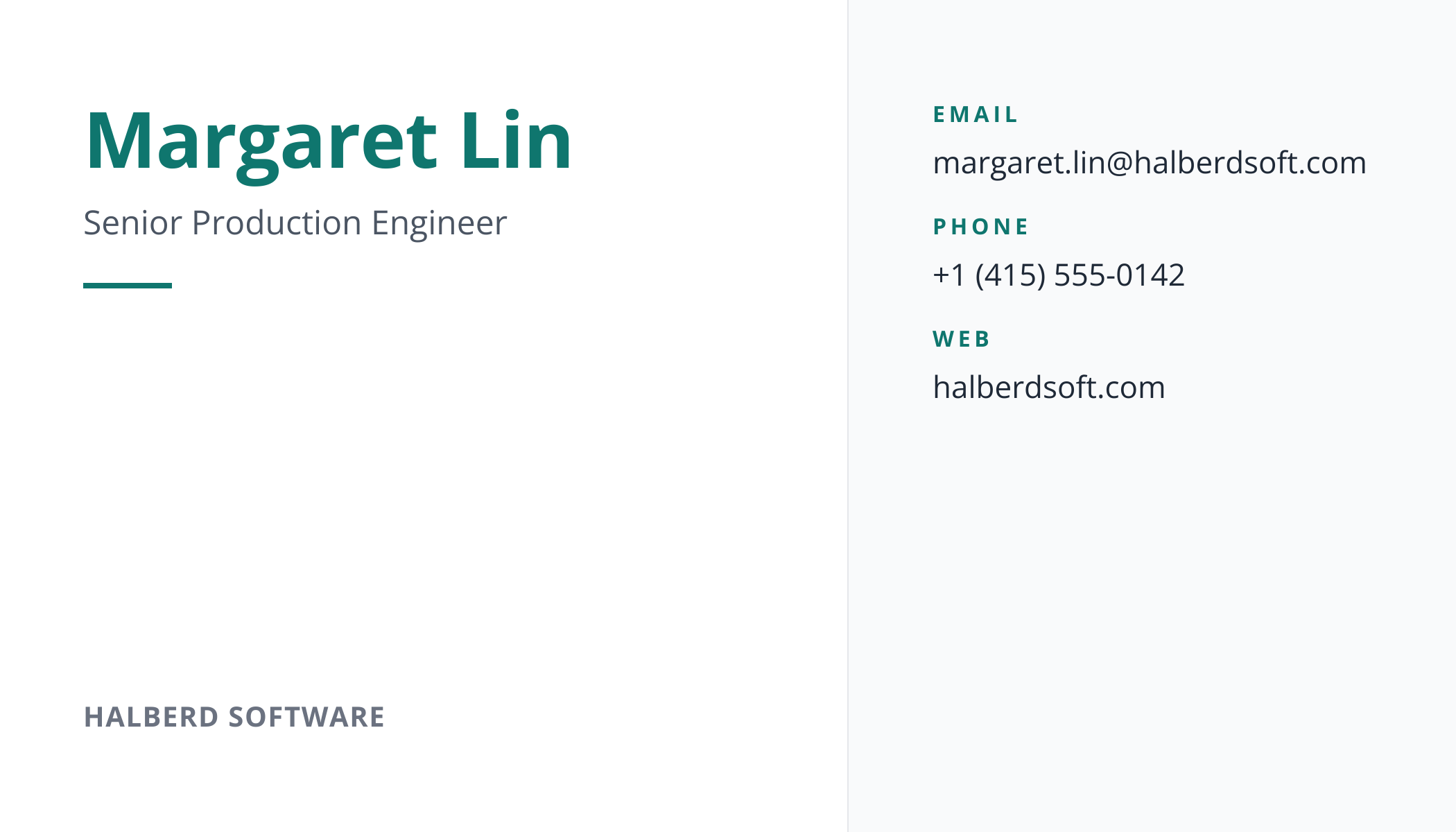
  -d '{"name":"Margaret Lin","title":"Senior Production Engineer","company":"Halberd Software","email":"[email protected]","phone":"+1 (415) 555-0142","website":"halberdsoft.com","accent_color":"#0F766E","layout_variant":"classic"}'

A single cURL call to render a Business Card as a PNG. Add "format": "pdf" to the payload to get a PDF instead. For the full PHP, Node and Python equivalents, plus every input the template accepts, see the Business Card API reference. Setting up your key is covered in the authentication guide.

API reference

View the Business Card API reference: inputs, defaults, error responses and cURL, PHP, Node and Python code samples. Read the docs.

Business Card template preview, a business image generated by the HTML to Image API
Business Card 1050x600

Use cases

Virtual conferences distributing digital cards

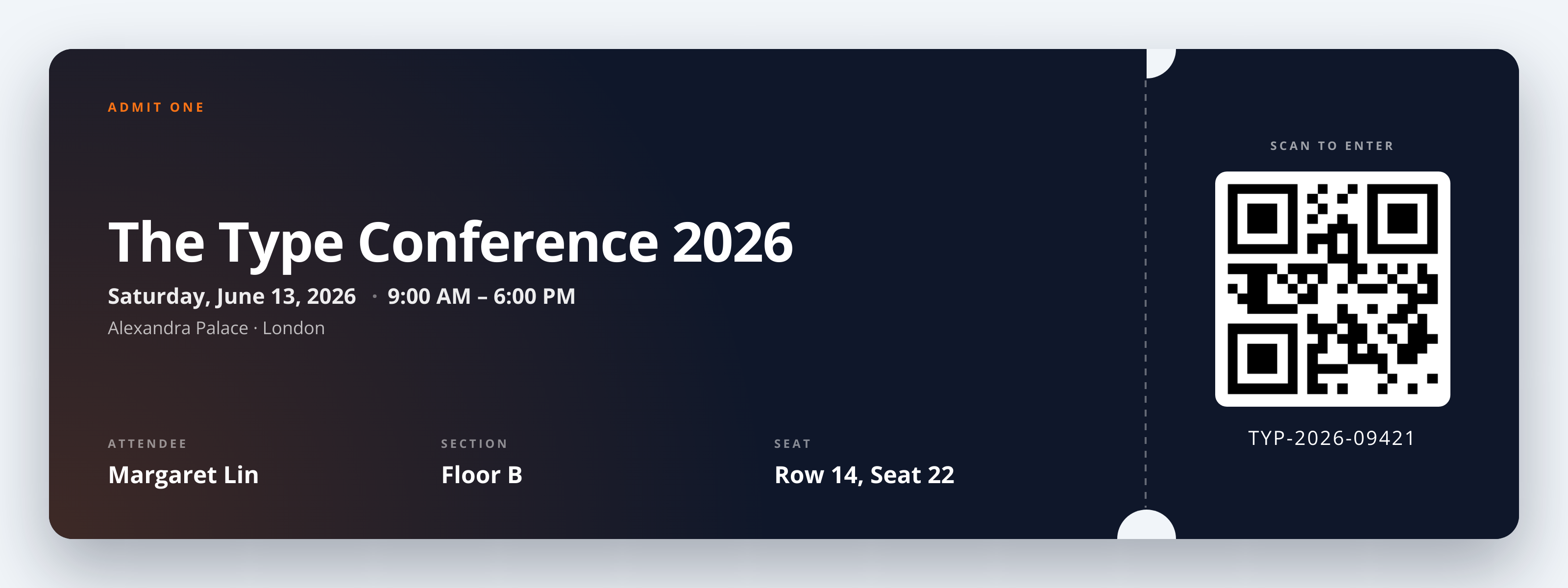
Online events that include networking sessions benefit from per-attendee cards in a shared event directory. Render with each registrant's data on registration, store the URL on the attendee record, and the directory shows a styled card per person rather than a list of names. The Type Conference 2026 distributed 4,200 attendee cards through this template, and the in-event networking sessions saw measurably more connection requests.

Sales tools generating per-rep cards from CRM

Sales teams with 60 reps need a card per person that reads as one company's output rather than 60 individual designs. Loop through the CRM, render with each rep's details and consistent accent_color and logo_url, and ship the URLs to each rep's email signature line. Linden & Co updated all 80 sales reps in one batch through this pattern, finishing the rollout in 4 minutes.

Email signature artwork

Companies that want consistent email signatures across the org can render a card per employee and embed the URL in the signature template. Both light- and dark-mode email clients render the PNG cleanly, and updates (new role, new phone) require only a re-render rather than a manual signature update per person. Halberd Software rolled this out for 240 employees in 2026.

Freelancer network profiles

Freelancer marketplaces and creative networks display profile cards on each member page. Render with the freelancer's discipline, region, and accent color, and the marketplace shows styled cards rather than plain-text profiles for browsing visitors. Wren Analytics built this for a 1,800-member illustrator network, and member-page bounce rates dropped by 22 percent in the first quarter after rollout.

NFC-tap card landing pages

Modern networking accessories tap to share a contact via NFC, but the landing page still benefits from a styled card. Render the card image to display on the landing page when someone taps. Northwind Studio runs this for its product team's tap-to-share cards, and the landing page conversion (save-contact rate) climbed because the card looks professional rather than utilitarian.

Output specifications

Dimensions
1050x600
Color space
sRGB
Transparency
Supported
File size range
30 KB to 90 KB

Matches the spec at Standard 3.5x2 inch business card aspect at 300 DPI.

These specifications describe the default PNG output. The template can also return a PDF document with selectable text through the HTML to PDF API: set format to pdf in the request. See the format parameter docs for how PDF output behaves.

How it works

1

Send a JSON payload

POST to the template endpoint with the values you want rendered. Authenticate with your API key.

2

We render the image

The template is rendered server-side as a 1050x600 PNG, or as a PDF document if you set format to pdf.

3

You get back a URL

Cache it, embed it in your page, attach it to an email.

Common pitfalls

Long titles wrap and break proportions

A 60-character job title with multiple commas wraps to two lines and pushes the contact block off-axis. Keep titles under 40 characters or use a generic role name ("Engineering Lead") for the card while reserving the long title for LinkedIn.

Transparent backgrounds look wrong on dark email clients

A transparent PNG that assumes a white email background fails when the user views email in dark mode. Either render with an opaque accent_color background, or test on both light and dark Gmail to confirm the card stays readable.

Phone and email formatting inconsistent across reps

One rep's card shows "(415) 555-0142" and another shows "+1.415.555.0142". The mixed format makes a directory of cards look unprofessional. Standardize on one phone format on the data side before posting to the endpoint.

Inputs at a glance

A quick summary of what the Business Card template accepts. The full reference, with example values and array shapes, is in the docs.

Name Type Required
name string Required
title string Optional
company string Optional
email string Optional
phone string Optional
website string Optional
logo_url url Optional
accent_color string Optional
layout_variant enum Optional

See the full inputs reference for descriptions, examples and validation rules.

Related templates

Other templates in the business and commerce category.

Browse by category

A starting point from each of the other two template categories.

See the full template gallery for every design grouped by category.

Related guides

FAQ

Can I use this in my email signature?

Yes, 1050x600 fits standard email signature dimensions. Embed the URL via <img> in your signature template. The template also supports transparent backgrounds for clean rendering on dark- and light-mode email clients, so the card adapts to the user's viewing preference.

Does it support multiple layouts?

Yes, layout_variant accepts classic, minimal, or bold. Classic centers the name with contact details below. Minimal places the name left-aligned with maximum white space. Bold uses a strong accent block behind the name for high-contrast presentations.

Can I print these?

Yes, 1050x600 at 300 DPI prints cleanly at the standard 3.5x2 inch business card size. Most print-on-demand services accept this exact dimension for offset and digital printing. For higher-quality letterpress runs, render at 2x DPI by setting dpi=2 on the underlying API. Requesting format: "pdf" places the card on an A4 page, handy as a proof sheet for sign-off, while the exact-size PNG stays the artwork you hand to the printer.

What if I do not have a company logo?

Omit logo_url and the layout reflows to give the contact details more breathing room. The accent_color still applies to the name underline and the contact icons, so the card maintains brand identity even without a logo.

How do I generate one card per employee?

Loop through your employee list and call the endpoint per person with that person's details and shared brand inputs (accent_color, logo_url). The renders run in parallel from your worker pool, so a 200-person rollout finishes in under 90 seconds.

Does it support a QR code?

No QR slot in this template. For tap-to-save contact flows, render the card here and overlay a QR code on your side using ImageMagick or pdfkit. For event ticket-style QR cards, use the event-ticket template which has a dedicated QR slot.

Try it free

25 renders a month on the free tier. See the pricing page for higher-volume plans.