social template

Twitter/X Post Image API

Send title and metadata as JSON, get back a 1200x675 PNG ready to attach to an X post.

1200x675Dimensions
sRGBColor space
Not supportedTransparency
60 KB to 200 KBFile size range

Prefer to try it in your browser first? Open the Twitter/X Post Image tool.

Marketing teams and content tools use the Twitter image API to ship share cards alongside posts that would otherwise rely on the default link unfurl. The 1200x675 ratio matches Twitter's summary_large_image card and works inline as media attached to a post. You post the title, eyebrow, optional author block, and brand inputs as JSON, and the response holds a PNG you can attach via the X API or schedule with your favorite tool.

bash
curl -X POST https://app.html2img.com/api/v1/templates/twitter-post \
  -H "X-API-Key: YOUR_API_KEY" \
  -H "Content-Type: application/json" \
  -d '{"title":"We just shipped real-time collaboration","subtitle":"Edit docs together with sub-100ms latency, on every plan.","eyebrow":"PRODUCT UPDATE","author_name":"Halberd Engineering","author_handle":"@halberdeng","author_avatar_url":"https://i.pravatar.cc/160?img=12","background_color":"#0B1220","accent_color":"#1D9BF0"}'

A single cURL call to render a Twitter/X Post Image as a PNG. Add "format": "pdf" to the payload to get a PDF instead. For the full PHP, Node and Python equivalents, plus every input the template accepts, see the Twitter/X Post Image API reference. Setting up your key is covered in the authentication guide.

API reference

View the Twitter/X Post Image API reference: inputs, defaults, error responses and cURL, PHP, Node and Python code samples. Read the docs.

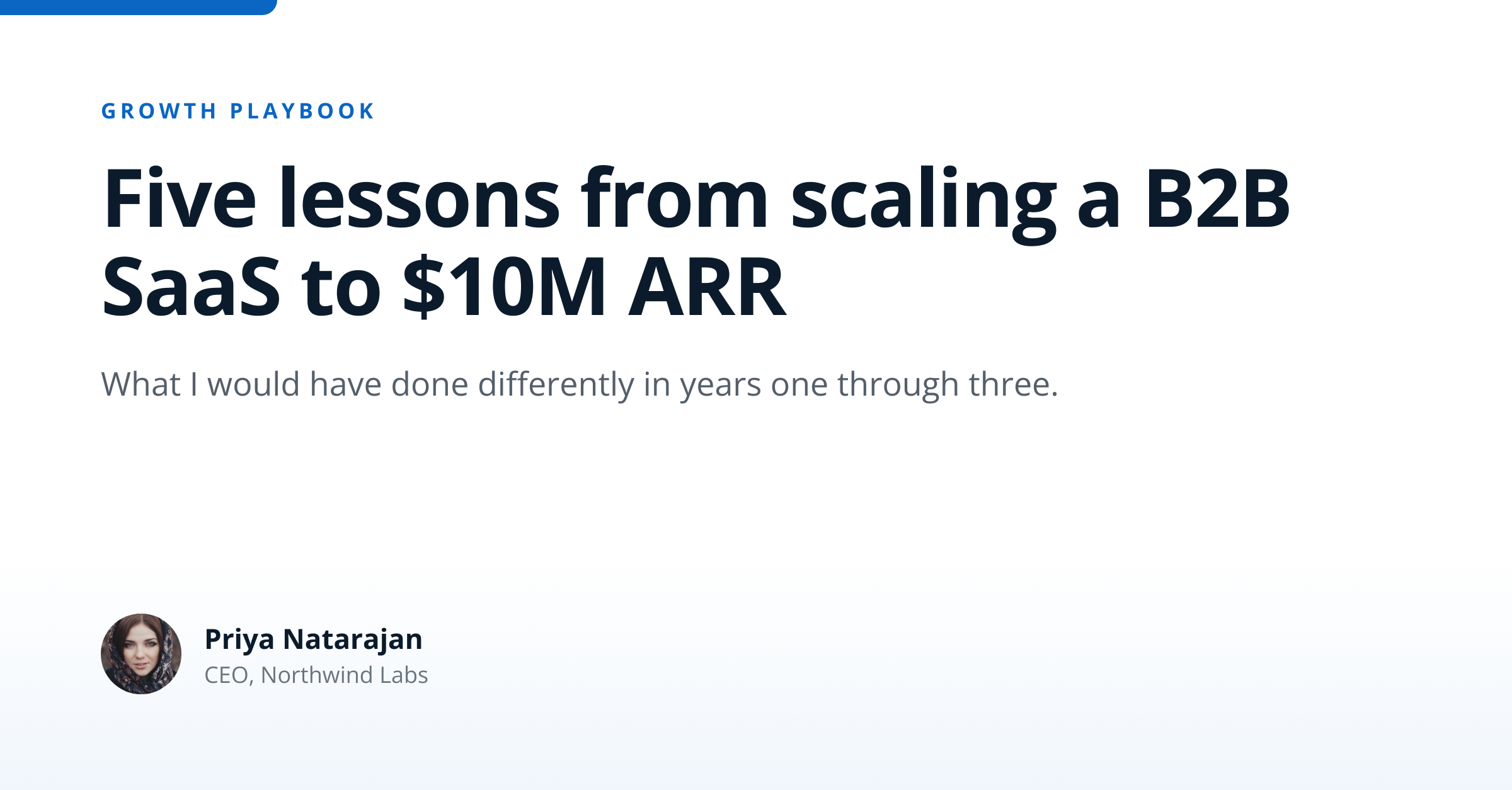
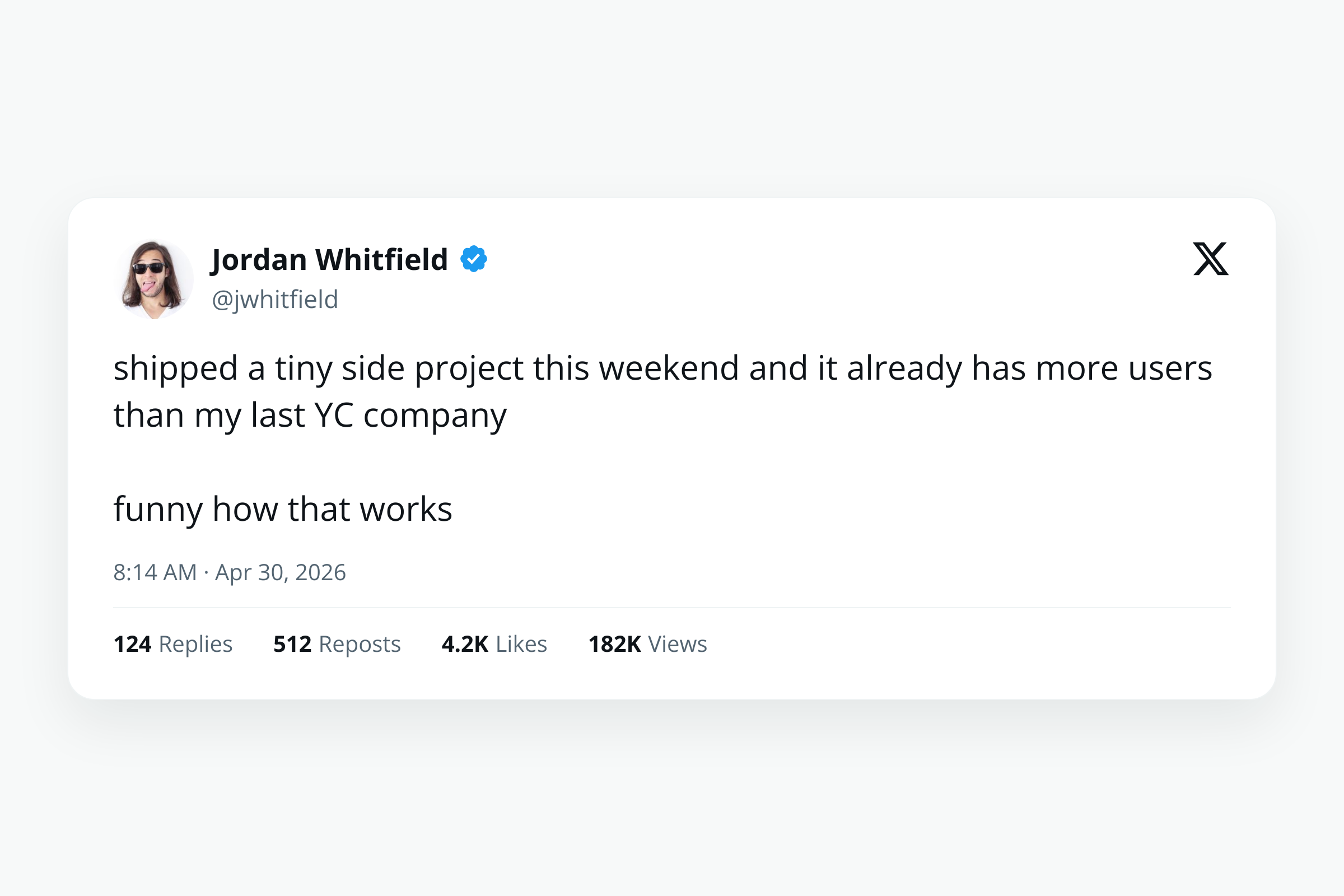
Twitter/X Post Image template preview, a social image generated by the HTML to Image API
Twitter/X Post Image 1200x675

Use cases

SaaS sharing release notes with branded artwork

Product launches benefit from a card that says "we shipped X" louder than the default link unfurl. Render once per release with the version, headline, and accent color, attach to the launch post, and the timeline shows your update with full-width artwork. Halberd Software ships 4 to 6 release-note posts per month through this template, and engagement on launch posts has roughly doubled since the rollout.

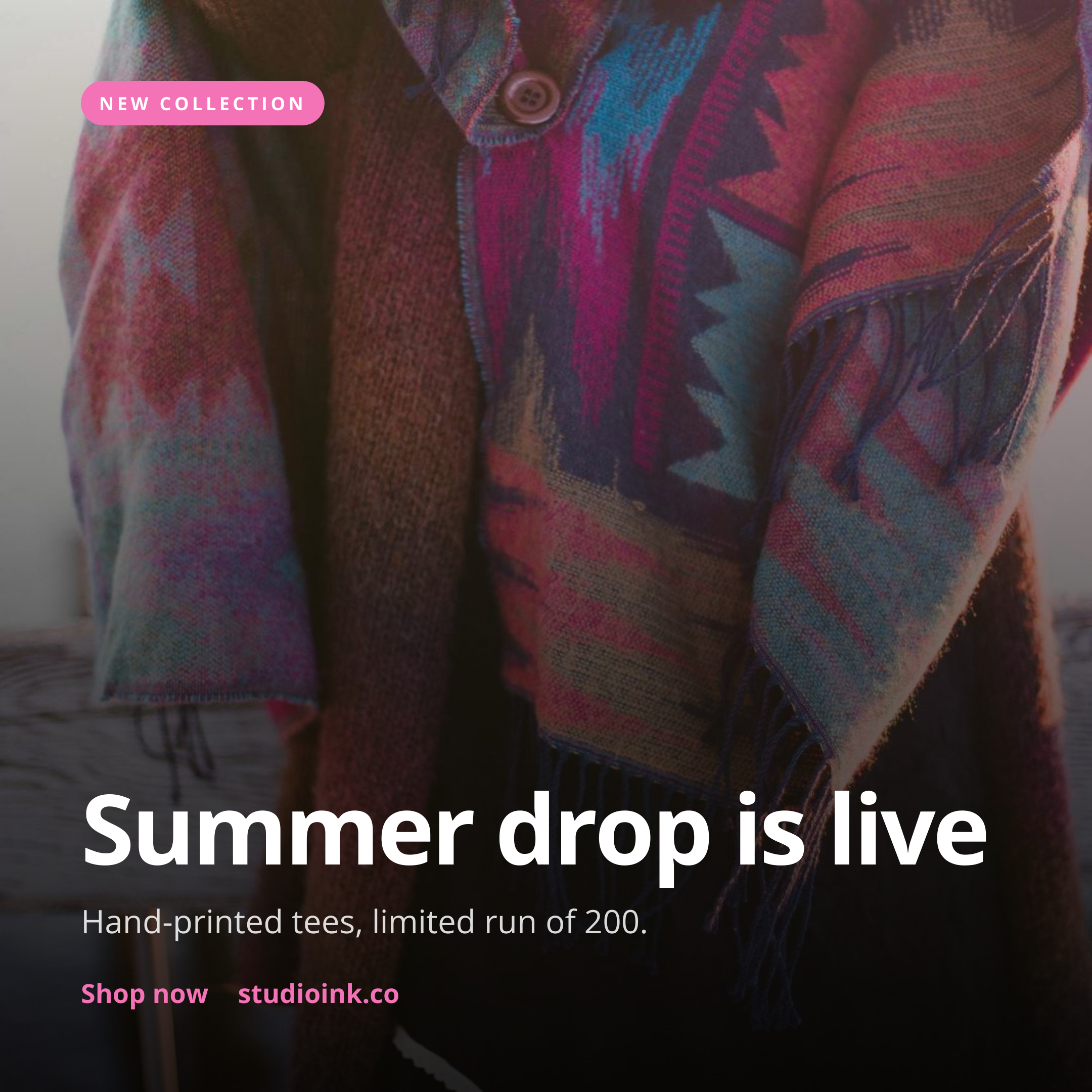
Newsletter publishers attaching share cards to issues

Newsletter operators who post on X benefit from a fresh card per issue rather than reusing one stock graphic. Render with the issue number, headline topic, and a CTA to subscribe, attach to the announcement post, and the post stands out in followers' timelines. Wren Analytics generates a card every Tuesday for the digest, and subscriber growth from X climbed 28 percent compared to the previous quarter.

Content tools posting AI-generated insights

AI-driven content platforms can attach a card to each piece of public output to give the share visual identity. Render with the user's topic and a short hook, post via the X API, and the share carries authorship rather than reading as a raw link. Linden & Co's briefing platform uses this for every shareable insight, and the resulting posts get reshared at 3x the rate of plain text.

Podcasts promoting episodes

Podcasts with an X presence benefit from per-episode promo cards in addition to the show-cover artwork. Render with the episode number, title, and a hook line from the show notes, attach to the launch-day post, and listeners click through more than they would on a generic graphic. The format pairs with the dedicated podcast-episode-card template for cross-channel reuse.

Conferences sharing schedule cards

Event organizers post daily speaker and session announcements in the lead-up to the conference. Render one card per session with the speaker name, time slot, and venue, schedule across the campaign window, and the timeline reads as a structured feed rather than a stream of unrelated posts. The Type Conference posts 28 schedule cards in the 6 weeks before the event.

Output specifications

Dimensions
1200x675
Color space
sRGB
Transparency
Not supported
File size range
60 KB to 200 KB

Matches the spec at X summary_large_image card guidelines.

These specifications describe the default PNG output. The template can also return a PDF document with selectable text through the HTML to PDF API: set format to pdf in the request. See the format parameter docs for how PDF output behaves.

How it works

1

Send a JSON payload

POST to the template endpoint with the values you want rendered. Authenticate with your API key.

2

We render the image

The template is rendered server-side as a 1200x675 PNG, or as a PDF document if you set format to pdf.

3

You get back a URL

Cache it, embed it in your page, attach it to an email.

Common pitfalls

Inline post images crop to a different ratio than feed cards

Posts attached as media render at 16:9 in the feed but X may crop to 1.91:1 in some contexts. Keep the focal area centered so any crop variant still shows the headline and brand mark. Test on iOS and Android before going live.

Alt text omitted from the post itself

The rendered PNG does not carry alt text, and X requires it on the post side for accessibility. Set descriptive alt text via the X API when posting, so screen-reader users get a usable description of the card content.

Very high-DPI renders exceed the 5MB cap

X caps post images at 5 MB. Default-DPI renders stay well below the cap, but a 3x DPI render with a photographic background can climb fast. Stick with default DPI unless you specifically need a Retina-clean version, and check file size before posting.

Inputs at a glance

A quick summary of what the Twitter/X Post Image template accepts. The full reference, with example values and array shapes, is in the docs.

Name Type Required
title string Required
subtitle string Optional
eyebrow string Optional
author_name string Optional
author_handle string Optional
author_avatar_url url Optional
logo_url url Optional
background_color string Optional
accent_color string Optional

See the full inputs reference for descriptions, examples and validation rules.

Related templates

Other templates in the social media category.

Browse by category

A starting point from each of the other two template categories.

Content and marketing

See the full template gallery for every design grouped by category.

Related guides

FAQ

What size should a Twitter or X share image be?

Use 1200x675 (16:9) for summary_large_image cards and inline post images. The 1200x600 size also works for inline posts. This template renders 1200x675 by default to match the most common card variant.

What is the difference between summary and summary_large_image?

summary_large_image renders the image full-width below the post text. summary renders a small thumbnail next to the text. summary_large_image gets more engagement, so use it for posts where the visual is the hook.

Will it work after the X rebrand?

Yes, the spec is unchanged. X kept the Twitter Cards API live under the developer docs, and the meta tag names (twitter:card, twitter:image) still apply. Existing OG tags work as a fallback if Twitter-specific tags are missing.

Do I need to add alt text?

Yes, set descriptive alt text via the X API when posting. The rendered PNG itself does not carry alt, so the responsibility falls on the posting layer. Alt text both helps screen-reader users and improves discoverability for hearing-loss accessibility audits.

What is the file size limit?

X caps post images at 5 MB. Default-DPI renders from this template stay between 60 KB and 200 KB, well below the cap. Higher DPI versions for Retina displays can climb to 1 to 2 MB with photographic backgrounds. A campaign archive can also pull format: "pdf" copies as A4 documents; the upload to X stays a PNG.

Can I use a GIF?

No, this endpoint produces a static PNG. For animated content, render the frames separately and stitch them with a tool like ImageMagick or ffmpeg, then upload the resulting GIF or video to X via its media endpoints.

Try it free

25 renders a month on the free tier. See the pricing page for higher-volume plans.