The Quote Card Generator turns a short piece of text and an attribution into a finished social card in three common formats: 1080 by 1080 for Instagram and LinkedIn feeds, 1200 by 630 for Open Graph and X, and 1080 by 1920 for Stories and Reels. The output is a PNG with the quote set in a chosen typeface against a chosen background, with optional attribution photo and brand logo. The same payload renders all three formats, so a single editorial decision produces a coherent set across the channels a brand cares about.
The use case sits between hand-designed marketing artwork and rapid social posting. Editorial teams, marketing teams, and creators all benefit from quote artwork that stays on brand without needing to open a design tool every time. Drop the quote and attribution into the form, pick a layout and palette, and the output is ready to schedule. For higher-volume workflows the same render is available through the API, which means a podcast team can generate a quote card for every pull quote in a transcript without anyone touching a design surface.

How it works
Paste the quote and attribution
Drop the quote text into the main field and add the attribution underneath. The renderer wraps the quote across as many lines as needed and adjusts the font size automatically so the longest quotes still fit the canvas.
Pick a layout and palette
Choose a layout (centred, left-aligned, with or without an attribution photo) and a palette (light, dark, or a brand colour combination). The presets cover the styles most teams use, and you can override individual colours for one-off cards.
Pick the output format
Render at 1080 by 1080 for Instagram and LinkedIn feeds, at 1200 by 630 for Open Graph and X, or at 1080 by 1920 for Stories and Reels. The layout adjusts to suit each format, with the type set larger in the square version and the attribution moving to the lower third in the vertical version.
Download or copy the URL
Download the PNG to schedule in your social tool of choice, or copy the hosted CDN URL into a CMS or newsletter. The URL stays valid for as long as the quote and styling do not change, which makes it safe to embed in evergreen content.
When to use it
Pull quotes from blog posts and essays
Editorial teams that publish long-form pieces benefit from a quote card for every shareable line in a post. Render two or three per article at publish time, drop them into the post body as visual breaks, and the same images double as social posts when the piece is promoted.
Podcast pull quotes from episode transcripts
Podcast teams that share guest highlights to social benefit from a quote card for every memorable line, with the guest name and the episode number on the card. Render at publish time from the transcript, schedule across the promotion window, and the show gets a steady drip of quotable artwork without a designer in the loop.
Testimonial cards for product marketing
Marketing teams that collect customer quotes benefit from cards that show the quote, the customer name, the company, and the photo (where available). The same render works on the marketing site, in case studies, in pitch decks, and on social, which removes the need to maintain three separate sets of artwork.
Book and article quote sharing for publishers
Publishers and book newsletters share quote artwork to drive readers back to a piece. Render a card per quote with the book or article title in the attribution, link the card to the source on social, and the image carries the citation in a way that survives screenshots and reposts.
Internal recognition and team culture posts
Operations teams that post peer recognition or team milestones internally benefit from quote artwork that uses the company palette. Render once per recognition with the named person and the moment, post to the company Slack or all-hands deck, and the recognition feels designed rather than ad hoc.
Examples
Light serif, centred quote
Off-white background, dark serif type, centred quote with an attribution underline. The default for editorial and publishing brands.
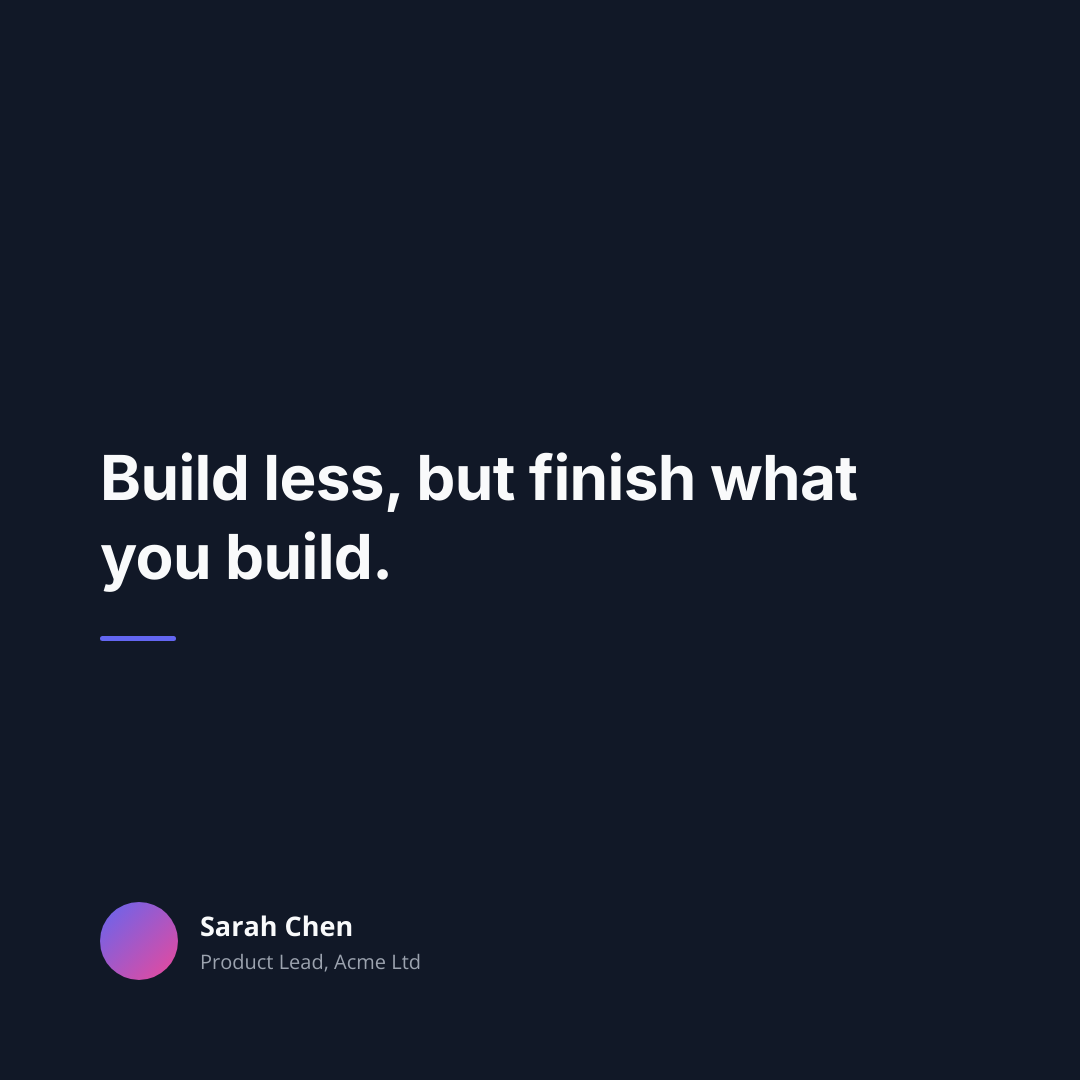
Dark sans-serif with attribution photo
Dark background, white sans-serif type, attribution name and photo in the lower-left. Suits product marketing and testimonial use.
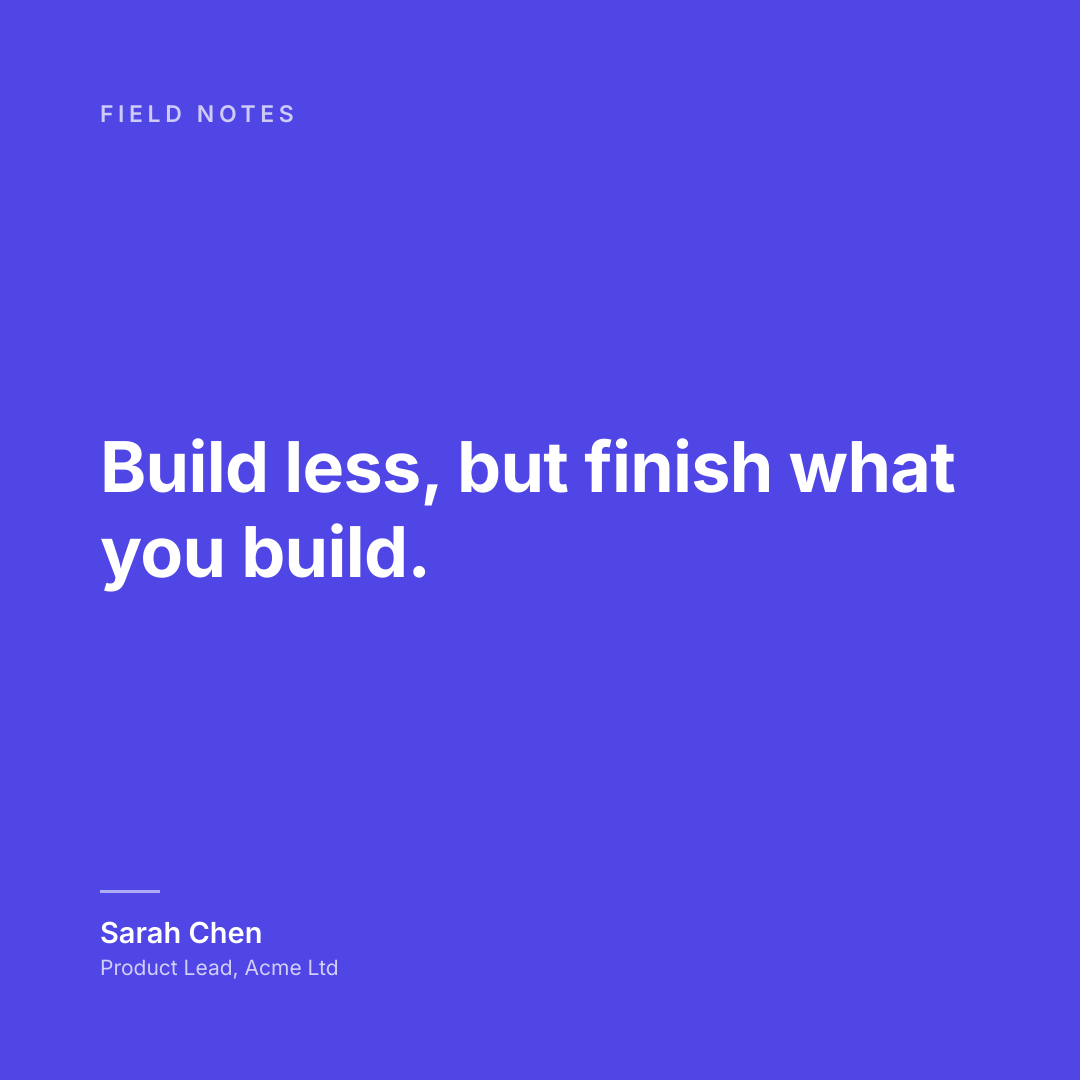
Brand-colour vertical Story layout
Full-bleed brand colour, large white type, attribution at the bottom. Built for Instagram Stories and Reels.
Use it from your code
The Quote Card Generator runs on the HTML to Image API, and so can you. Every snippet below is a
complete request: swap YOUR_API_KEY for a key from your dashboard and it runs
as-is. The response carries a url for the finished file.
curl -X POST https://app.html2img.com/api/v1/templates/quote-card \
  -H "X-API-Key: YOUR_API_KEY" \
  -H "Content-Type: application/json" \
-d '{"quote":"The thing that surprised me most was how quickly the team adopted it — by the second week, no one was opening the old tool.","attribution_name":"Marcus Hale","attribution_role":"Head of Engineering, Lattice Co","avatar_url":"https://i.pravatar.cc/160?img=51","brand_name":"Northwind","background_color":"#FAF7F0","accent_color":"#7C3AED"}'<?php
$payload = [
'quote' => 'The thing that surprised me most was how quickly the team adopted it — by the second week, no one was opening the old tool.',
'attribution_name' => 'Marcus Hale',
'attribution_role' => 'Head of Engineering, Lattice Co',
'avatar_url' => 'https://i.pravatar.cc/160?img=51',
'brand_name' => 'Northwind',
'background_color' => '#FAF7F0',
'accent_color' => '#7C3AED',
];
$ch = curl_init('https://app.html2img.com/api/v1/templates/quote-card');
curl_setopt_array($ch, [
CURLOPT_POST => true,
CURLOPT_RETURNTRANSFER => true,
CURLOPT_HTTPHEADER => [
'X-API-Key: YOUR_API_KEY',
'Content-Type: application/json',
],
CURLOPT_POSTFIELDS => json_encode($payload),
]);
$response = json_decode(curl_exec($ch), true);
curl_close($ch);
echo $response['url'];const response = await fetch('https://app.html2img.com/api/v1/templates/quote-card', {
method: 'POST',
headers: {
'X-API-Key': 'YOUR_API_KEY',
'Content-Type': 'application/json',
},
body: JSON.stringify({
"quote": "The thing that surprised me most was how quickly the team adopted it — by the second week, no one was opening the old tool.",
"attribution_name": "Marcus Hale",
"attribution_role": "Head of Engineering, Lattice Co",
"avatar_url": "https://i.pravatar.cc/160?img=51",
"brand_name": "Northwind",
"background_color": "#FAF7F0",
"accent_color": "#7C3AED"
}),
});
const { url } = await response.json();
console.log(url);import requests
response = requests.post(
'https://app.html2img.com/api/v1/templates/quote-card',
headers={'X-API-Key': 'YOUR_API_KEY'},
json={
'quote': 'The thing that surprised me most was how quickly the team adopted it — by the second week, no one was opening the old tool.',
'attribution_name': 'Marcus Hale',
'attribution_role': 'Head of Engineering, Lattice Co',
'avatar_url': 'https://i.pravatar.cc/160?img=51',
'brand_name': 'Northwind',
'background_color': '#FAF7F0',
'accent_color': '#7C3AED',
},
)
print(response.json()['url'])using System;
using System.Collections.Generic;
using System.Net.Http;
using System.Net.Http.Json;
var client = new HttpClient();
client.DefaultRequestHeaders.Add("X-API-Key", "YOUR_API_KEY");
var payload = new
{
quote = "The thing that surprised me most was how quickly the team adopted it — by the second week, no one was opening the old tool.",
attribution_name = "Marcus Hale",
attribution_role = "Head of Engineering, Lattice Co",
avatar_url = "https://i.pravatar.cc/160?img=51",
brand_name = "Northwind",
background_color = "#FAF7F0",
accent_color = "#7C3AED",
};
var response = await client.PostAsJsonAsync("https://app.html2img.com/api/v1/templates/quote-card", payload);
var result = await response.Content.ReadFromJsonAsync<Dictionary<string, string>>();
Console.WriteLine(result["url"]);require 'net/http'
require 'json'
uri = URI('https://app.html2img.com/api/v1/templates/quote-card')
request = Net::HTTP::Post.new(uri)
request['X-API-Key'] = 'YOUR_API_KEY'
request['Content-Type'] = 'application/json'
request.body = {
quote: "The thing that surprised me most was how quickly the team adopted it — by the second week, no one was opening the old tool.",
attribution_name: "Marcus Hale",
attribution_role: "Head of Engineering, Lattice Co",
avatar_url: "https://i.pravatar.cc/160?img=51",
brand_name: "Northwind",
background_color: "#FAF7F0",
accent_color: "#7C3AED",
}.to_json
response = Net::HTTP.start(uri.hostname, uri.port, use_ssl: true) do |http|
http.request(request)
end
puts JSON.parse(response.body)['url']Tips
Keep the quote under thirty words
Quotes longer than thirty words wrap to more lines than a 1080 by 1080 canvas comfortably holds at a readable point size. Trim aggressively, even if it means leaving an ellipsis or a fragment, since a short readable quote outperforms a long one that nobody finishes.
Lead with the strongest line
When a quote contains several strong lines, the one at the top sets the reading frame. Reorder if the source allows, or trim to leave the strongest line first. The same content rearranged outperforms a faithful chronological reading on every social surface.
Set quotation marks carefully
British convention uses single quotation marks for the outer quote and double for the inner; American convention reverses this. Pick a style and stick to it across all your quote artwork, since switching mid-thread looks careless to readers who notice.
Include the citation, not just the name
A quote attributed only to a name leaves the reader without context. Add the role, the company, or the publication where the quote came from, and the card carries enough information to make the share feel substantive rather than aphoristic.
Reuse the square render across three placements
The 1080 by 1080 quote card works as an Instagram feed post, a LinkedIn feed post, and the body image in a newsletter. Rendering once and reusing across all three is faster than producing three separate variants, and the reader experiences the same artwork as a single editorial decision.
Frequently asked questions
What size should a quote card be?
For Instagram and LinkedIn feeds, 1080 by 1080 (square). For X and Open Graph, 1200 by 630 (landscape). For Instagram Stories and Reels, 1080 by 1920 (vertical 9:16). Most teams render all three from the same source data and schedule across surfaces from a single editorial decision.
Can I embed an author photo?
Yes, pass an image URL as the attribution photo and the renderer places it in the layout slot (usually lower-left or above the attribution name). The photo is masked to a circle by default; pass a different mask shape in the JSON if you need a square or rounded-rectangle treatment.
Does the renderer handle long quotes?
Up to a point. Quotes longer than roughly thirty words wrap to too many lines for a square canvas at a readable point size, and the renderer drops the size to fit. The result is technically legible but visually weaker than a trimmed quote at a larger size, so editorial restraint pays off.
Can I use a serif typeface?
Yes, the renderer ships with a serif preset (Source Serif) and a sans-serif preset (Inter) as defaults, and you can pass any Google Font name in the JSON to override either. Custom self-hosted fonts are supported by passing a URL to the font file in the same payload.
Why does my quote look pixelated on Instagram?
Instagram re-compresses uploaded images aggressively, which softens thin type and small details. Render at 2x DPI (so the source is 2160 by 2160 for a square card), upload the larger file, and Instagram has more pixel data to work with when it compresses. The final feed image looks noticeably sharper.
Can I batch-render dozens of quote cards?
Yes, the same generator is available through the API. Most teams call it from a publishing script that reads a CSV or a database of quotes and renders the artwork in bulk, saving each URL alongside the source quote for scheduling.
What about copyright on the quote source?
Short quotations from published work generally fall under fair dealing or fair use depending on the jurisdiction, but the boundaries are not bright. For commercial use of substantial passages, get permission from the rights holder. The tool does not check the input against any rights database; that responsibility sits with the team using the output.
Related templates
Related guides
How to Generate Quote Cards from an API for Testimonials, Pull Quotes and Podcast Clips
Generate quote cards from an API: send the quote and attribution as JSON, get a branded PNG back, then loop it over every testimonial and pull quote.
Dynamic OG Images in Next.js Without @vercel/og (1,200×630)
Hit a wall with Satori's CSS limits? Here's how to generate dynamic OG images in Next.js using a real browser renderer, with full working code.
More tools
Pinterest Pin Generator
Build vertical 1000 by 1500 Pinterest pins from a title, an image, and a brand colour.
Tweet to Image Generator
Build a clean tweet-style card from your own post text, handle and metrics.
Twitter Card Generator
Generate 1200 by 628 X share cards from a title, description, and brand artwork.