business template

Coupon Voucher API

Send the discount, code, and brand details as JSON, get back a 1200x600 voucher PNG.

1200x600Dimensions
sRGBColor space
Not supportedTransparency
50 KB to 160 KBFile size range

E-commerce stores and partner programs use the coupon image generator to ship per-recipient voucher artwork rather than embedding plain promo codes in email body text. The 2:1 landscape ratio fits standard email body widths and renders cleanly inside SMS previews on iOS and Android. You post the discount text, the code, and the brand inputs as JSON, and the response holds a PNG ready to attach to a campaign or queue in your customer messaging tool.

bash
curl -X POST https://app.html2img.com/api/v1/templates/coupon-voucher \
  -H "X-API-Key: YOUR_API_KEY" \
  -H "Content-Type: application/json" \
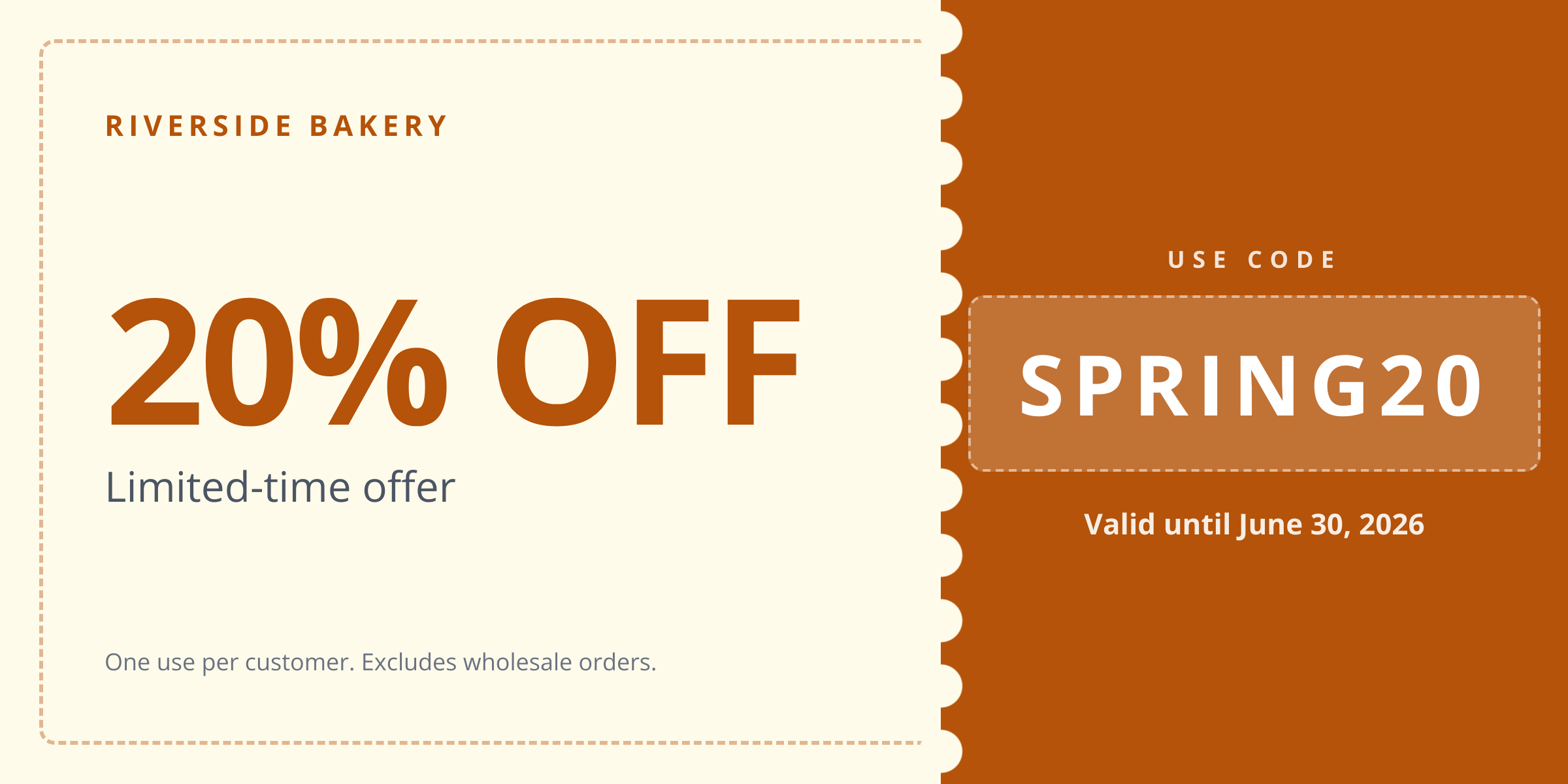
  -d '{"discount_text":"20% OFF","code":"SPRING20","brand_name":"Riverside Bakery","expiry":"Valid until June 30, 2026","terms":"One use per customer. Excludes wholesale orders.","accent_color":"#B45309","background_color":"#FFFBEB"}'

A single cURL call to render a Coupon Voucher as a PNG. For the full PHP, Node and Python equivalents, plus every input the template accepts, see the Coupon Voucher API reference. Setting up your key is covered in the authentication guide.

API reference

View the Coupon Voucher API reference — inputs, defaults, error responses and cURL, PHP, Node and Python code samples. Read the docs.

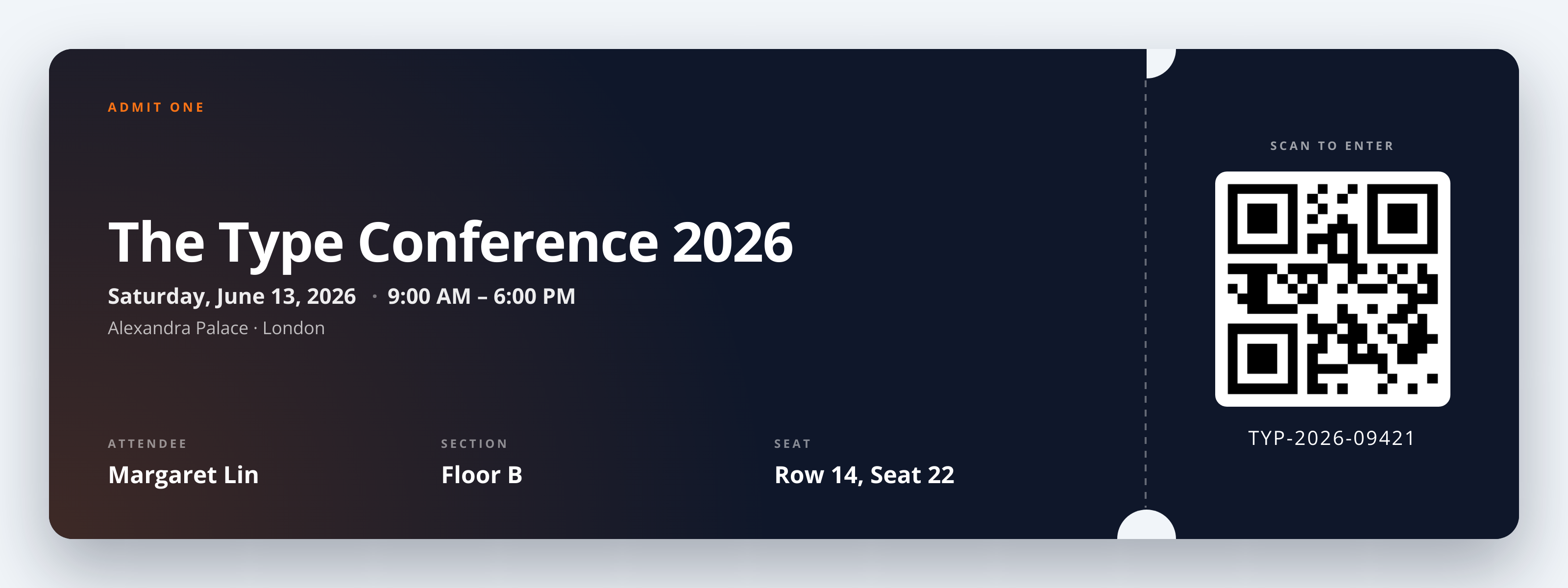
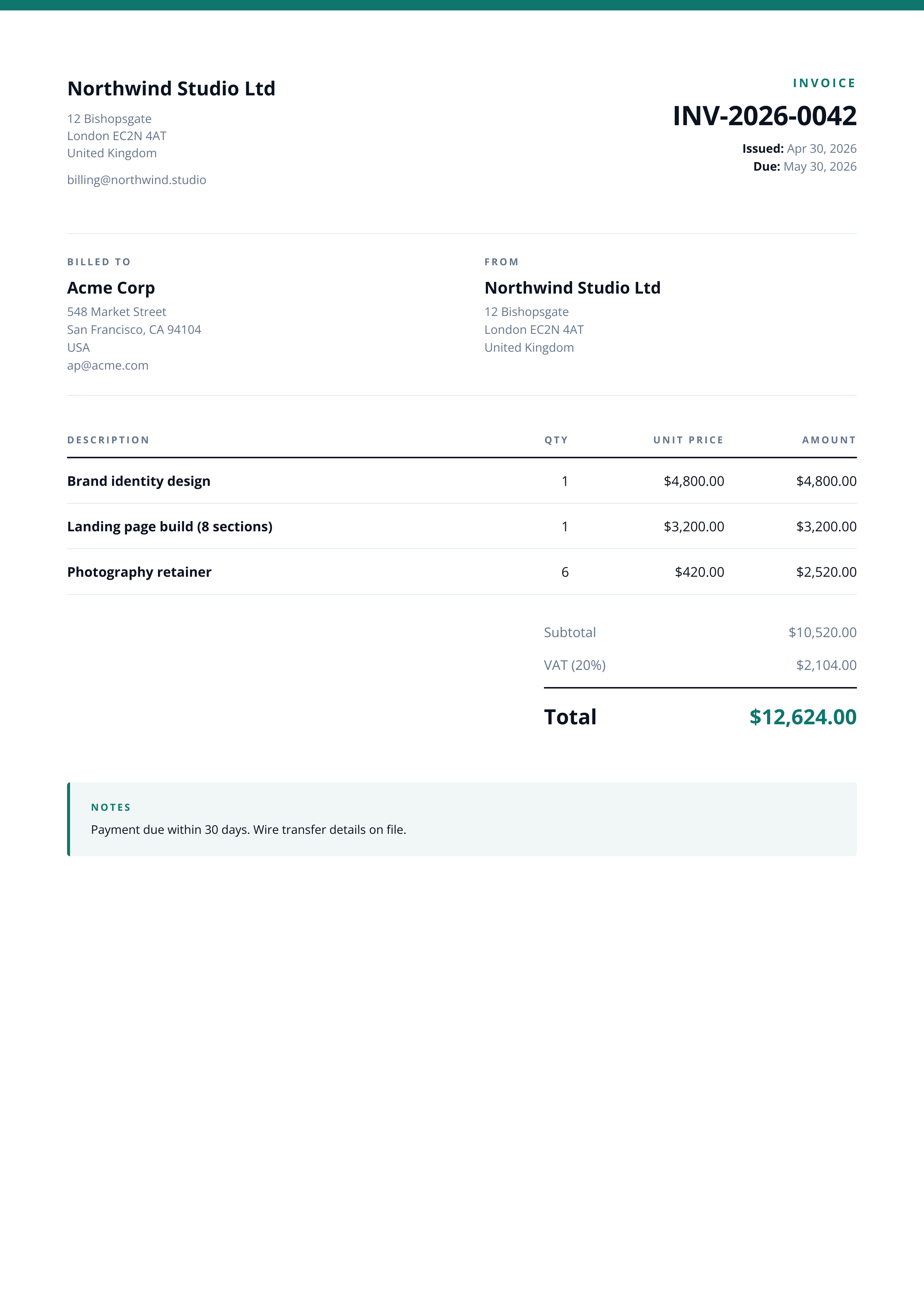
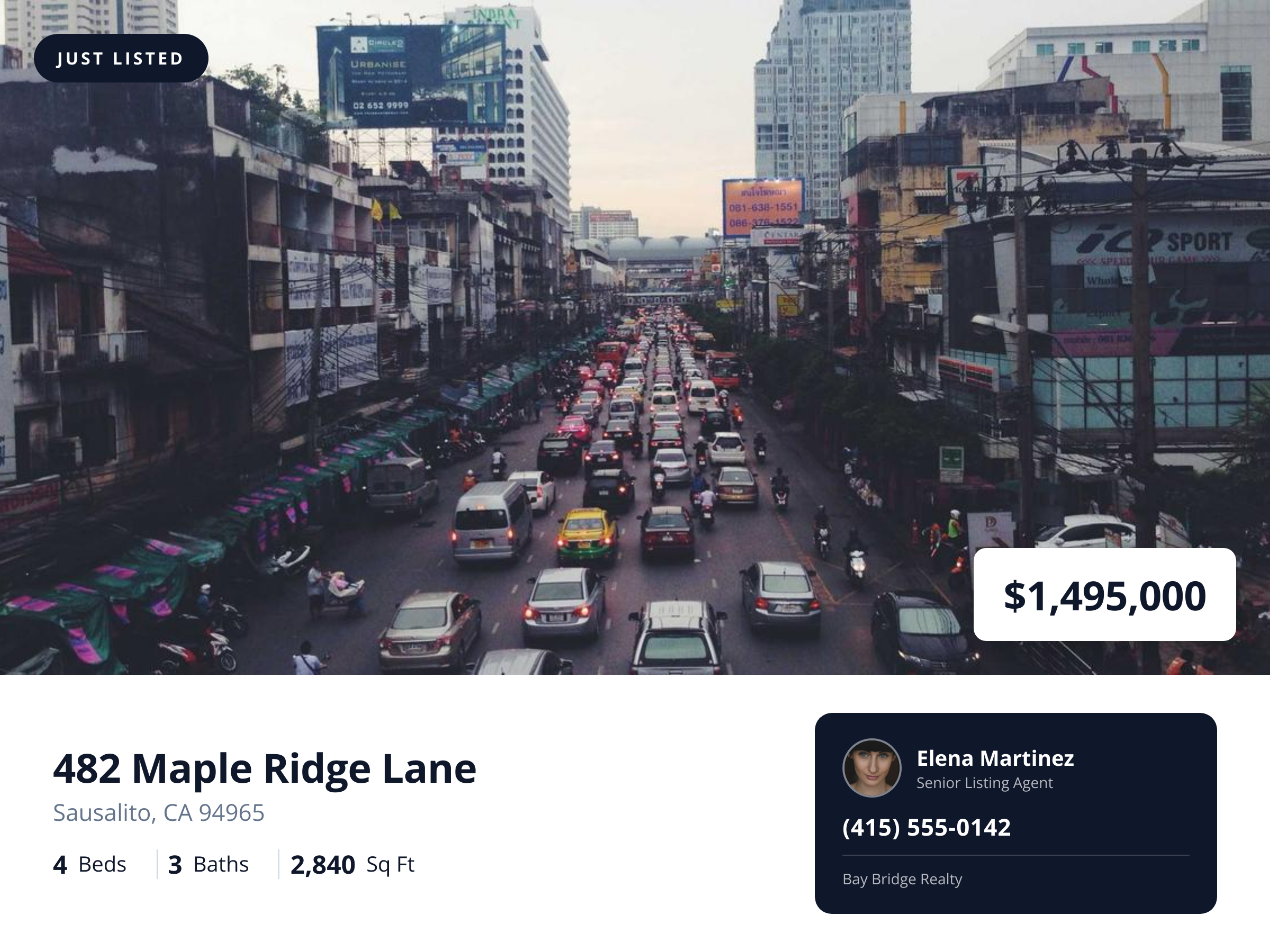
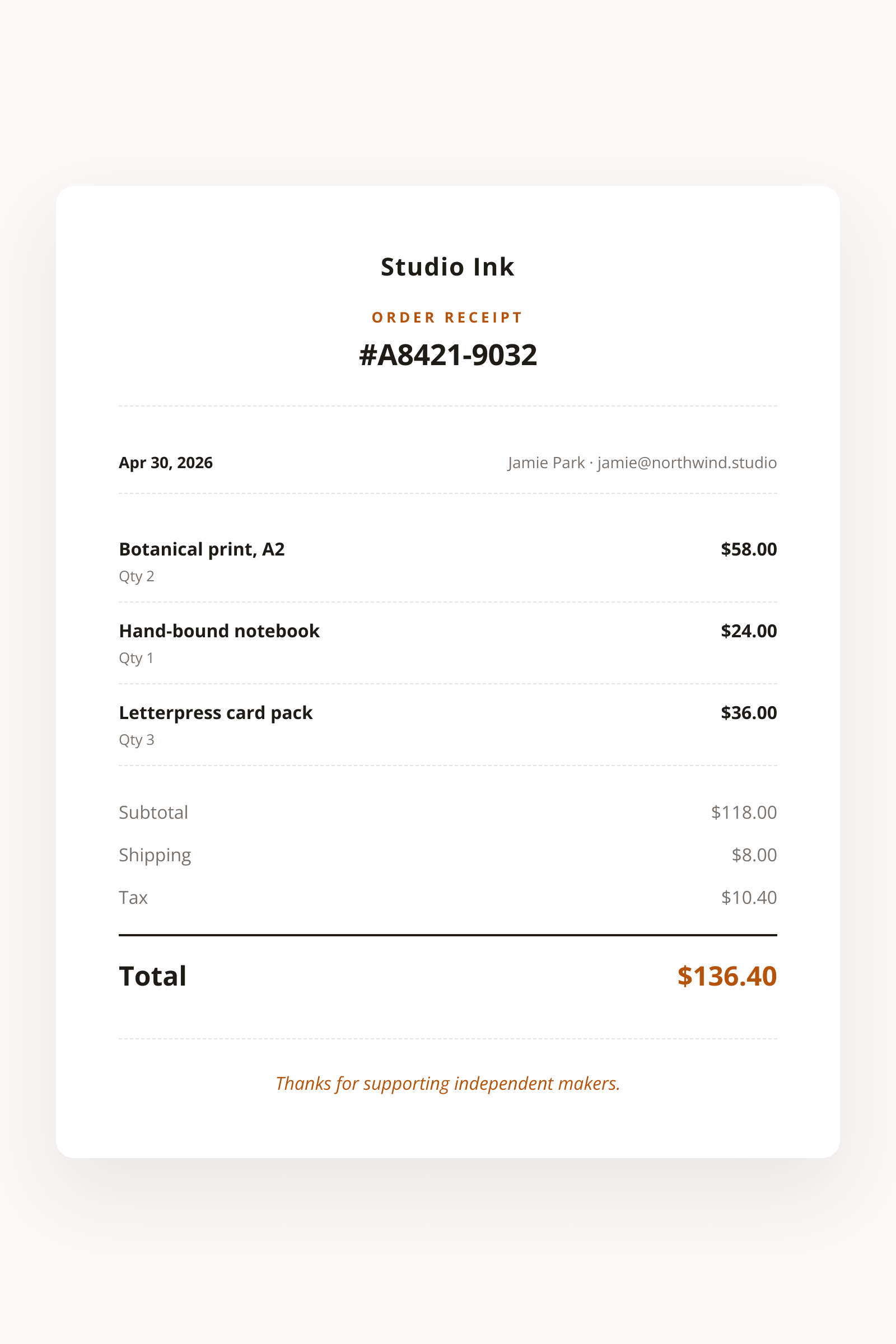
Coupon Voucher template preview, a business image generated by the HTML to Image API
Coupon Voucher 1200x600

Use cases

E-commerce email campaigns delivering personalized codes

Welcome flows, win-back campaigns, and birthday emails all benefit from a coupon image personalized to the recipient. Render with a unique code per customer (so you can track redemption back to the campaign), embed the URL in the email body, and the recipient sees an image that feels intentional rather than a generic broadcast. Riverside Bakery runs 4 personalized email campaigns per quarter through this template, each with 8,000 unique codes.

SMS marketing with one image per recipient

MMS supports image attachments for marketing messages, so a styled voucher image lands in the recipient's SMS inbox alongside the promo text. Render per recipient with a unique code, attach via your messaging provider (Twilio, MessageBird, Vonage), and the open rate climbs because the message stands out from plain SMS noise. Linden & Co's retail clients run quarterly SMS campaigns through this exact pattern.

Partner co-marketing programs

Two brands running a joint promotion benefit from a voucher image that carries both logos and a shared accent treatment. Render with both brand_name values combined ("Riverside x Northwind", for example) and a co-branded accent_color, then both partners can share the same image to their respective audiences. Halberd Software's partner program runs 6 co-marketing pushes per year using this template.

In-app rewards delivered as shareable images

Loyalty programs that issue rewards in-app benefit from voucher images that customers can screenshot and forward. Render per reward earned, store the URL on the user's rewards record, and the user has both an in-app display and a forwardable image to share. Wren Analytics built this for a 240,000-user loyalty program, and gift forwarding (one of the program goals) climbed measurably.

Refer-a-friend program rewards

Referral programs that reward both the referrer and the new customer benefit from voucher images that look like a finished product rather than a stitched email. Render one voucher per side of the referral, with personalized codes for each, and the program performs better because both sides receive a polished asset rather than a plain code. Northwind Studio's referral program ships 600 vouchers per month through this template.

Output specifications

Dimensions
1200x600
Color space
sRGB
Transparency
Not supported
File size range
50 KB to 160 KB

Matches the spec at 2:1 landscape ratio for email body and SMS preview.

How it works

1

Send a JSON payload

POST to the template endpoint with the values you want rendered. Authenticate with your API key.

2

We render the image

The template is rendered server-side as a 1200x600 PNG.

3

You get back a URL

Cache it, embed it in your page, attach it to an email.

Common pitfalls

Codes too small to read on mobile

A 12-character code rendered at 16-pixel type is hard to read or transcribe on a phone. Pick codes of at most 10 characters and the renderer prints them at a size that survives mobile screens, where most marketing email gets opened.

Expiry date format inconsistency across regions

A US-formatted expiry "06/30/26" reads as June for US customers and March for European ones. Pre-format the expiry string per market on your side ("Valid until June 30, 2026") so the meaning is clear regardless of locale conventions.

Contrast between code and background fails accessibility

A pastel accent_color over a similar background_color creates a code that vanishes for users with color-vision differences. Test contrast ratio above 4.5 between the code text and its background, since the code is the most actionable element of the voucher.

Inputs at a glance

A quick summary of what the Coupon Voucher template accepts. The full reference, with example values and array shapes, is in the docs.

Name Type Required
discount_text string Required
code string Required
brand_name string Required
expiry string Optional
terms string Optional
logo_url url Optional
accent_color string Optional
background_color string Optional

See the full inputs reference for descriptions, examples and validation rules.

Related templates

Other templates in the business and commerce category.

Browse by category

A starting point from each of the other two template categories.

See the full template gallery for every design grouped by category.

Related guides

FAQ

What size works for email?

The 1200x600 output fits most email body widths after the standard ESP image compression. For very narrow email templates (under 600 pixels wide), the image scales down responsively in the email client. The file size lands between 50 KB and 160 KB, well below the cap of every major ESP.

Should the code be unique per recipient?

Yes for tracking. Render one image per recipient with their unique code. Most ESPs and ESPs support per-recipient image URLs through merge tags, so the rendered URL can vary per email. This lets you tie redemption back to the specific recipient and the specific campaign.

Can I show an expiry countdown?

The template shows a static expiry date or text, not a live countdown. For a live ticking countdown, use a dedicated email-countdown service like Sendtric and embed alongside this voucher. Most teams prefer the static expiry since it avoids extra third-party dependencies.

Will it work in SMS?

MMS supports image attachments for marketing messages, while plain SMS is text-only. Send via your provider's MMS endpoint with this voucher attached. iPhone and Android both render MMS attachments inline in the conversation thread.

Can I A/B test designs?

Yes, vary accent_color, background_color, and discount_text framing between renders, then track redemption per code or per UTM. The endpoint produces variants quickly enough that a 5-arm test takes one afternoon to set up. Most teams ship two arms initially and iterate.

How do I generate at scale?

Loop through your recipient list and call the endpoint per coupon. The renders run in parallel from your worker pool. A campaign of 10,000 unique codes typically completes in under 6 minutes. Cache the URLs on the recipient record to avoid re-rendering between send attempts.

Try it free

25 renders a month on the free tier. See the pricing page for higher-volume plans.