social template

Pinterest Pin API

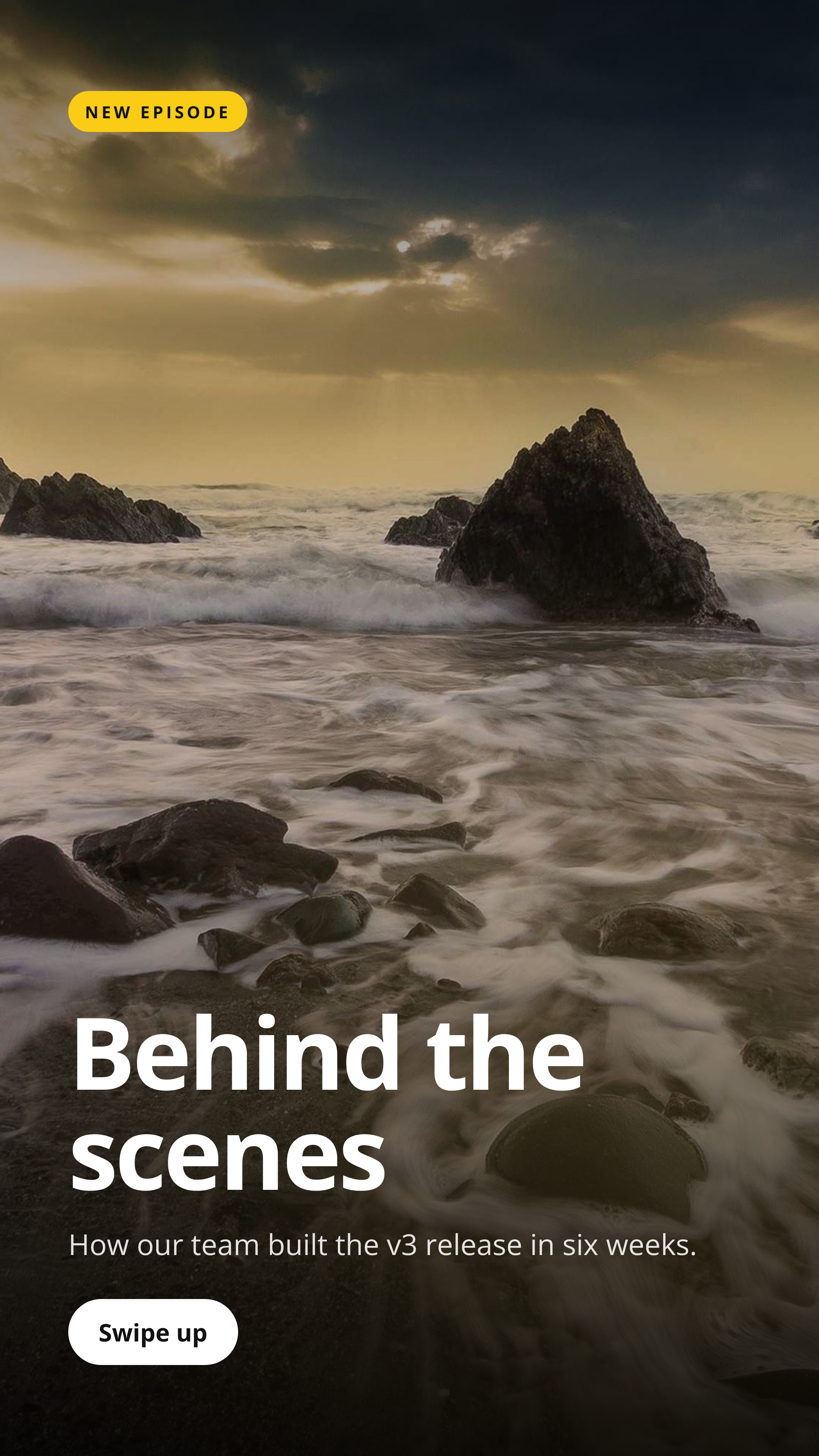
Send title and metadata as JSON, get back a 1000x1500 (2:3) PNG sized for Pinterest standard pins.

Prefer to try it in your browser first? Open the Pinterest Pin tool.

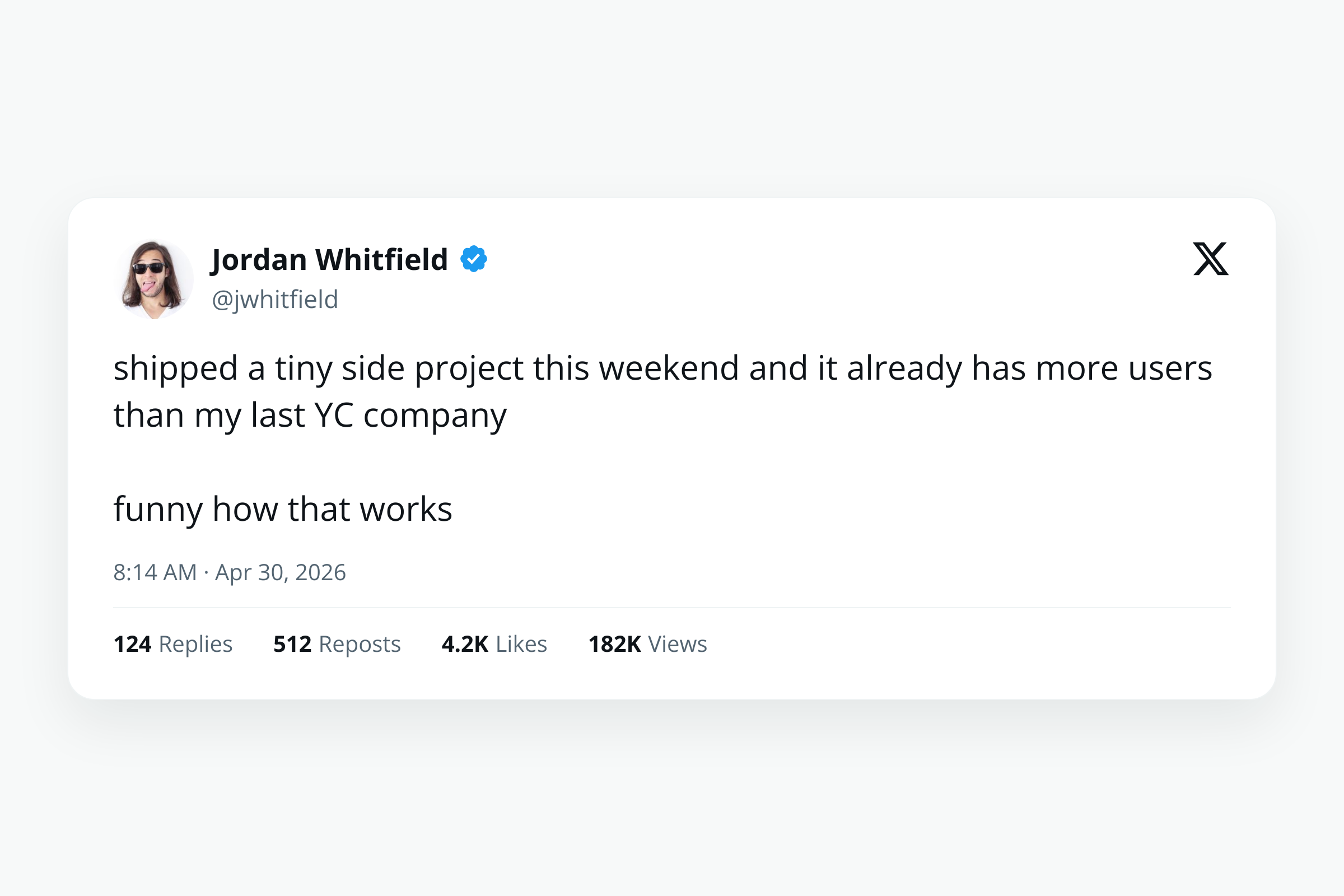
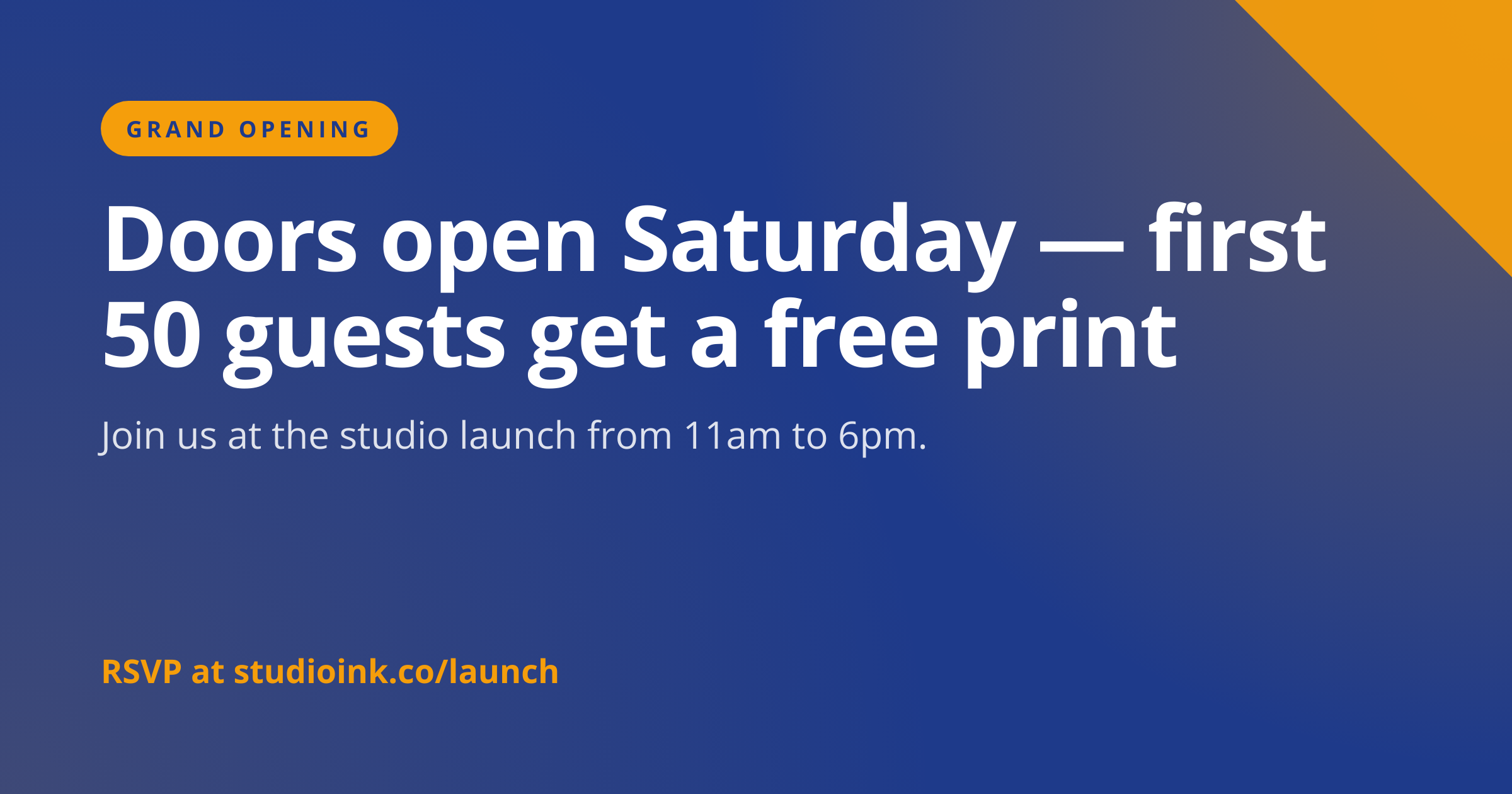
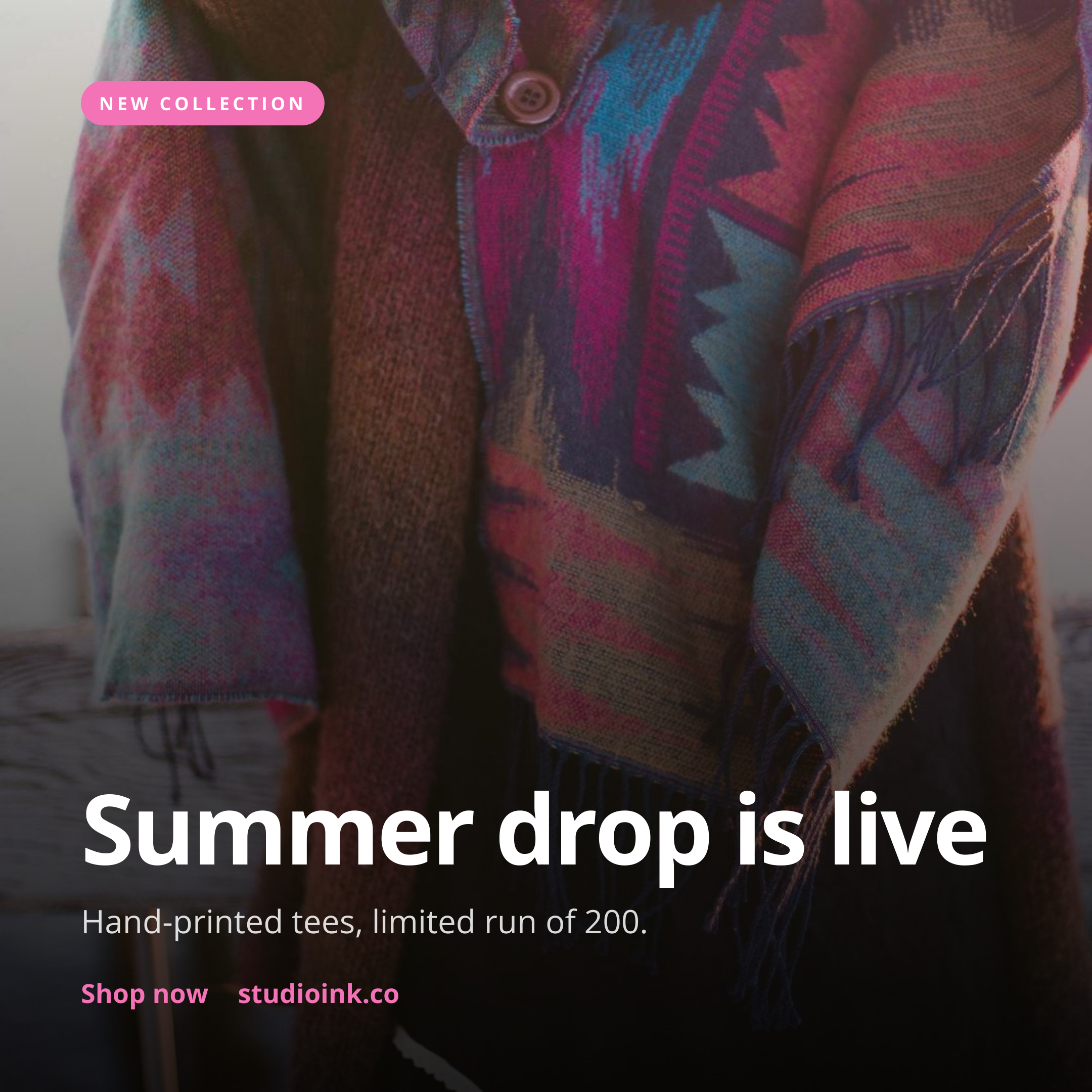
Pinterest Pin template preview, a social image generated by the HTML to Image API

E-commerce shops and content publishers use the Pinterest pin generator API to ship one branded pin per blog post, recipe, or product without designing each in Canva. The 2:3 portrait ratio is the format Pinterest documents and rewards in feed distribution. You post the title, eyebrow text, and brand inputs as JSON, and the response holds a PNG ready to upload via the Pinterest API or schedule with Tailwind.

API reference

View the Pinterest Pin API reference

Inputs, defaults, error responses and cURL, PHP, Node and Python code samples.

Read the docs →

Use cases

E-commerce stores generating shoppable pins from catalog

Stores selling visually rich products (home decor, fashion, gifts) benefit from one pin per product with the price visible. Pull the catalog, render a pin per item with the product photo as background_image_url, and upload via the Pinterest API. Riverside Bakery's sister homewares brand pins 80 products per quarter through this flow, and the pins drive 3x more traffic than the previous era of pinning Instagram squares.
Recipe sites pinning each post

Recipe blogs perform exceptionally well on Pinterest, where users actively search for cooking inspiration. Render a pin per recipe with the dish title, prep time, and a hero food photo, post on publish, and the pin earns repins over months rather than dying in a week. Northwind Weekly's recipe section pins every post and the long-tail Pinterest traffic is now the second-largest organic source.

Blogs creating pinnable graphics for every article

Lifestyle and how-to blogs pinning every published post benefit from consistent vertical artwork rather than borrowing the horizontal blog hero. Render a 2:3 pin per post with the article title and category badge, attach to the post via a "Pin this" widget, and visitors share at higher rates. Halberd Software's technical blog tested this on 60 posts and saw a 4x lift in Pinterest-sourced traffic.

Course creators promoting modules

Online course platforms reach a different audience on Pinterest than on LinkedIn or X, particularly for skills like graphic design or photography. Render a pin per course module with the module title and the course logo, schedule across the course launch window, and inbound enrollments climb from a previously underused channel. Linden & Co's photography course gained 240 students in the first month after rolling out Pinterest-specific pins.

Real estate listings reaching home-search audiences

Pinterest is a popular research surface for home buyers, particularly in the year before they purchase. Render a 2:3 pin per active listing with the price, the address, and a hero photo, and the listings reach a buyer audience that does not use Zillow or MLS sites. Wren Analytics' real estate clients pin every active listing and report measurable agent inquiries from Pinterest within 30 days.

Output specifications

Dimensions
1000x1500
Color space
sRGB
Transparency
Not supported
File size range
80 KB to 280 KB

Matches the spec at Pinterest standard pin specification (2:3).

How it works

1

Send a JSON payload

POST to the template endpoint with the values you want rendered. Authenticate with your API key.

2

We render the image

The template is rendered server-side as a 1000x1500 PNG.

3

You get back a URL

Cache it, embed it in your page, attach it to an email.

Quick example

A single cURL call to render a Pinterest Pin as a PNG:

curl -X POST https://app.html2img.com/api/v1/templates/pinterest-pin \
  -H "X-API-Key: YOUR_API_KEY" \
  -H "Content-Type: application/json" \
  -d '{"title":"15 cozy reading nooks for tiny apartments","subtitle":"Maximize every square foot with these layouts.","eyebrow":"HOME GUIDE","site_name":"smallspaces.co","background_image_url":"https://picsum.photos/seed/pinterest-pin/1000/1500","background_color":"#FFF7ED","accent_color":"#E11D48"}'

For the full PHP, Node and Python equivalents, plus every input the template accepts, see the Pinterest Pin API reference. Setting up your key is covered in the authentication guide.

Common pitfalls

Square pins underperform compared to 2:3

Pinterest accepts 1:1 squares but the algorithm rewards 2:3 portrait with broader feed distribution. Stick to the 1000x1500 default rather than reusing a square Instagram graphic, since the platform deliberately favors the vertical format in its feed ranking.

Very tall pins truncate in feed

Pins taller than 2:3 (for example 1000x2100) get truncated in the home feed and lose the bottom portion of the design. Stick to 1000x1500 unless you specifically design for the tall search-result variant, since most feed traffic comes through the standard surface.

Text on busy backgrounds disappears

Photographic backgrounds without an overlay reduce the readability of overlaid copy. The template applies a configurable overlay opacity over background_image_url, so titles read regardless of the photo. Tune the overlay if your photos are unusually dark or light.

Inputs at a glance

A quick summary of what the Pinterest Pin template accepts. The full reference, with example values and array shapes, is in the docs.

Name Type Required
title string Required
subtitle string Optional
eyebrow string Optional
site_name string Optional
background_image_url url Optional
logo_url url Optional
background_color string Optional
accent_color string Optional

See the full inputs reference for descriptions, examples and validation rules.

Related templates

Other templates in the social media category.

Browse by category

A starting point from each of the other two template categories.

Content and marketing

See the full template gallery for every design grouped by category.

Related guides

FAQ

Try it free

25 renders a month on the free tier. See the pricing page for higher-volume plans.