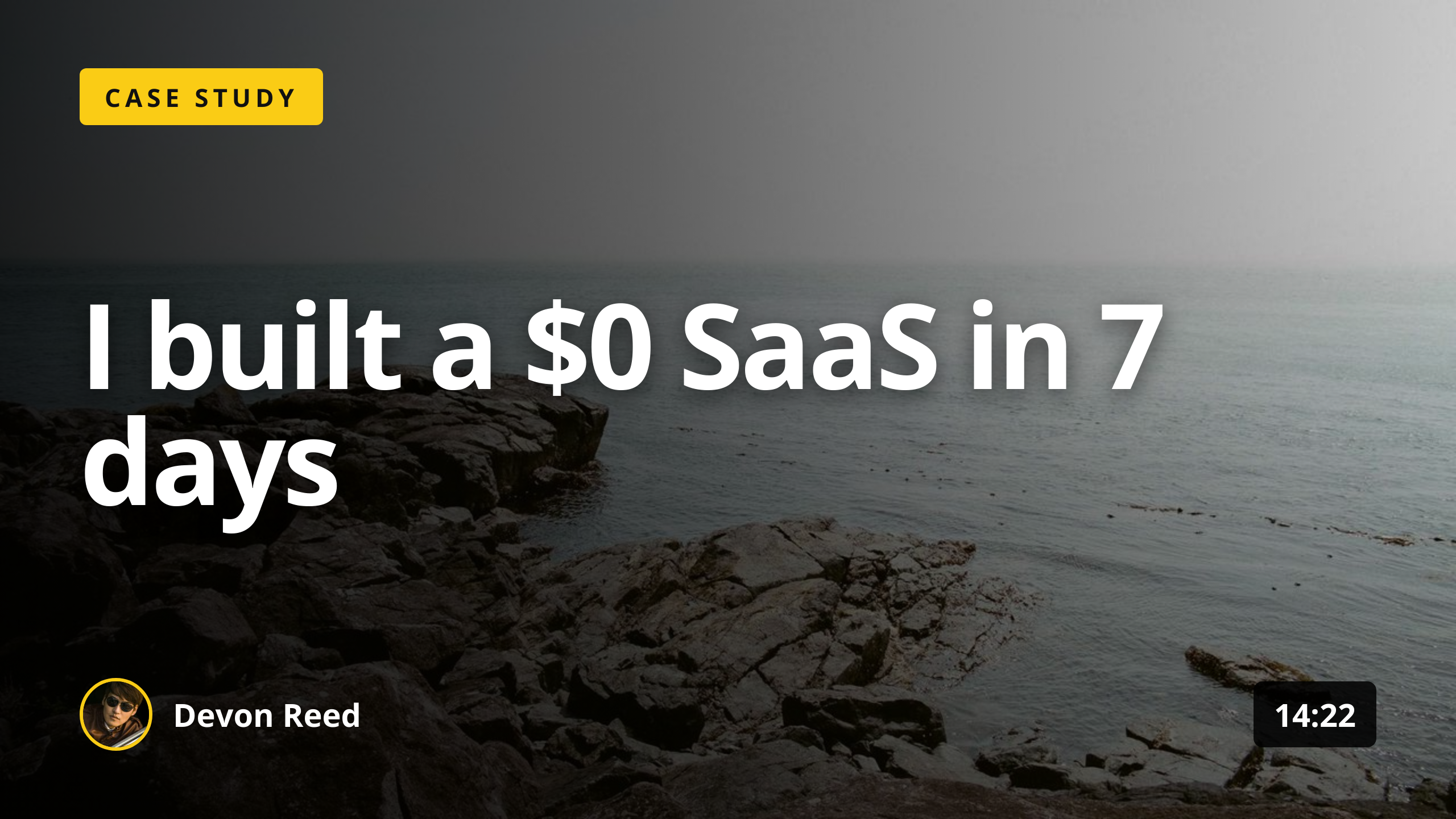
What size should a LinkedIn post image be?
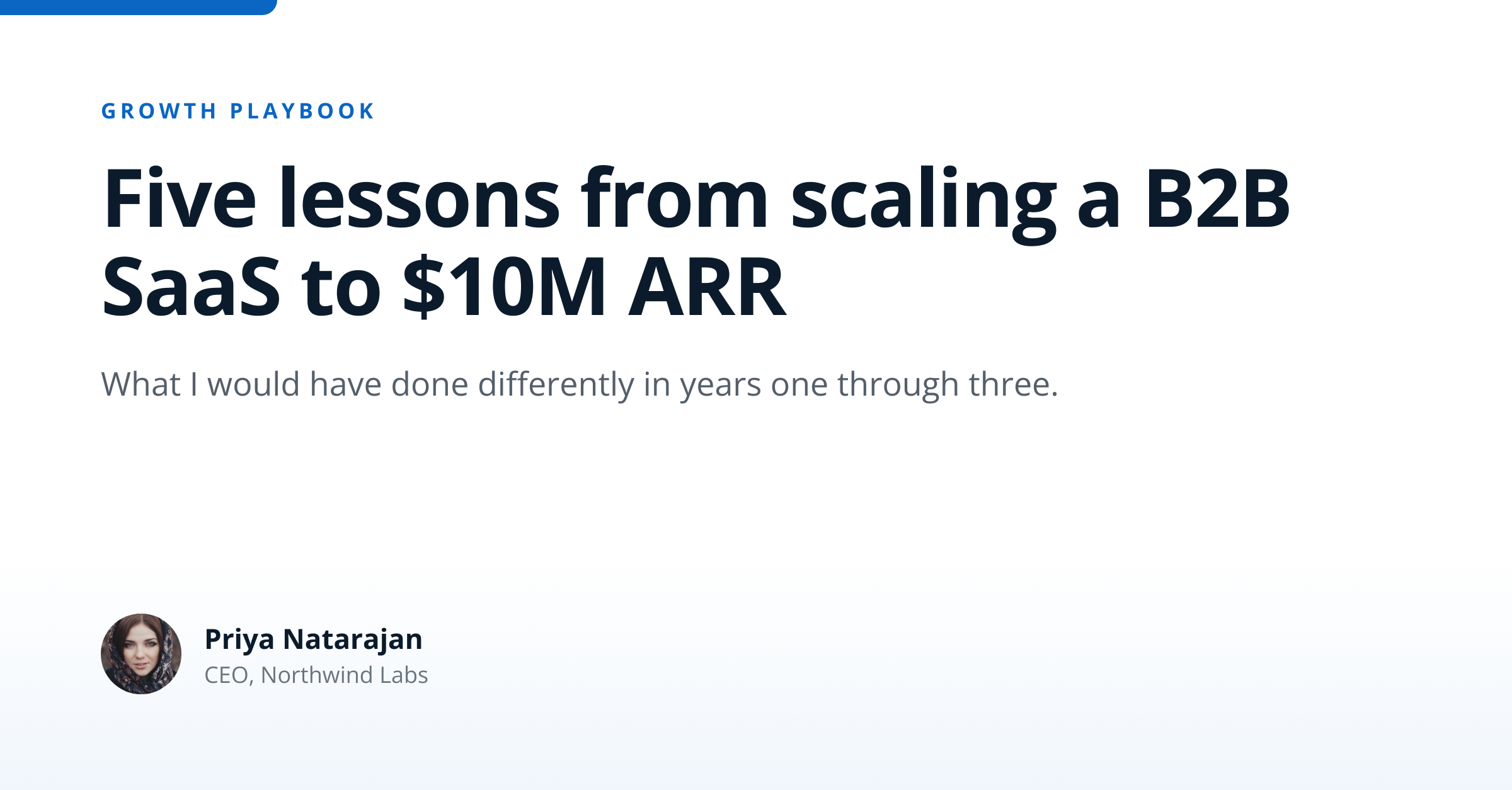
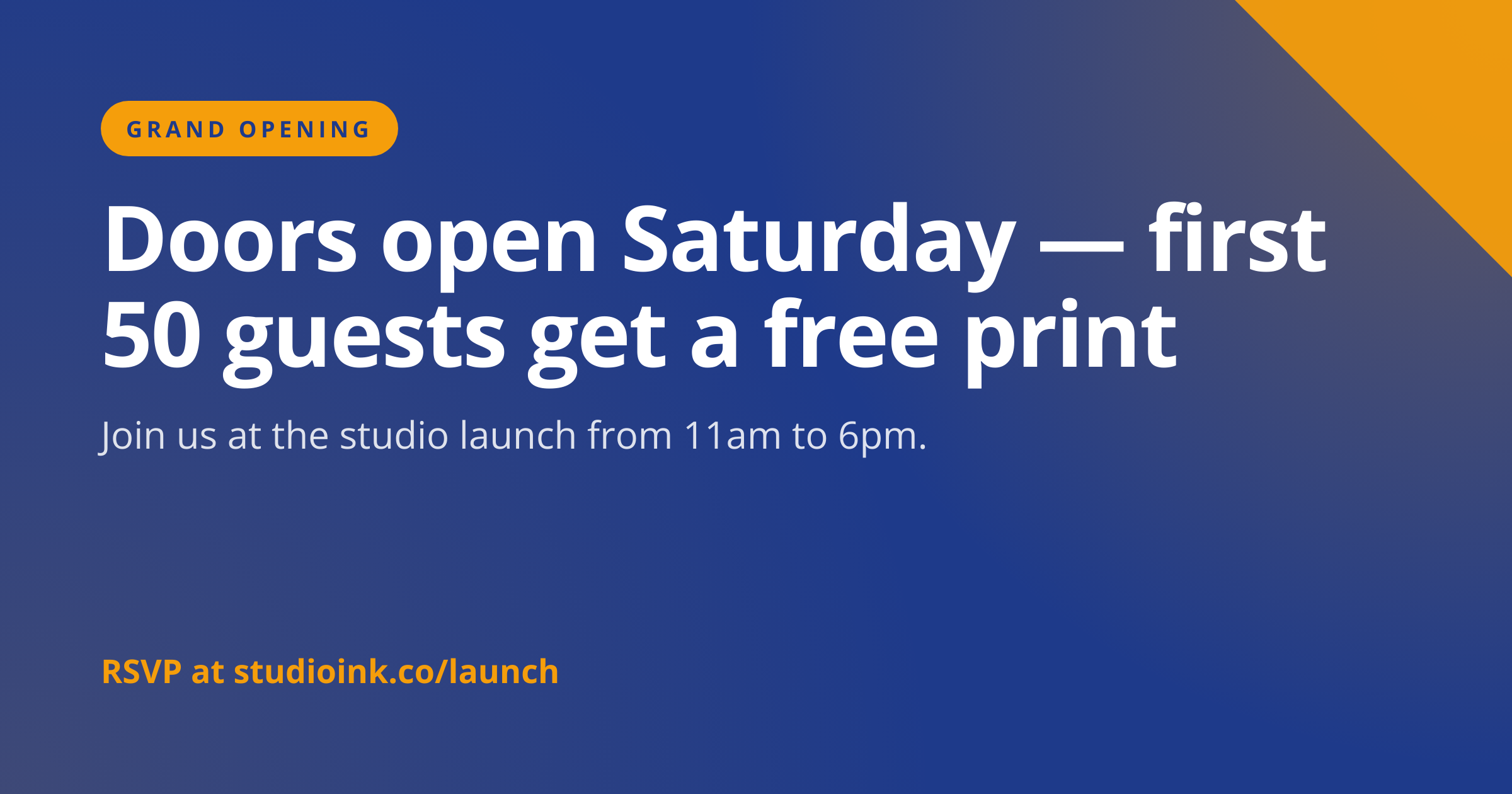
Use 1200x627 for feed share images and 1080x1080 for square posts. The LinkedIn docs specify 627, not 630, which differs from Facebook by 3 pixels. This template uses the documented 627 height.
Does it work for company pages?
Yes, both company page and personal post share images use the same 1200x627 dimensions. The renderer does not differentiate between them, so the same template serves both surfaces. Apply your company branding via accent_color and logo_url.
What about LinkedIn document carousels?
Carousels use 1920x1080 PDFs rather than images, so this template is not the right tool. Render each carousel slide separately at 1920x1080, then assemble the PDF with a tool like pdfkit or ImageMagick on your side, then upload as a document post.
Can I include hashtags on the image?
Hashtags belong in the post text rather than on the image. LinkedIn parses hashtags from the body for discoverability and topic association. Use the image purely for visual identity and put hashtags in the post composer.
Will it work for ads?
Yes, 1200x627 fits LinkedIn Sponsored Content placements. The same render serves organic posts and paid campaigns, so you do not need separate creative for each. Test ad performance with at least three accent_color variants to find the highest CTR card.
What is the file size limit?
LinkedIn caps post images at 10 MB. Default-DPI renders from this template land between 60 KB and 200 KB, well below the cap. Higher-DPI renders for retina displays can reach 1 MB but stay comfortable. Compliance teams archiving social creative can add format: "pdf" to receive the same artwork as an A4 document.