developer template

Project Showcase API

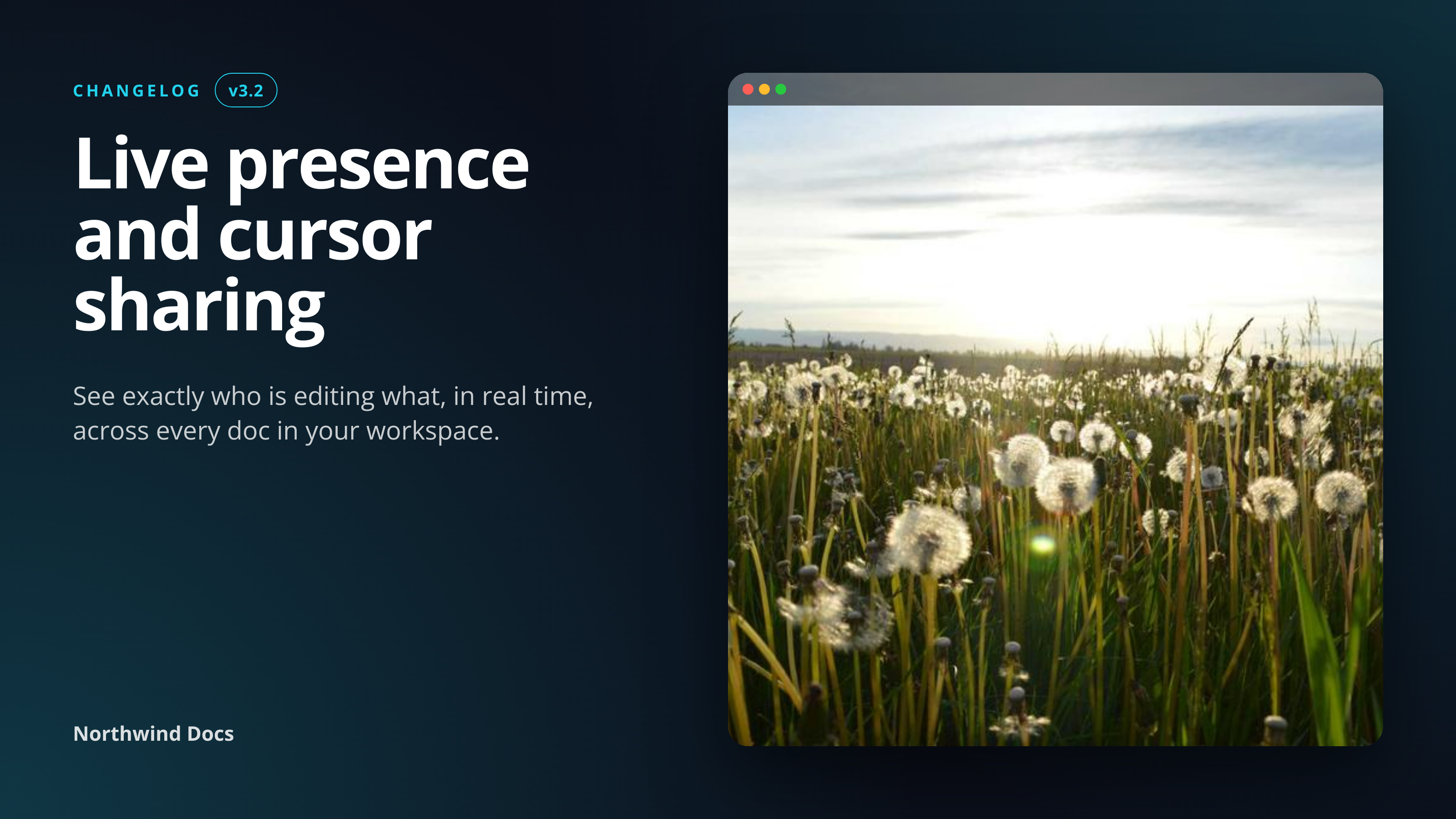
Send the version, title, and feature summary as JSON, get back a 1600x900 launch announcement image.

1600x900Dimensions
sRGBColor space
Not supportedTransparency
60 KB to 180 KBFile size range

Product teams and indie hackers use the Project Showcase API to attach a launch announcement image to every release without designing artwork by hand. The 1600x900 hero plays well in changelog pages, social posts, and Slack unfurls, with a layout that emphasizes the version number and the feature summary. You post the version, title, hero screenshot URL, and product branding as JSON, and the response holds a PNG ready to drop into the changelog or schedule on social.

bash
curl -X POST https://app.html2img.com/api/v1/templates/project-showcase \
  -H "X-API-Key: YOUR_API_KEY" \
  -H "Content-Type: application/json" \
  -d '{"version":"v3.2","title":"Live presence and cursor sharing","summary":"See exactly who is editing what, in real time, across every doc in your workspace.","eyebrow":"CHANGELOG","screenshot_url":"https://picsum.photos/seed/project-showcase/900/560","product_name":"Northwind Docs","background_color":"#0B0F1A","accent_color":"#22D3EE"}'

A single cURL call to render a Project Showcase as a PNG. Add "format": "pdf" to the payload to get a PDF instead. For the full PHP, Node and Python equivalents, plus every input the template accepts, see the Project Showcase API reference. Setting up your key is covered in the authentication guide.

API reference

View the Project Showcase API reference: inputs, defaults, error responses and cURL, PHP, Node and Python code samples. Read the docs.

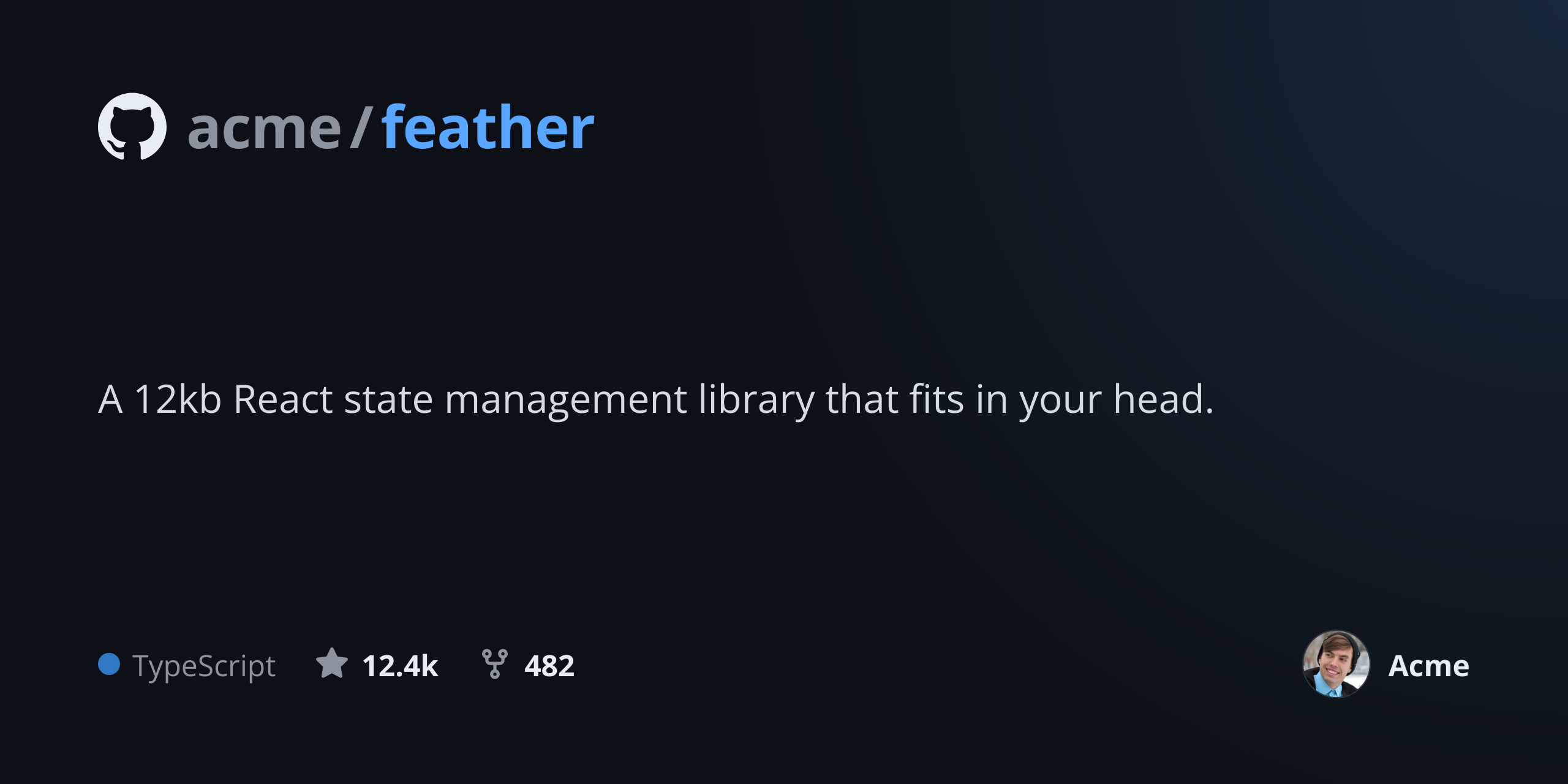
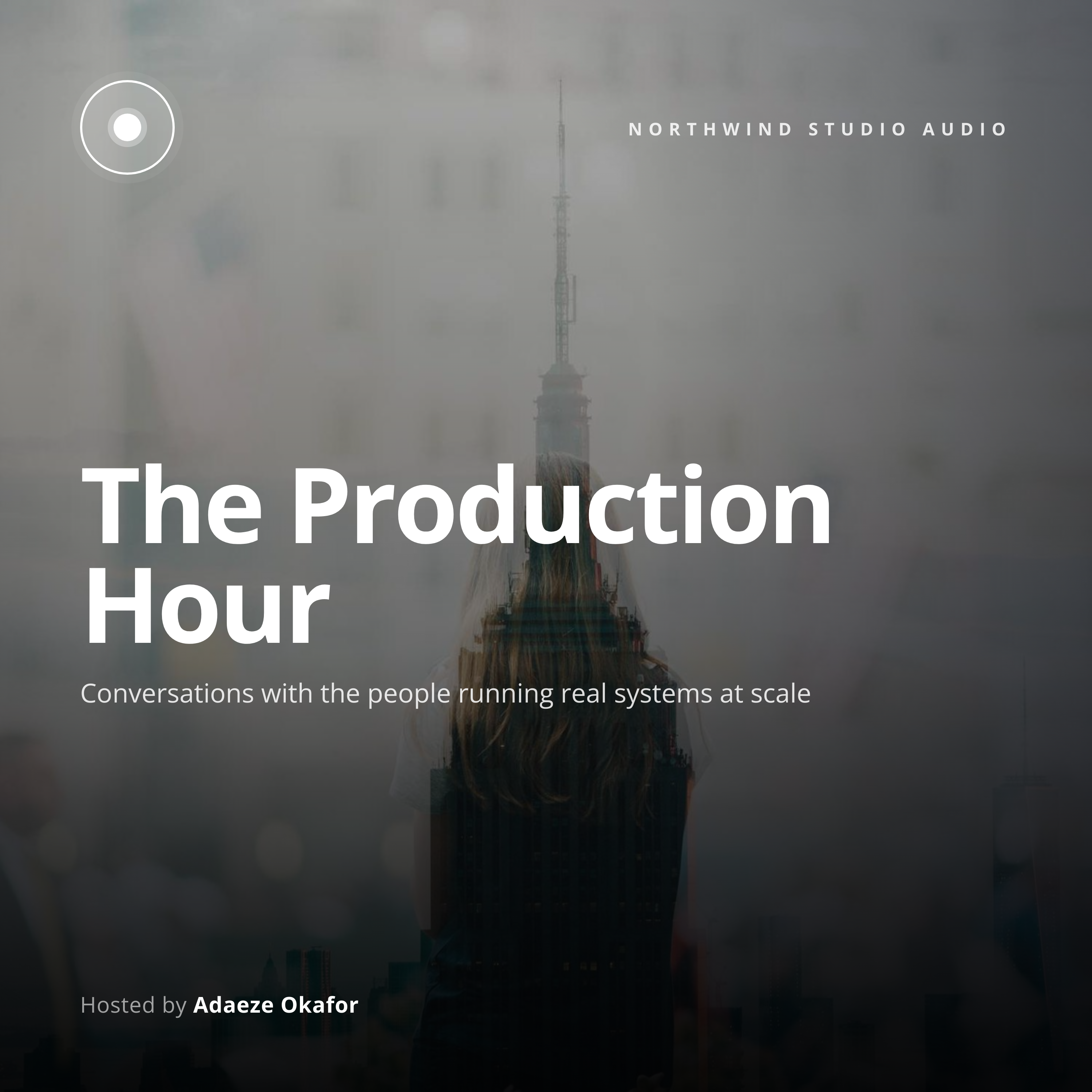
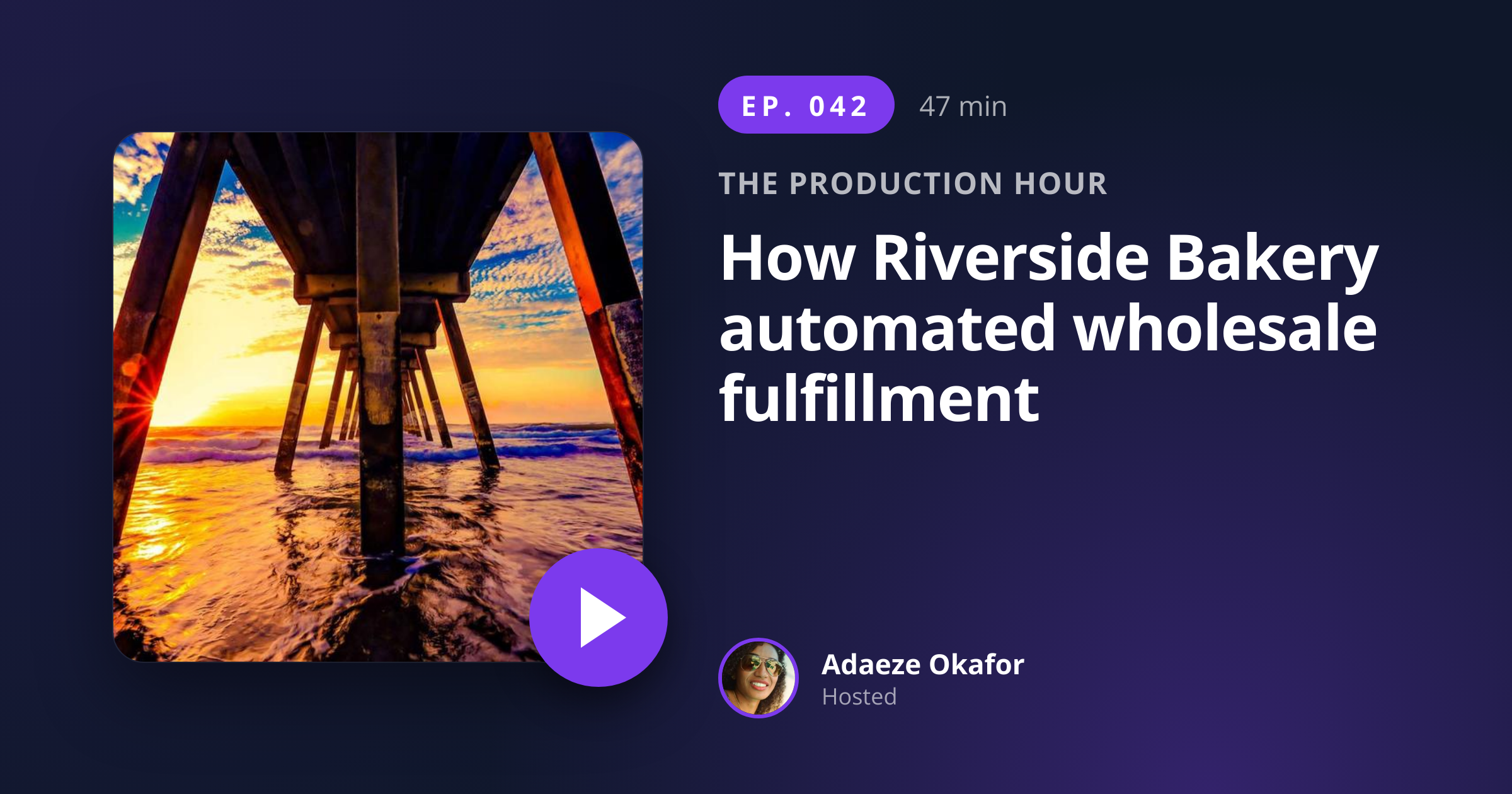
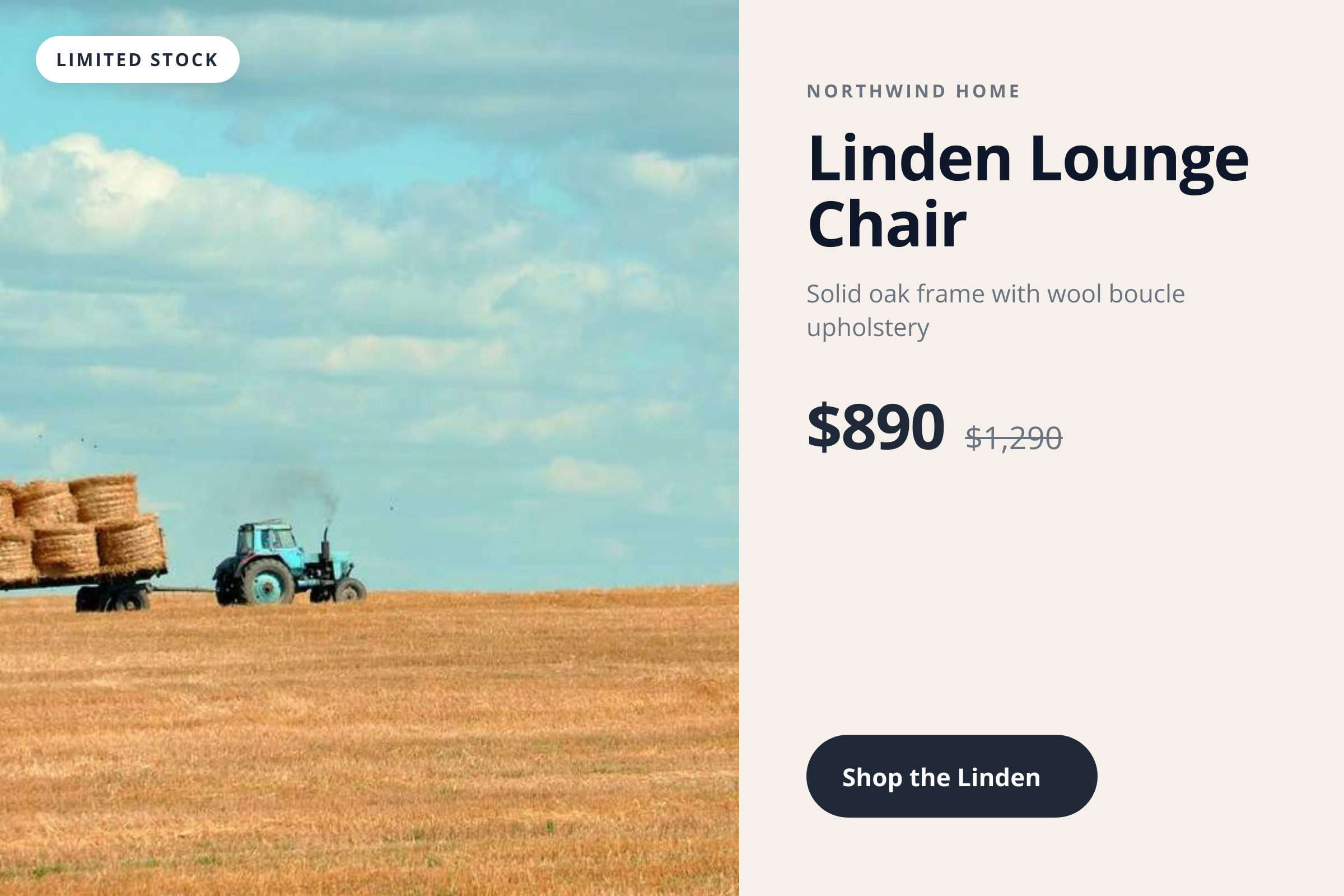
Project Showcase template preview, a developer image generated by the HTML to Image API
Project Showcase 1600x900

Use cases

SaaS posting changelog entries with matching hero

Companies that publish a public changelog can render a hero per release rather than reusing one stock graphic. Connect the changelog publishing flow (a CMS, a Git repo, or Linear) to a webhook, post the release metadata to this endpoint, and embed the resulting URL above the changelog body. Riverside Bakery's product team ships a changelog entry every Tuesday with a unique hero card that takes 90 seconds to publish from end to end.
Internal tools announcing wins to a Slack channel

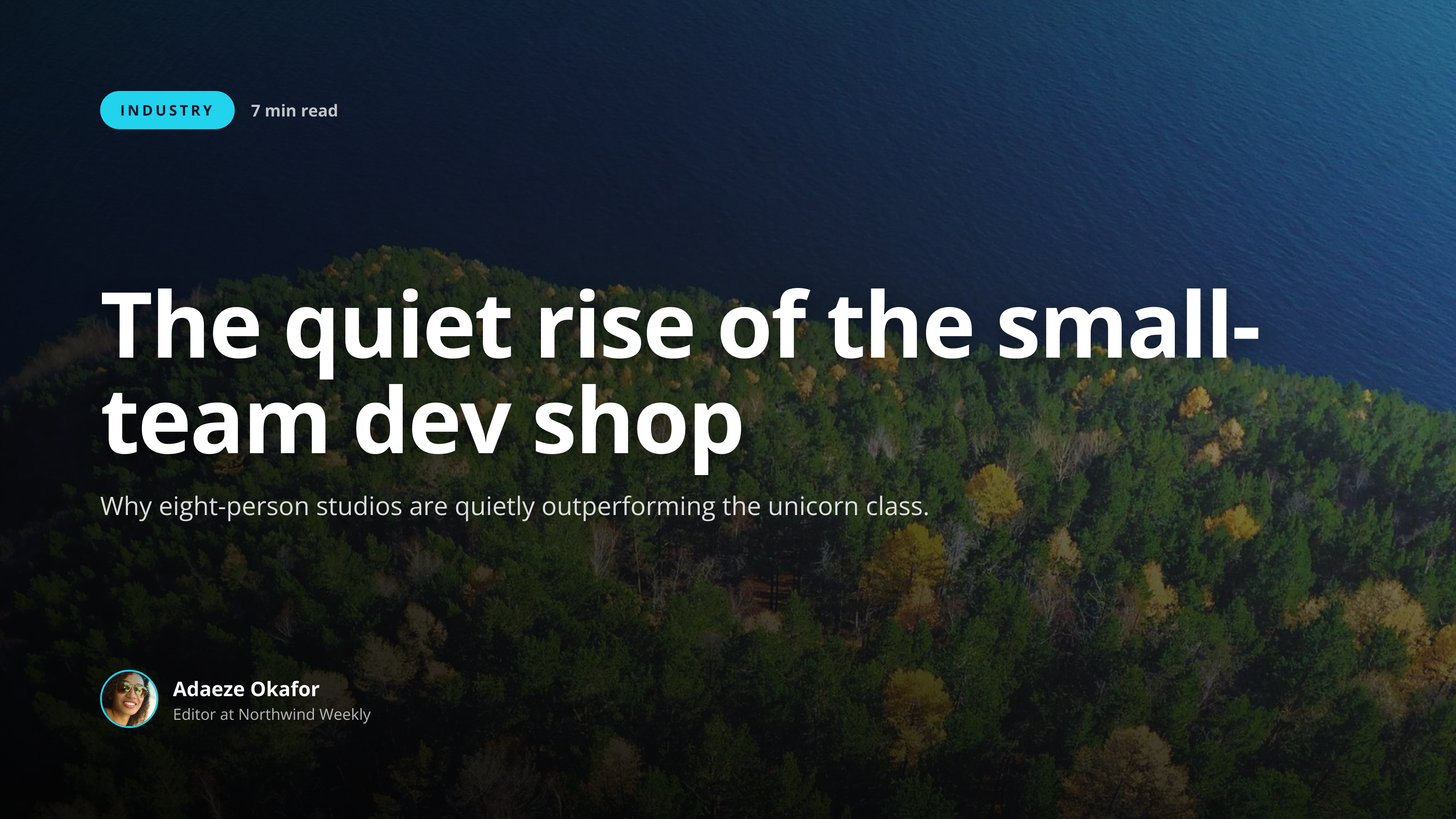
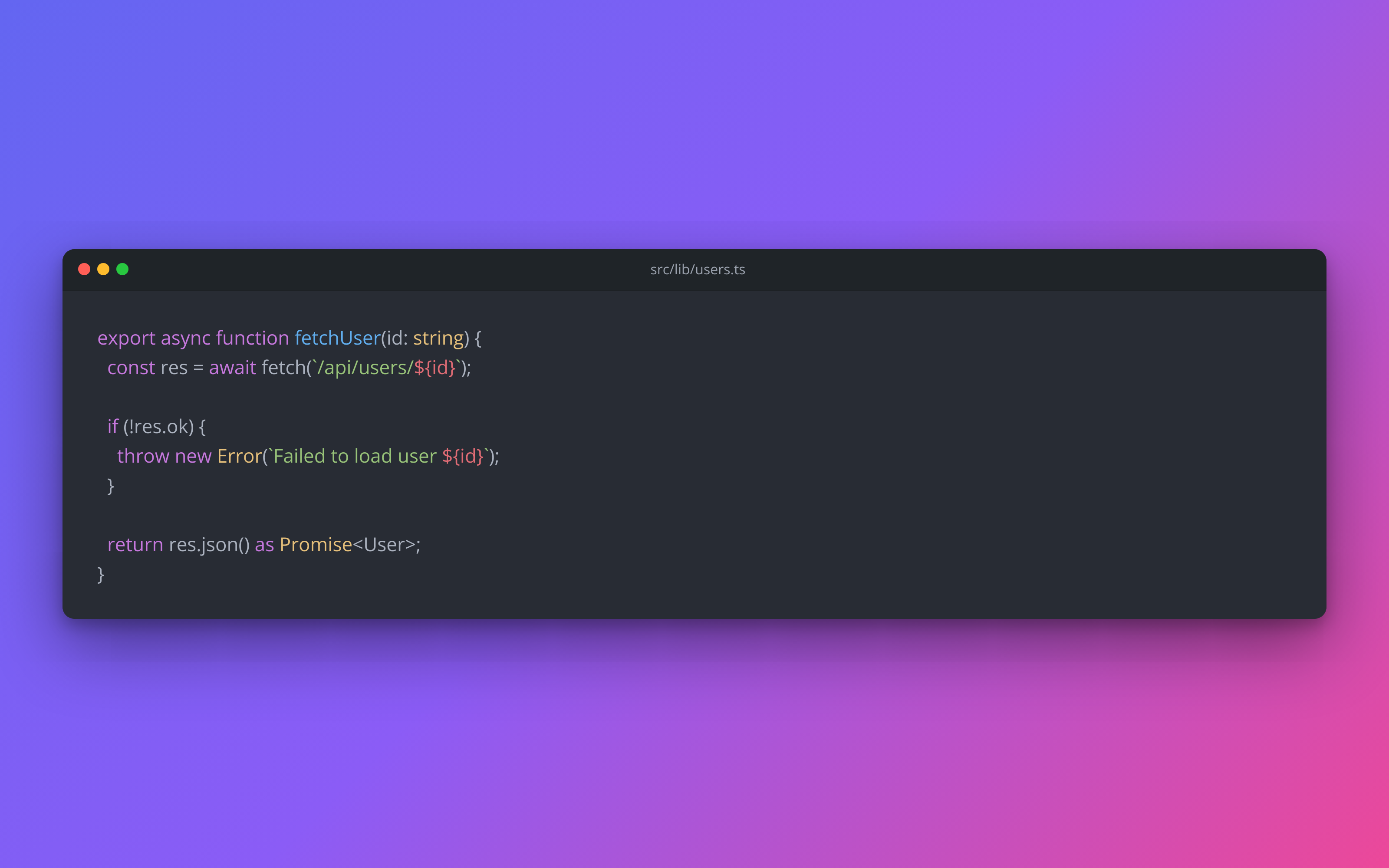
Engineering teams use a #ship channel to celebrate releases. Render a launch card per ship event from a GitHub Actions workflow on tag-push and post it via the Slack API. The unfurl shows the feature, the engineer who shipped it, and the version, which makes the channel feel like a release log rather than a stream of plain links. Halberd Software uses this exact flow internally for 40 engineers.

Agencies showing case study highlights

Agencies presenting work in a portfolio or case study benefit from a hero per project that keeps visual treatment consistent. Render each case study's feature label and hero screenshot, embed the URL on the case study page, and the portfolio reads as a unified body of work. Linden & Co publishes 18 case studies per quarter through this template, with the rendered cards reused on the homepage carousel.

Hackathon projects sharing demo screenshots

Hackathon teams submitting projects need a hero card for the demo page and the showcase board. Render once with the team name, project title, and a screenshot, and use the same image across the submission form, the demo video thumbnail, and the social posts during voting. Wren Analytics ran an internal hackathon and produced 60 hero cards in one afternoon through this pipeline.

Product Hunt launch artwork

Product Hunt launches benefit from a gallery image at the top of the listing that reads as polished without taking days to design. Render with your launch label, version, and a 900x560 hero screenshot, and the result fits the gallery slot perfectly. The same image works as the X post that announces the launch, so you produce one asset for both channels.

Output specifications

Dimensions
1600x900
Color space
sRGB
Transparency
Not supported
File size range
60 KB to 180 KB

Matches the spec at 1.91:1 social share ratio (LinkedIn, X, Open Graph).

These specifications describe the default PNG output. The template can also return a PDF document with selectable text through the HTML to PDF API: set format to pdf in the request. See the format parameter docs for how PDF output behaves.

How it works

1

Send a JSON payload

POST to the template endpoint with the values you want rendered. Authenticate with your API key.

2

We render the image

The template is rendered server-side as a 1600x900 PNG, or as a PDF document if you set format to pdf.

3

You get back a URL

Cache it, embed it in your page, attach it to an email.

Common pitfalls

feature_label crowds the title when both are long

A 24-character feature label plus a 60-character title fight for the same horizontal space and the layout feels squeezed. Keep the label under 20 characters or shorten the title before posting, since both fields share the upper-left band.

Version number formatting drifts across releases

One render has "v1.4.0", the next has "1.4.0", the next has "Release 1.4". The mixed format makes the changelog index look messy. Standardize on one pattern (a "v" prefix or none, but consistent) and apply it across the entire release history.

Hero screenshot at the wrong aspect ratio crops awkwardly

A square screenshot in a 900x560 hero slot crops the top and bottom, hiding the toolbar or footer that telegraphs the feature. Crop the screenshot to 16:10 or wider on your side before posting so the framed area shows what you want.

Inputs at a glance

A quick summary of what the Project Showcase template accepts. The full reference, with example values and array shapes, is in the docs.

Name Type Required
version string Optional
title string Required
summary string Optional
eyebrow string Optional
screenshot_url url Optional
product_name string Optional
logo_url url Optional
background_color string Optional
accent_color string Optional

See the full inputs reference for descriptions, examples and validation rules.

Related templates

Other templates in the content and marketing category.

Browse by category

A starting point from each of the other two template categories.

See the full template gallery for every design grouped by category.

Related guides

FAQ

How does this differ from open-graph-image?

Project Showcase has a feature_label and version slot, while open-graph-image is generic and meant for any URL. Use this template when announcing a specific release, and the OG template for the page that hosts the announcement.

Can I show a screenshot of the new feature?

Yes, pass screenshot_url with a public PNG. The renderer fetches it during layout and frames it inside the right side of the hero. Use a 900x560 source image for cleanest results, since the frame is built around that ratio.

Will it post to Slack correctly?

Yes, the 1600x900 ratio unfurls cleanly in Slack and Discord. Both platforms cache unfurls, so for the freshest preview, post the URL with a cache-busting query string. The image embeds at full width in the message body.

What format should the version number take?

The version field is a free-form string. Common patterns include "v1.4.0" semver, a calendar version like "2026-04-30", or a build tag like "build 4821". Pick one and apply it consistently across releases so the changelog index reads as a coherent log.

Can I batch-generate one per release?

Yes, call the endpoint per release in your CI/CD pipeline. Most teams trigger from the release-published webhook on GitHub or GitLab, and the render finishes in 1 to 2 seconds. The URL gets stored on the release record for reuse on the changelog and social.

Does it support color emoji in the title?

Yes, the renderer handles color emoji rendering through the system font fallback. Emoji in titles like "Real-time presence" render correctly in the saved PNG. Reserve emoji for genuinely playful releases since the visual style of the hero already does the work of conveying excitement.

Try it free

25 renders a month on the free tier. See the pricing page for higher-volume plans.