business template

Invoice Image API

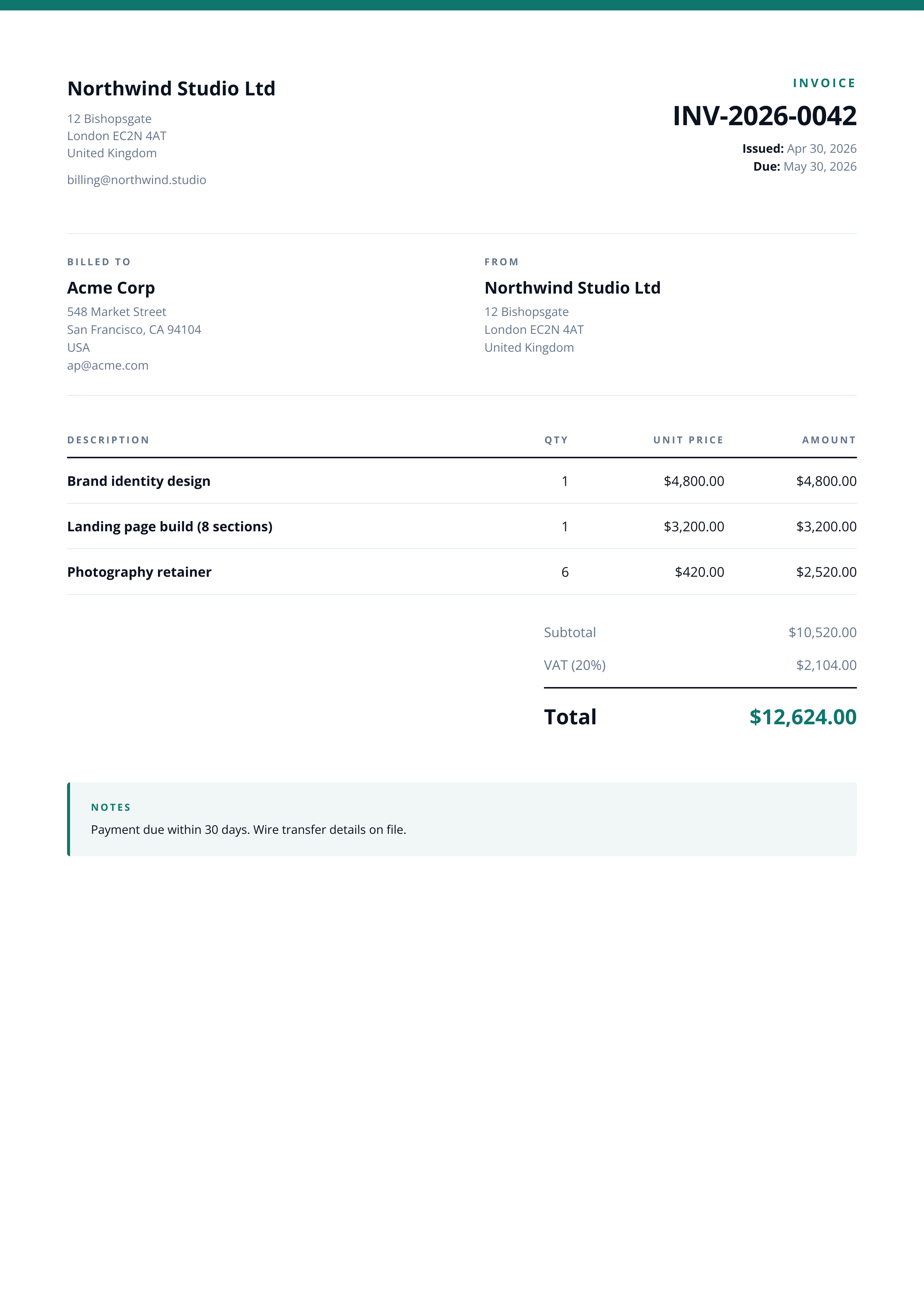
Send line items and totals as JSON, get back a 1240x1754 PNG of the printable invoice.

Prefer to try it in your browser first? Open the Invoice Image tool.

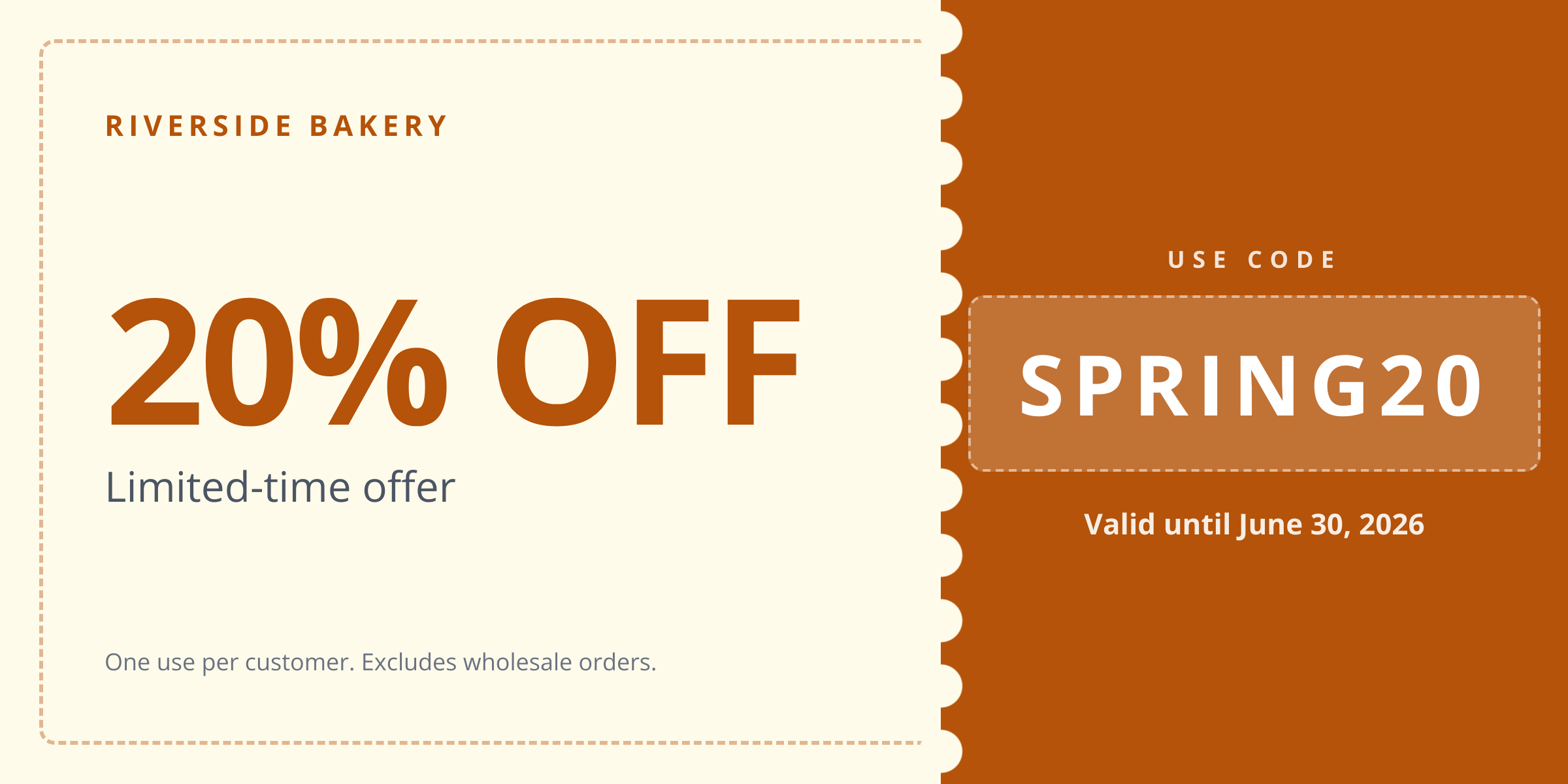
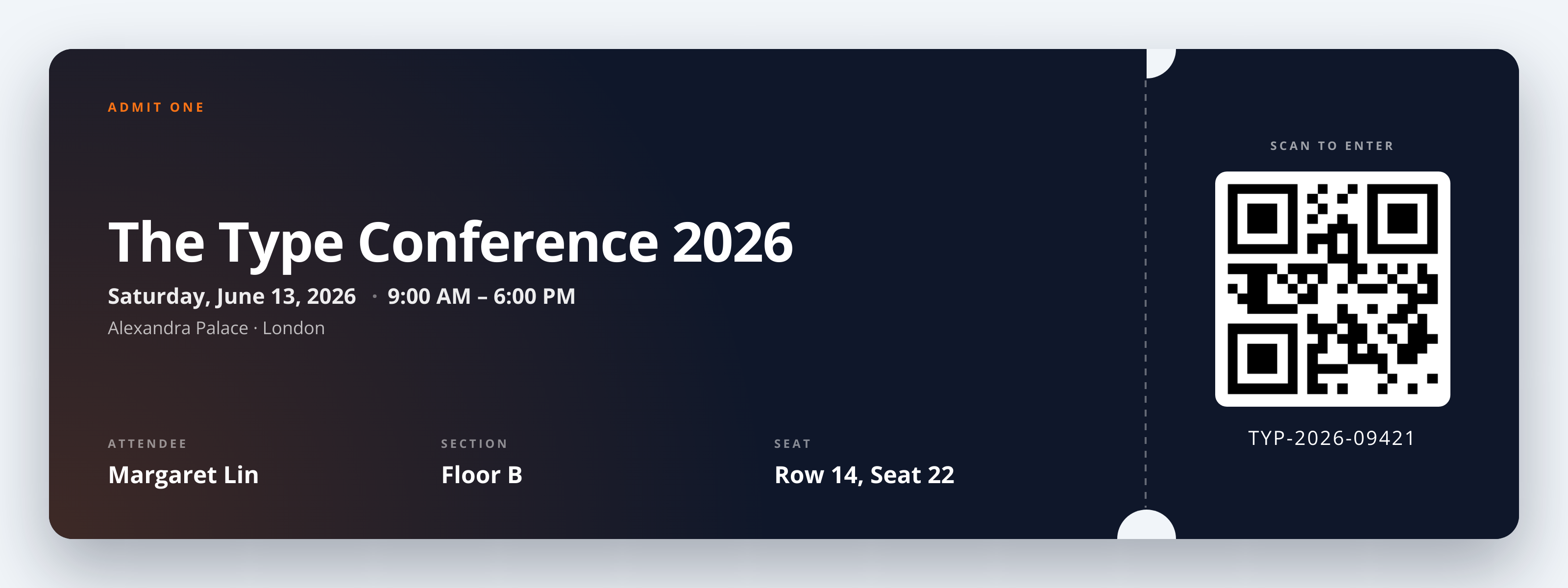
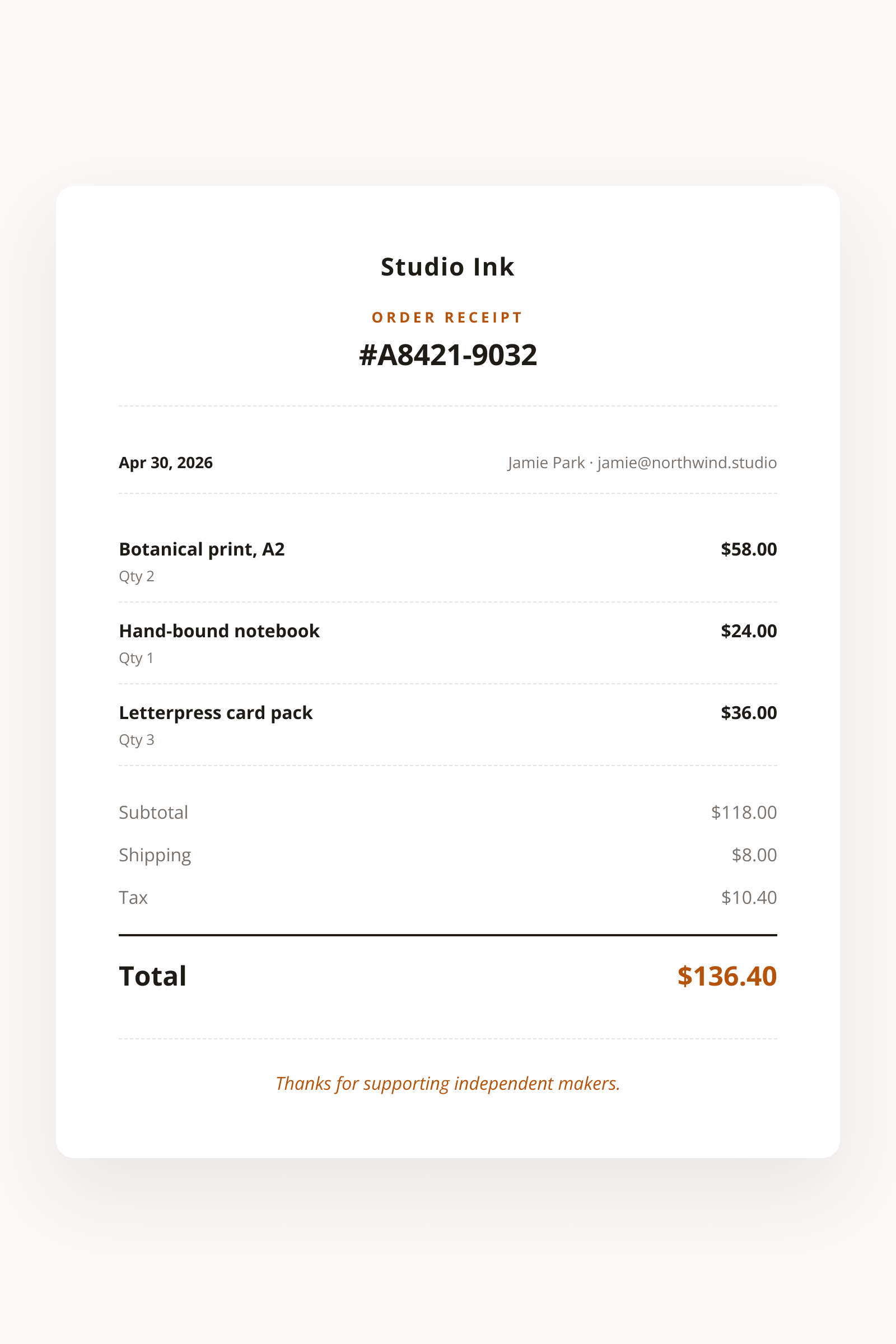
Invoice Image template preview, a business image generated by the HTML to Image API

Finance teams and billing platforms use the Invoice Image API to turn database rows into styled invoice files without running their own headless browser. Customers want to see the invoice the moment a payment clears, and PNGs embed in email more reliably than PDFs across the major clients. You post party details, line items, and totals as JSON, and the endpoint returns a 1240x1754 PNG hosted on i.html2img.com.

API reference

View the Invoice Image API reference

Inputs, defaults, error responses and cURL, PHP, Node and Python code samples.

Read the docs →

Use cases

Transactional email receipts at Northwind Studio

When a customer card charges successfully, your billing service already holds the line items and totals. Post them to the endpoint and drop the returned URL into an <img> tag in the receipt email. Customers see the styled invoice inline without downloading a PDF or waiting for an attachment to expand. Postmark, Resend, and Mailgun all accept remote PNG URLs, so the asset never touches your outbound mail server. Inbox open rates on receipt emails climb when the invoice renders without a click.

Customer dashboard invoice previews

Show the upcoming invoice on the billing tab of your dashboard before the renewal charges. Render the projected line items, plan amounts, and tax to a PNG, then drop the URL into the React component as an <img>. The dashboard stays snappy because the browser is loading one cached image, not running a layout pass over a complex billing table. Riverside Bakery uses this pattern to give franchise owners a one-glance view of their March numbers without writing dashboard CSS.

Accounting platform OCR ingestion

Connector platforms that move data from a SaaS into Xero or QuickBooks need a stable image of the source invoice. Render the invoice once at issue time, store the PNG URL, and let the OCR job process it on a schedule. Because the layout is consistent across renders, the OCR confidence scores stay high and you avoid the manual matching queue. Halberd Software ships connectors for 14 SaaS tools using this exact flow, with one ingestion path that does not care which app produced the bill.

Marketplace seller commission statements

Two-sided marketplaces owe sellers detailed statements every payout cycle. Generate one styled PNG per seller per cycle from your already-computed payout rows. Sellers receive a single image that opens on mobile without zooming, embeds in WhatsApp without breaking, and prints to A4 if they need a physical copy for their accountant. Wren Analytics processes 8,400 seller statements monthly through this flow, replacing a queued PDF generator that often timed out.

Subscription tools showing the next invoice

Self-serve plan-change pages benefit from showing the prorated next invoice before the user clicks confirm. Build the line items in PHP, post to the endpoint, and embed the PNG above the confirm button. Conversion on plan upgrades climbs when buyers see exactly what they will be charged, with the same visual treatment as the receipts they already trust. The image takes around 1.4 seconds to render, well inside the page-load budget for an interactive flow.

Output specifications

Dimensions
1240x1754
Color space
sRGB
Transparency
Not supported
File size range
80 KB to 250 KB

Matches the spec at ISO 216 A4 portrait at 150 DPI.

How it works

1

Send a JSON payload

POST to the template endpoint with the values you want rendered. Authenticate with your API key.

2

We render the image

The template is rendered server-side as a 1240x1754 PNG.

3

You get back a URL

Cache it, embed it in your page, attach it to an email.

Quick example

A single cURL call to render a Invoice Image as a PNG:

curl -X POST https://app.html2img.com/api/v1/templates/invoice-image \
  -H "X-API-Key: YOUR_API_KEY" \
  -H "Content-Type: application/json" \
  -d '{"invoice_number":"INV-2026-0042","issue_date":"Apr 30, 2026","due_date":"May 30, 2026","business_name":"Northwind Studio Ltd","business_address":"12 Bishopsgate\nLondon EC2N 4AT\nUnited Kingdom","business_email":"[email protected]","client_name":"Linden & Co","client_address":"548 Market Street\nSan Francisco, CA 94104\nUSA","client_email":"[email protected]","items":[{"description":"Brand identity design","quantity":"1","unit_price":"$4,800.00","amount":"$4,800.00"},{"description":"Landing page build (8 sections)","quantity":"1","unit_price":"$3,200.00","amount":"$3,200.00"},{"description":"Photography retainer","quantity":"6","unit_price":"$420.00","amount":"$2,520.00"}],"subtotal":"$10,520.00","tax_label":"VAT (20%)","tax_amount":"$2,104.00","total":"$12,624.00","notes":"Payment due within 30 days. Wire transfer details on file.","accent_color":"#0F766E"}'

For the full PHP, Node and Python equivalents, plus every input the template accepts, see the Invoice Image API reference. Setting up your key is covered in the authentication guide.

Common pitfalls

VAT label localization

A US merchant ships an invoice to a UK customer with a "Sales Tax" line, and the buyer files it as the wrong category. Send tax_label as a per-customer string ("VAT (20%)", "GST (10%)", "Sales Tax") so the rendered PNG matches the buyer's tax regime.

Long line item descriptions wrap awkwardly

A 180-character description of a custom service spills onto three lines and pushes the totals block off the page. Keep descriptions under 80 characters or split them across two adjacent rows so the PDF-style A4 layout holds together.

Currency formatting drift across locales

You save raw decimals in the database and let the renderer format them, then realize "1,290.00" displays where European customers expect "1.290,00". Pre-format every monetary string on your side using the buyer's locale before posting to the endpoint.

Inputs at a glance

A quick summary of what the Invoice Image template accepts. The full reference, with example values and array shapes, is in the docs.

Name Type Required
invoice_number string Required
issue_date string Optional
due_date string Optional
business_name string Required
business_address string Optional
business_email string Optional
client_name string Required
client_address string Optional
client_email string Optional
items array Required
subtotal string Optional
tax_label string Optional
tax_amount string Optional
total string Required
notes string Optional
logo_url url Optional
accent_color string Optional

See the full inputs reference for descriptions, examples and validation rules.

Related templates

Other templates in the business and commerce category.

Browse by category

A starting point from each of the other two template categories.

See the full template gallery for every design grouped by category.

Related guides

FAQ

Try it free

25 renders a month on the free tier. See the pricing page for higher-volume plans.