social template

LinkedIn Post Image API

Send post title and author details as JSON, get back a 1200x627 PNG ready for the LinkedIn feed.

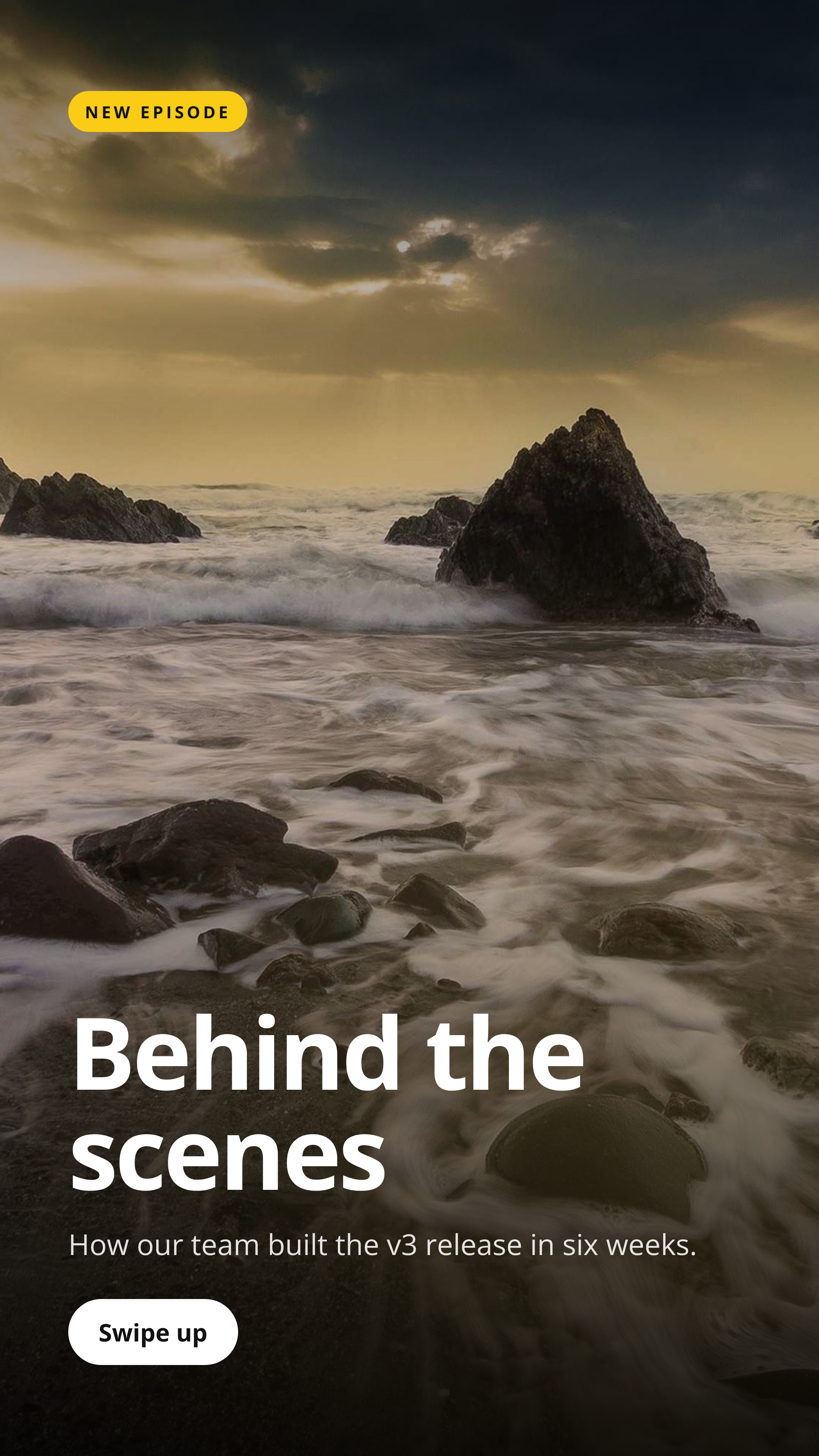
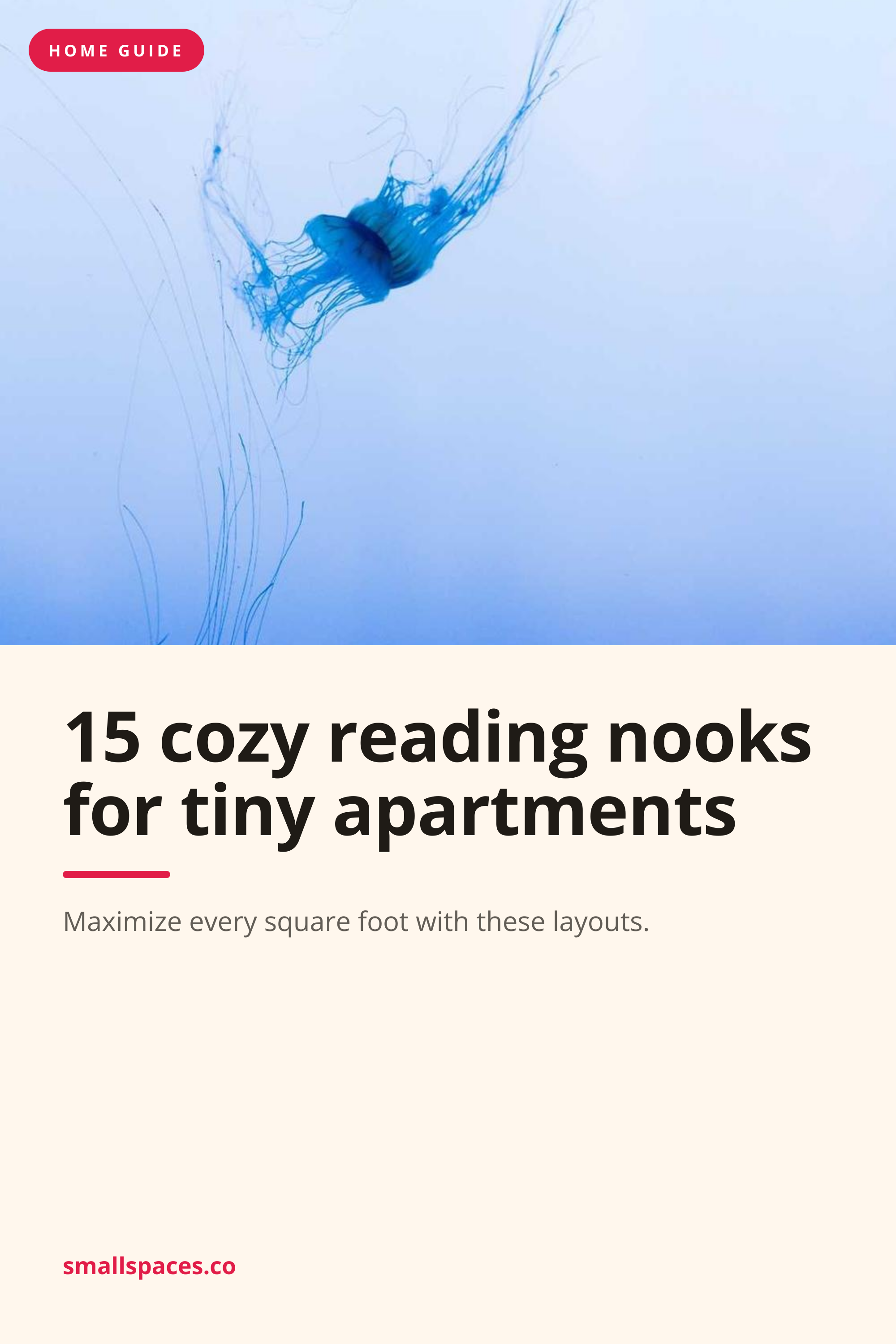
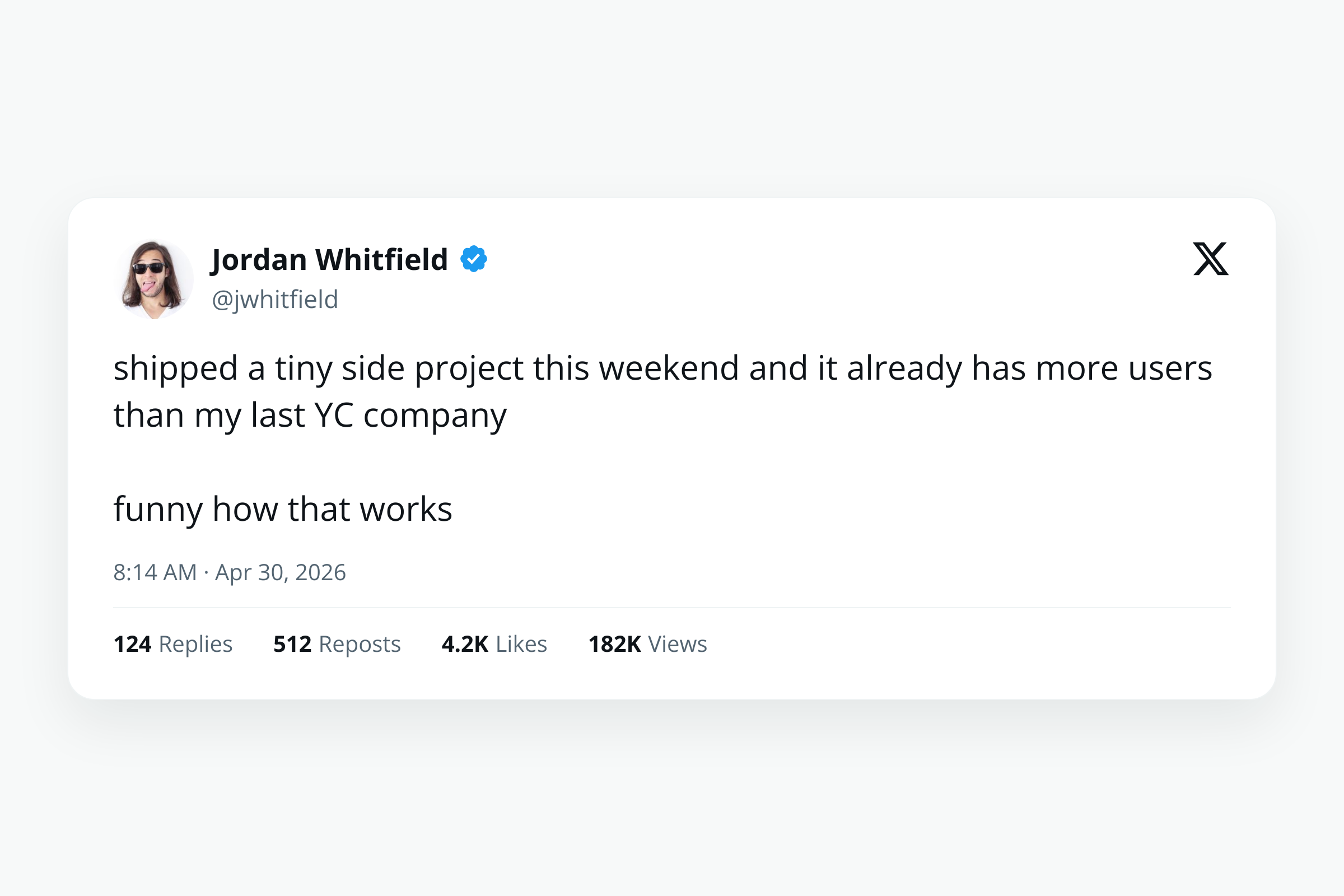
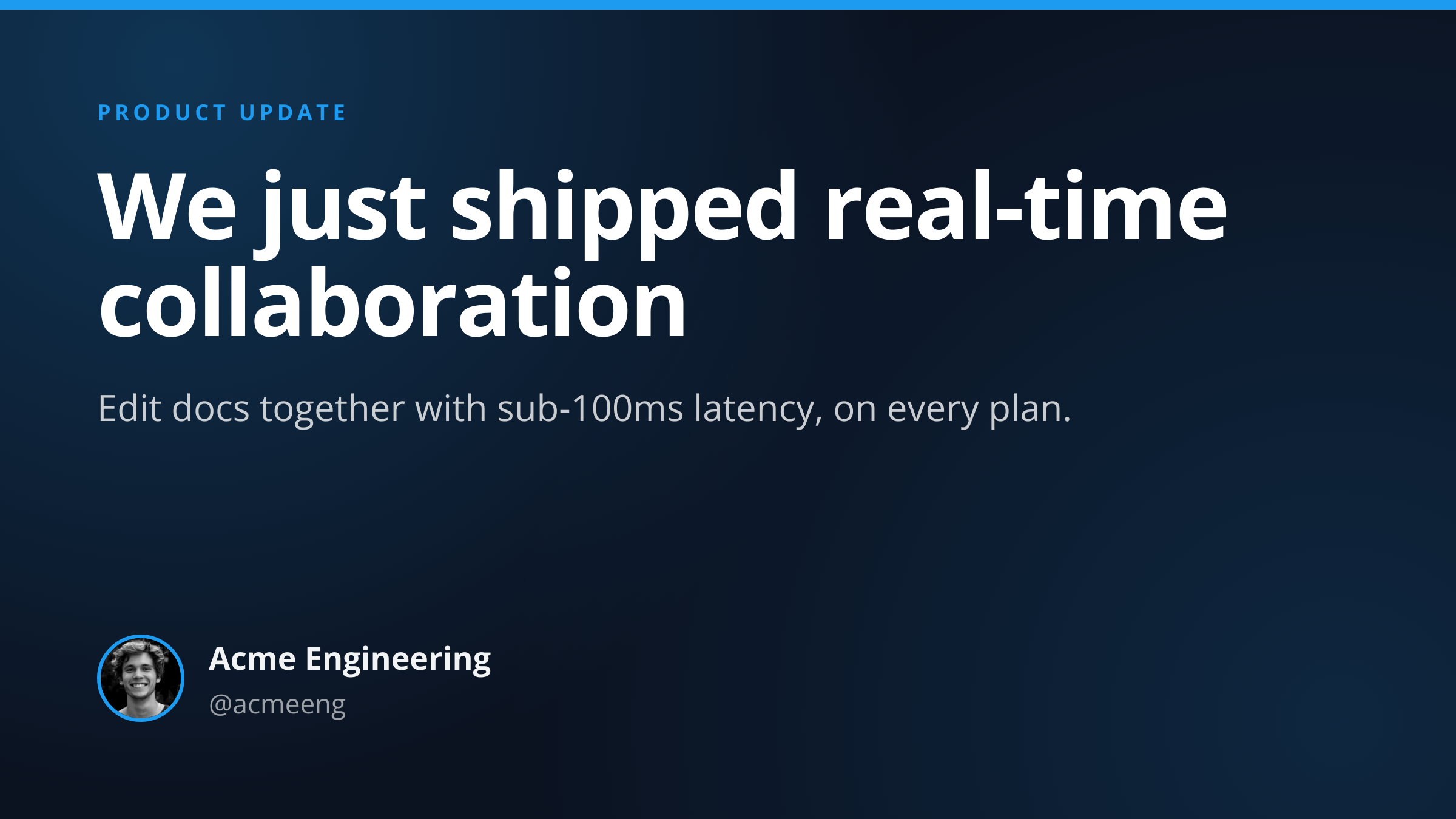
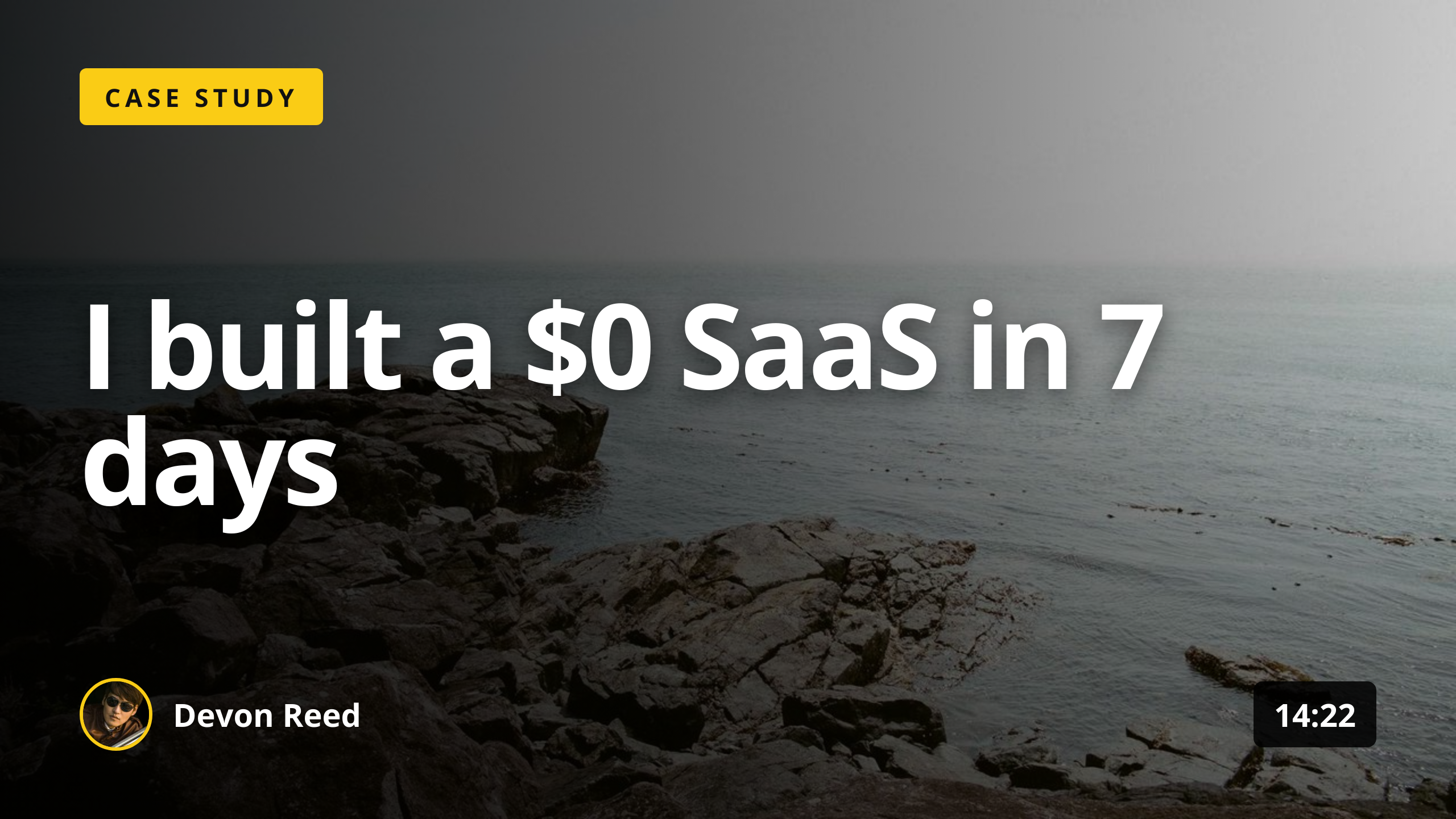
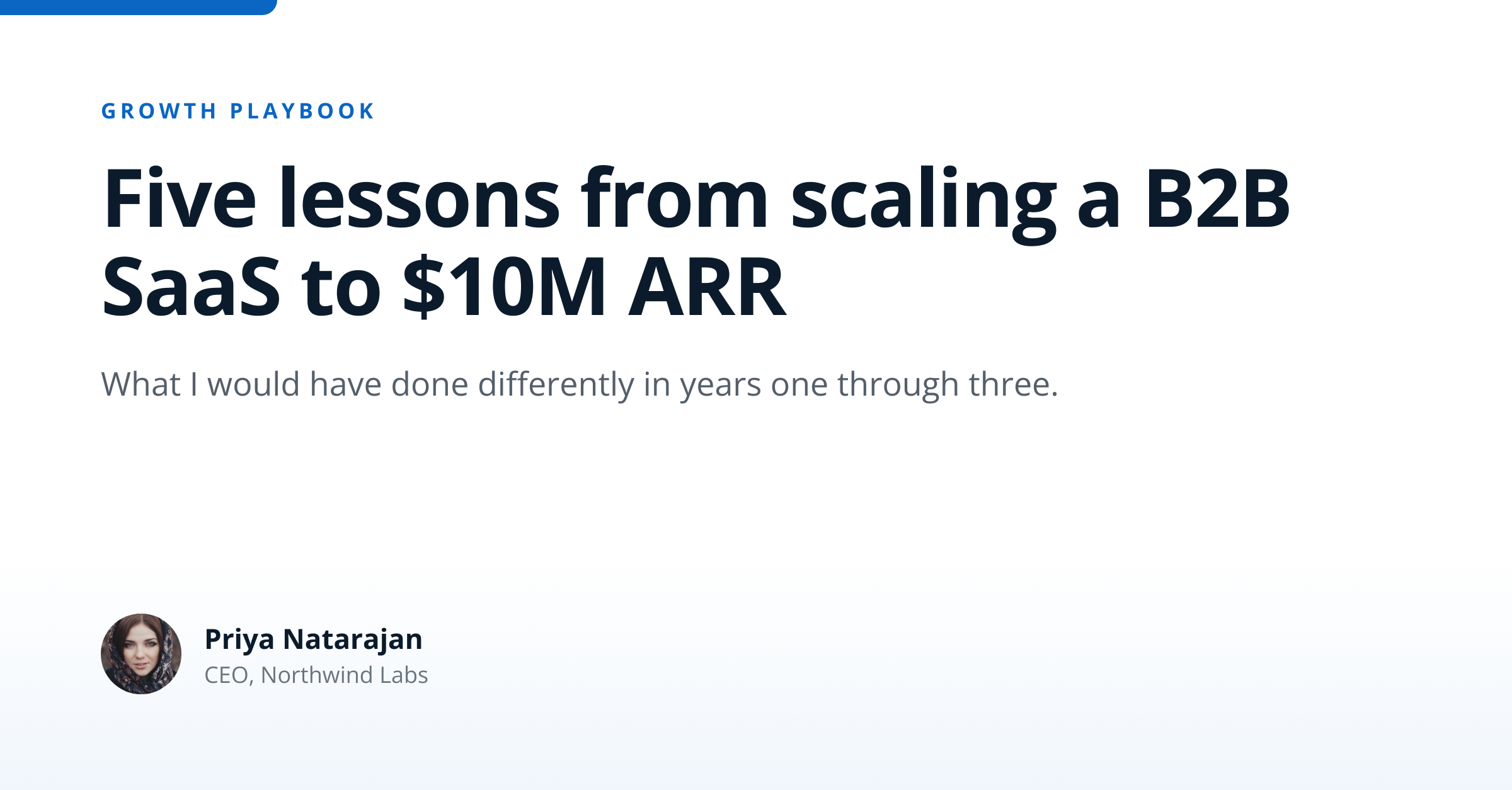
LinkedIn Post Image template preview, a social image generated by the HTML to Image API

B2B SaaS marketing teams and thought leaders use the LinkedIn post image API to attach share cards to long-form posts and case studies. The 1200x627 size matches LinkedIn's documented dimensions for feed share images, which differ subtly from Facebook's 1200x630. You post the title, eyebrow text, optional author block, and brand inputs as JSON, and the response holds a PNG ready to attach to a feed post or schedule via your LinkedIn ads tooling.

API reference

View the LinkedIn Post Image API reference

Inputs, defaults, error responses and cURL, PHP, Node and Python code samples.

Read the docs →

Use cases

B2B SaaS sharing case studies

Case study posts perform better with custom artwork than with the default link unfurl. Render with the case study client name, the headline metric ("3x faster onboarding", "70 percent cost reduction"), and your accent_color, then attach to the LinkedIn post that links to the case study page. Halberd Software publishes 4 case study posts per quarter through this flow, and click-throughs to the case study page run roughly 2.5x the rate of plain link posts.
Agencies publishing client wins

Agencies that highlight client outcomes on LinkedIn benefit from per-client cards with the client logo and the headline result. Render with the client name, the win metric, and a small attribution mark, post on behalf of the agency or the client, and the agency feed reads as a portfolio of measurable outcomes. Wren Analytics' agency arm posts 12 client wins per month through this template.

Recruiters posting roles

Talent teams posting open roles benefit from cards that go beyond the LinkedIn job listing format. Render with the role title, the team, the location, and a CTA to apply, attach to the recruiter's post, and the role gets visibility in the connection feed without requiring readers to click through to a job board. Linden & Co posts 8 roles per month through this template.

Thought leaders sharing essay artwork

Long-form essay writers on LinkedIn benefit from a hero card per essay, similar to how a magazine treats a feature. Render with the essay title, the author photo, and a small magazine-style label ("Essay", "Op-ed", "Analysis"), attach to the post, and the essay reads as published rather than as a casual update. Northwind Studio's founder publishes one essay per month through this format.

Conferences promoting speakers

Event organizers running B2B conferences publish speaker announcements on LinkedIn in the lead-up to the event. Render a card per speaker with their name, role, talk title, and event date, attach to the announcement post, and the campaign reads as one structured speaker reveal. The Type Conference uses this for 28 speaker reveals across the 8-week pre-event campaign.

Output specifications

Dimensions
1200x627
Color space
sRGB
Transparency
Not supported
File size range
60 KB to 200 KB

Matches the spec at LinkedIn share image dimensions.

How it works

1

Send a JSON payload

POST to the template endpoint with the values you want rendered. Authenticate with your API key.

2

We render the image

The template is rendered server-side as a 1200x627 PNG.

3

You get back a URL

Cache it, embed it in your page, attach it to an email.

Quick example

A single cURL call to render a LinkedIn Post Image as a PNG:

curl -X POST https://app.html2img.com/api/v1/templates/linkedin-post \
  -H "X-API-Key: YOUR_API_KEY" \
  -H "Content-Type: application/json" \
  -d '{"title":"Five lessons from scaling a B2B SaaS to $10M ARR","subtitle":"What I would have done differently in years one through three.","eyebrow":"GROWTH PLAYBOOK","author_name":"Priya Natarajan","author_role":"CEO, Northwind Labs","author_avatar_url":"https://i.pravatar.cc/160?img=47","background_color":"#FFFFFF","accent_color":"#0A66C2"}'

For the full PHP, Node and Python equivalents, plus every input the template accepts, see the LinkedIn Post Image API reference. Setting up your key is covered in the authentication guide.

Common pitfalls

Mixing 627 and 630 across templates

LinkedIn documents 1200x627 while Facebook documents 1200x630, so a single design at 1200x630 will get a 3-pixel rounding shift when LinkedIn re-encodes. Render at 1200x627 specifically for LinkedIn, and at 1200x630 for OG tags on the destination page.

Company page and personal post crops differ on mobile

Company page posts and personal posts use slightly different mobile crops in the LinkedIn app. Keep the focal area centered both vertically and horizontally so both surfaces show the headline. Test in the LinkedIn mobile app before scheduling a paid campaign.

Document carousels need a different format

LinkedIn document carousels use 1920x1080 PDFs rather than images. This template only handles single-image posts. For carousels, render each slide separately and assemble a PDF with a tool like ImageMagick or pdfkit on your side.

Inputs at a glance

A quick summary of what the LinkedIn Post Image template accepts. The full reference, with example values and array shapes, is in the docs.

Name Type Required
title string Required
subtitle string Optional
eyebrow string Optional
author_name string Optional
author_role string Optional
author_avatar_url url Optional
logo_url url Optional
background_color string Optional
accent_color string Optional

See the full inputs reference for descriptions, examples and validation rules.

Related templates

Other templates in the social media category.

Browse by category

A starting point from each of the other two template categories.

Content and marketing

See the full template gallery for every design grouped by category.

Related guides

FAQ

Try it free

25 renders a month on the free tier. See the pricing page for higher-volume plans.