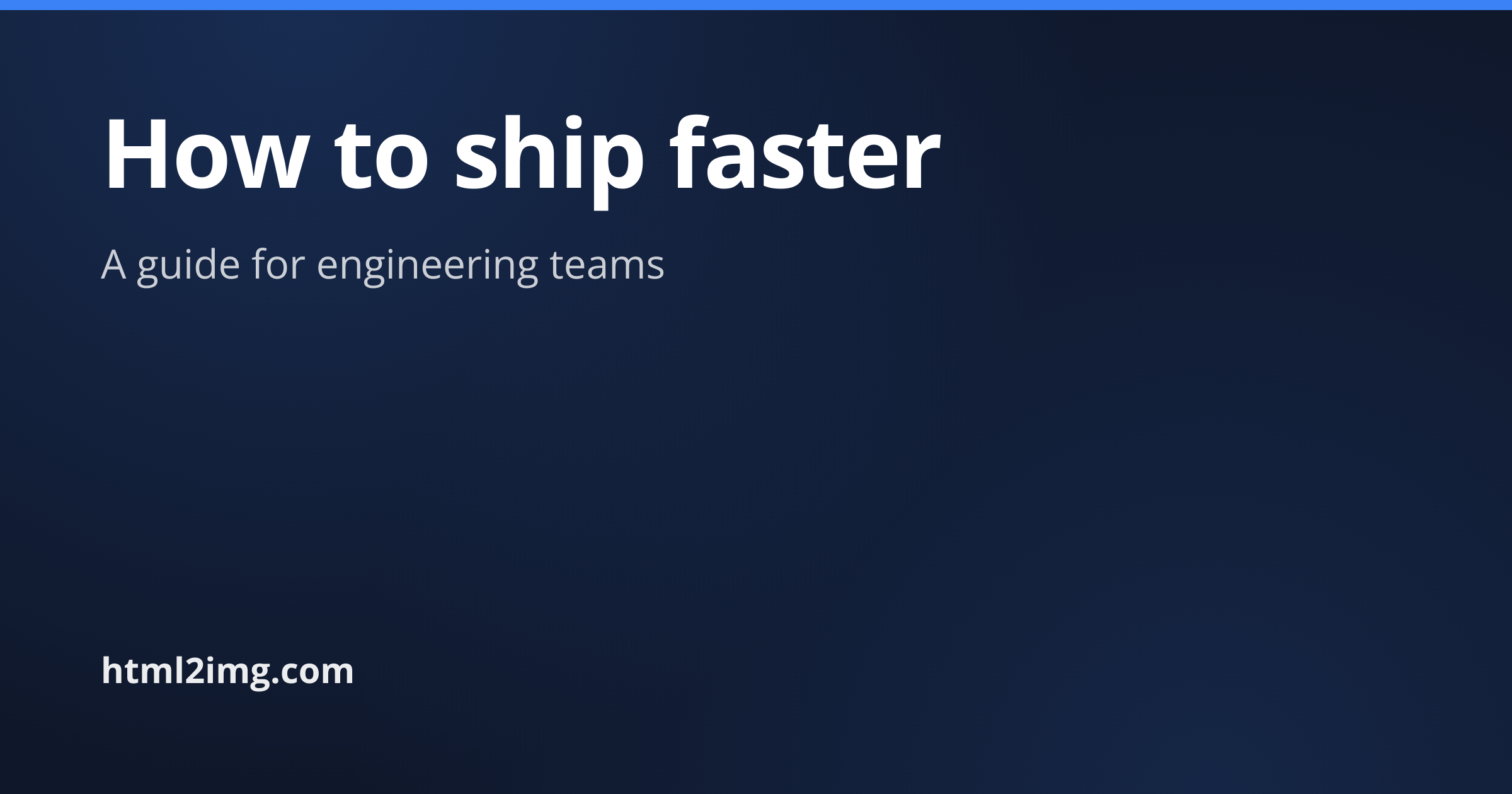
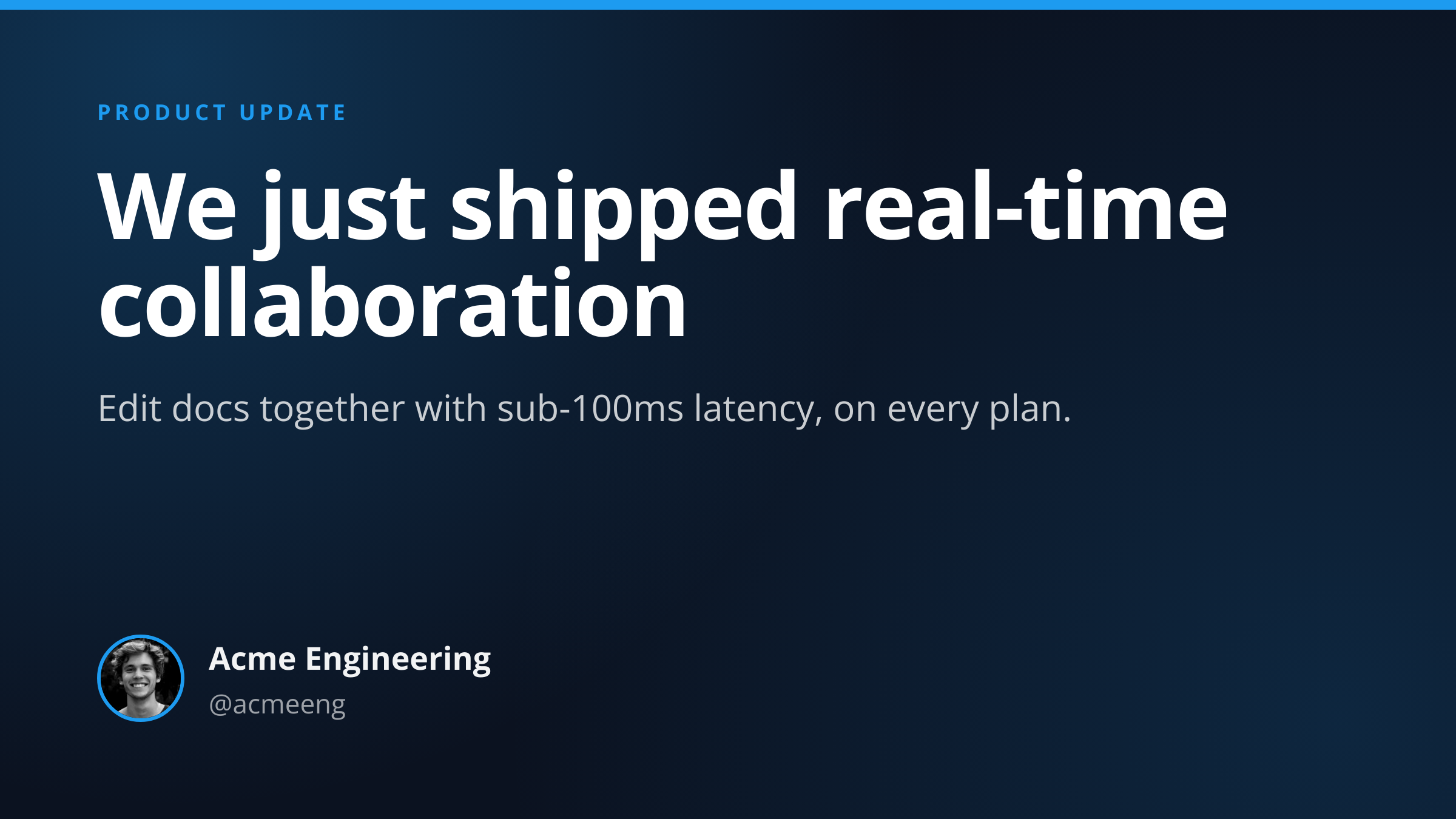
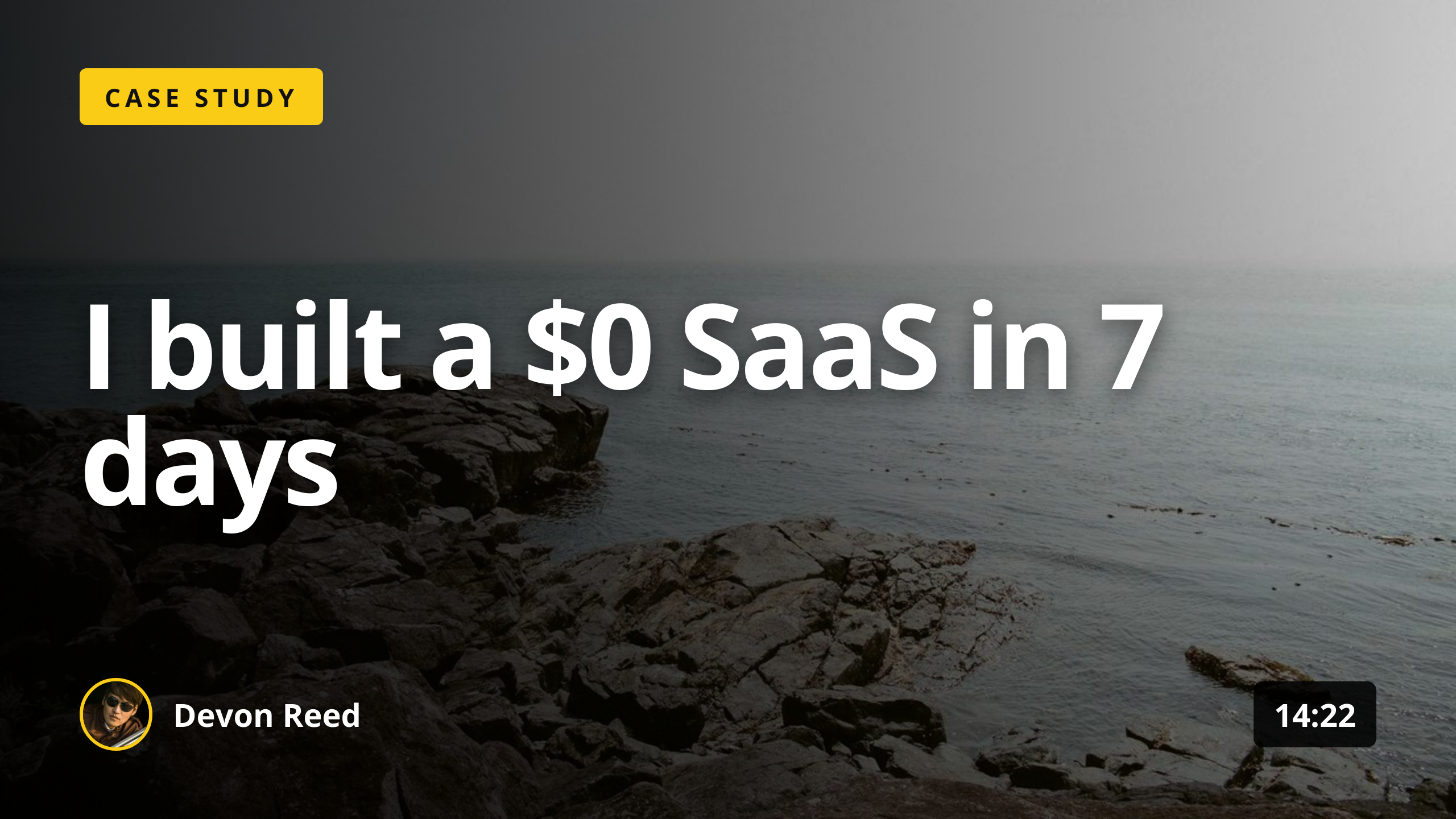
1
Send a JSON payload
POST to the template endpoint with the values you want rendered. Authenticate with your API key.
Bold square images sized for the Instagram feed
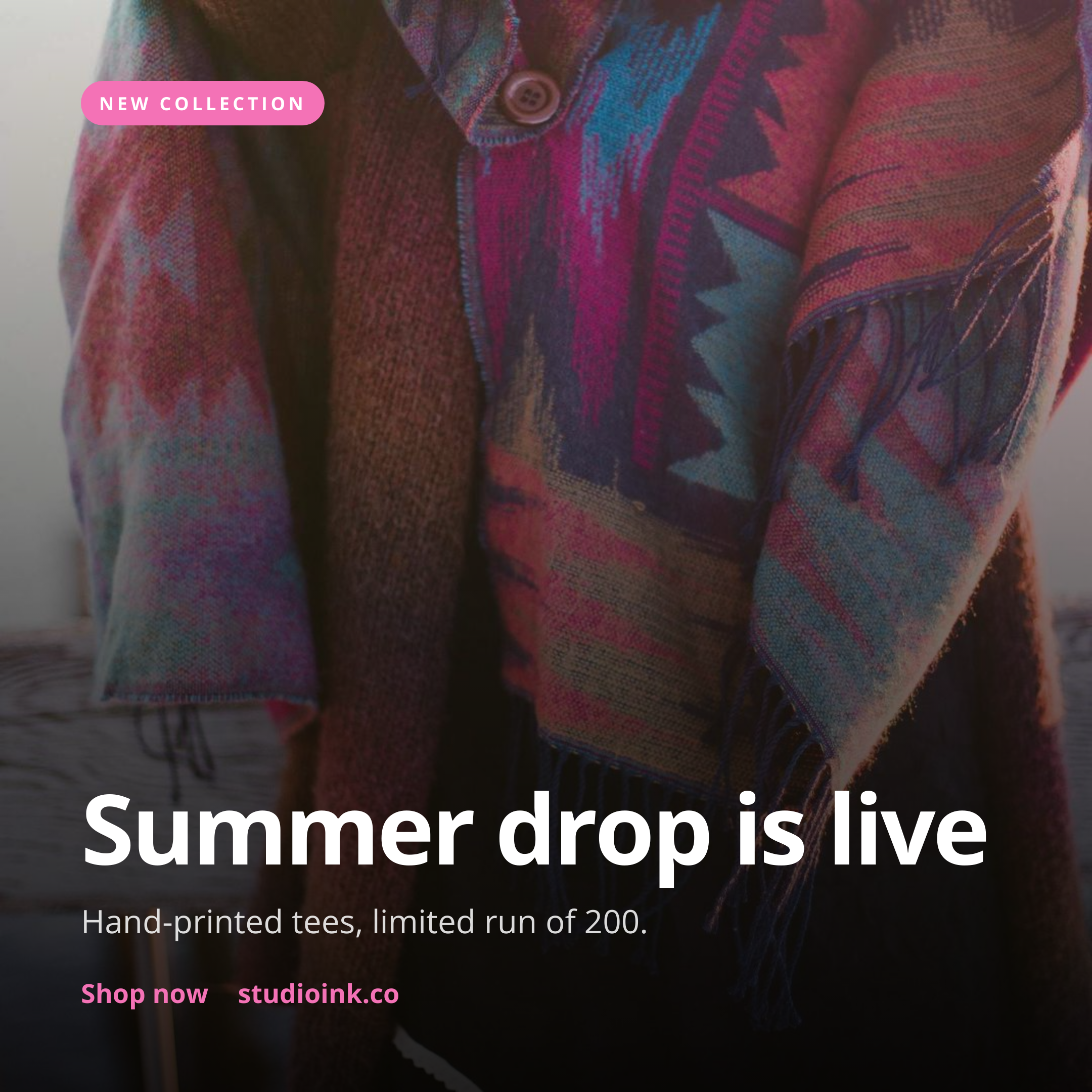
The Instagram Square Post template is the shortest path to a working instagram post image api from your stack. Send a small JSON payload, get back a tested PNG that fits your brand. No browser, no headless Chrome wrangling, no design tooling on your side.
Common reasons people reach for this template:
POST to the template endpoint with the values you want rendered. Authenticate with your API key.
The template is rendered server-side as a 1200x630 PNG (or whatever dimensions the template defines).
The response includes a CDN URL for the PNG. Cache it, embed it, attach it to a tweet, anything you need.
A single cURL call to render a Instagram Square Post as a PNG:
curl -X POST https://app.html2img.com/api/v1/templates/instagram-square-post \
  -H "X-API-Key: YOUR_API_KEY" \
  -H "Content-Type: application/json" \
  -d '{"title":"Summer drop is live","subtitle":"Hand-printed tees, limited run of 200.","eyebrow":"NEW COLLECTION","cta":"Shop now \u2192 studioink.co","background_image_url":"https://picsum.photos/seed/insta-square/1080/1080","background_color":"#111111","accent_color":"#F472B6"}'
For the full PHP, Node and Python equivalents, plus every input the template accepts, see the Instagram Square Post API reference. Setting up your key is covered in the authentication guide.
A quick summary of what the Instagram Square Post template accepts. The full reference, including example values and array shapes, is in the docs.
| Name | Type | Required |
|---|---|---|
| title | string | Required |
| subtitle | string | Optional |
| eyebrow | string | Optional |
| cta | string | Optional |
| background_image_url | url | Optional |
| logo_url | url | Optional |
| background_color | string | Optional |
| accent_color | string | Optional |
See the full inputs reference for descriptions, examples and validation rules.
Sign up free, grab an API key, send a payload. The pricing page covers the higher-volume plans if you outgrow the free tier.