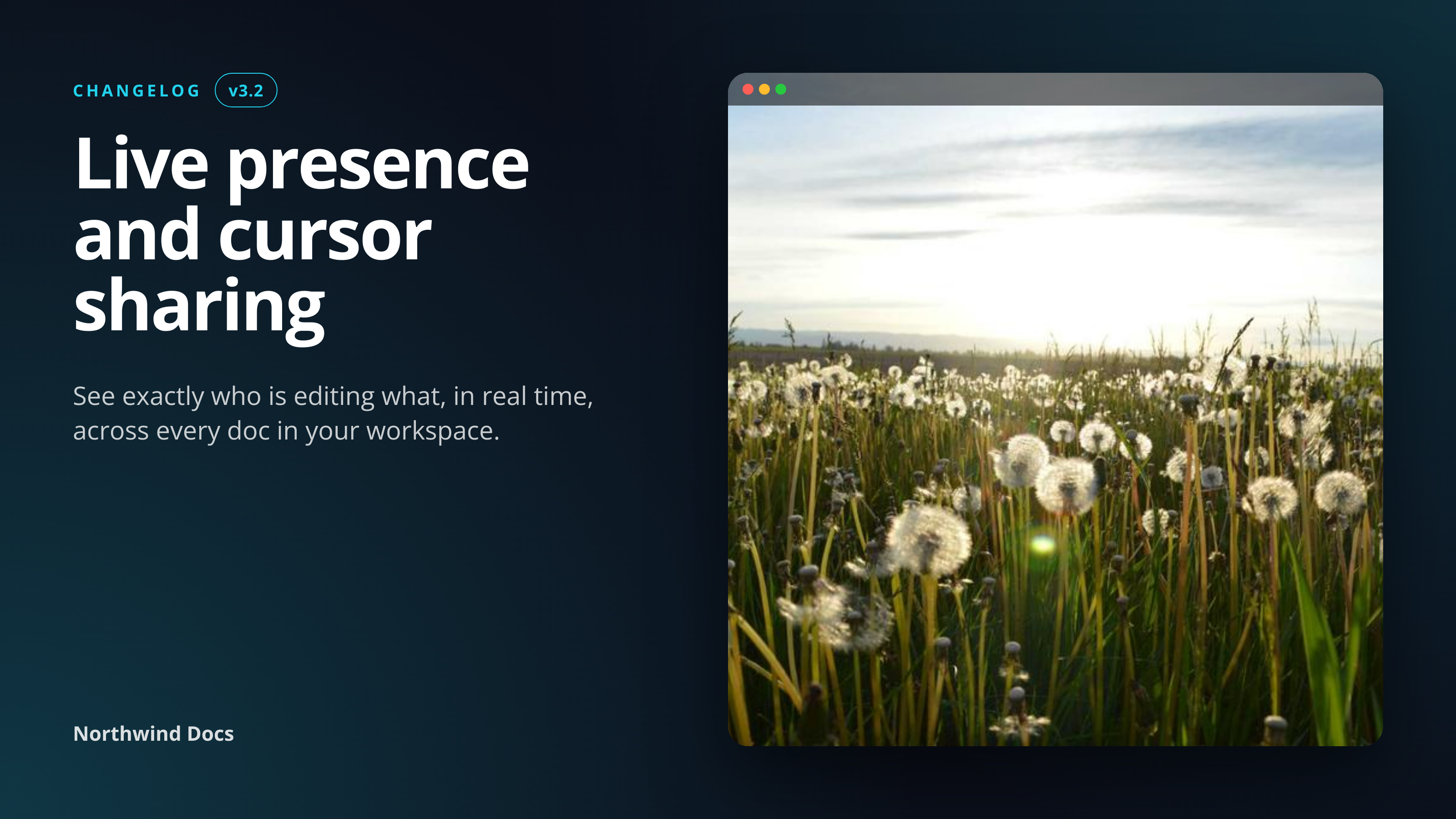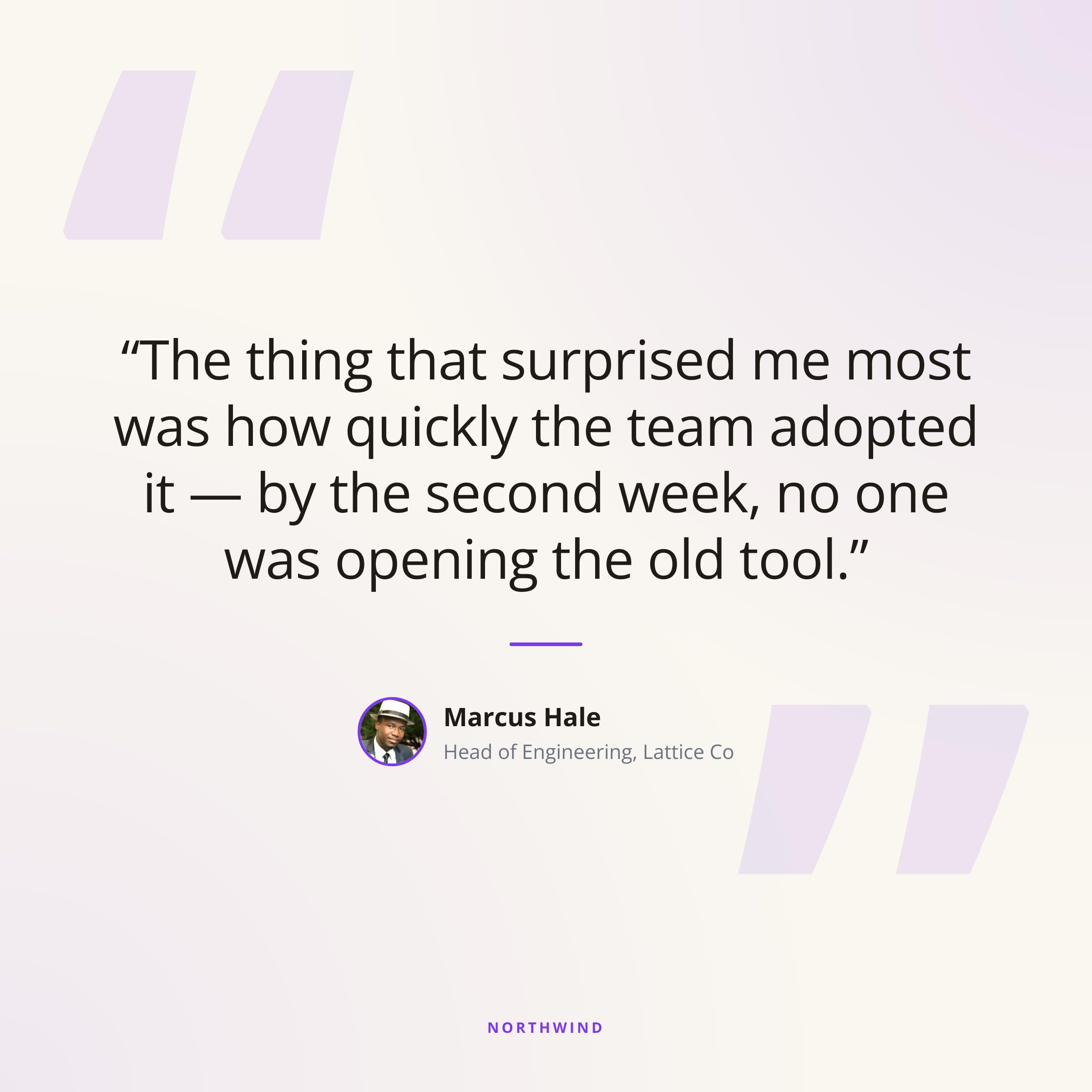
content template

Blog Hero Image API

Send the post title and metadata as JSON, get back a 1600x900 PNG sized for blog and CMS heroes.

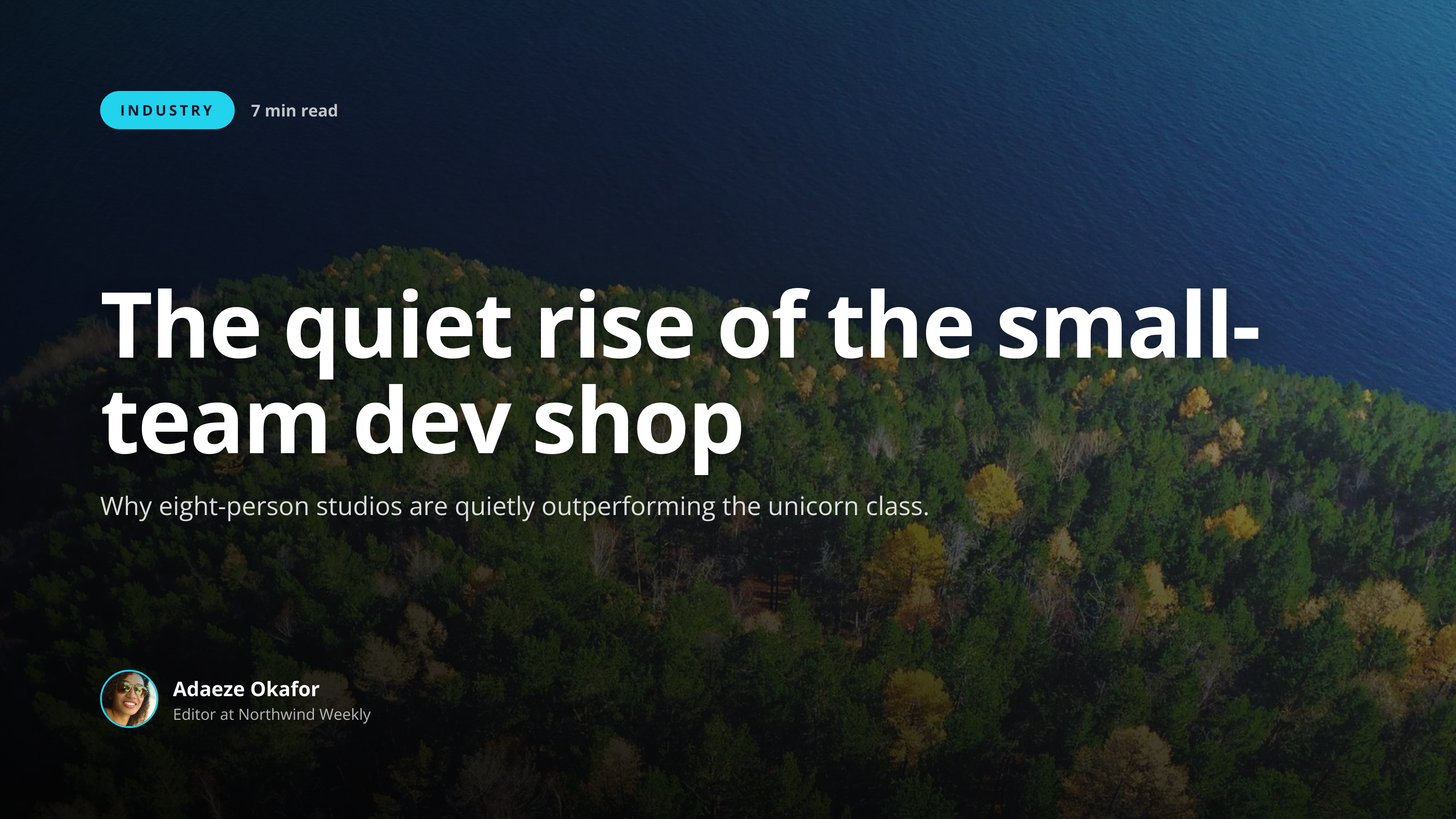
Blog Featured Hero template preview, a content image generated by the HTML to Image API

Editorial sites and static-site generators use the Blog Hero Image API to skip the per-post design step that turns a small writing team into a bottleneck. The 1600x900 widescreen ratio fits modern blog themes and renders cleanly in WordPress, Astro, Hugo, and Eleventy without re-cropping. You post the title, category badge, optional author block, and an optional background photo URL, and the response holds a PNG ready to set as the post's featured image.

API reference

View the Blog Featured Hero API reference

Inputs, defaults, error responses and cURL, PHP, Node and Python code samples.

Read the docs →

Use cases

WordPress sites generating featured images per post title

WordPress publishers with 12 contributors hate scheduling design time for every post. Hook the publishing flow into a webhook, post the title and category to the Blog Hero Image API, and store the returned URL on the featured-image meta field. New posts go live with consistent artwork, and editors stop blocking each other on a shared design queue. Northwind Weekly ships 26 posts a week through this flow with no designer in the loop.

Static blogs generating heroes at build time

Astro, Hugo, and Eleventy sites can call the endpoint during the build step and cache the resulting URLs in the build output. The site rebuilds when the content changes, the new heroes are generated only when the post title or metadata shifts, and visitors get fresh artwork without runtime calls. Riverside Bakery's recipe blog runs this pattern and saves 35 minutes per release on hand-cropped photos.

Newsletters needing a header per issue

Editors who ship a weekly issue benefit from a fresh hero that reads as continuous with the previous week. Render the issue title and date, place the cached URL in the email template, and the asset embeds reliably across Gmail, Outlook, and Apple Mail. Wren Analytics produces a Tuesday digest with a hero card that takes 8 seconds to generate during the publishing pipeline.

Podcast show notes pages

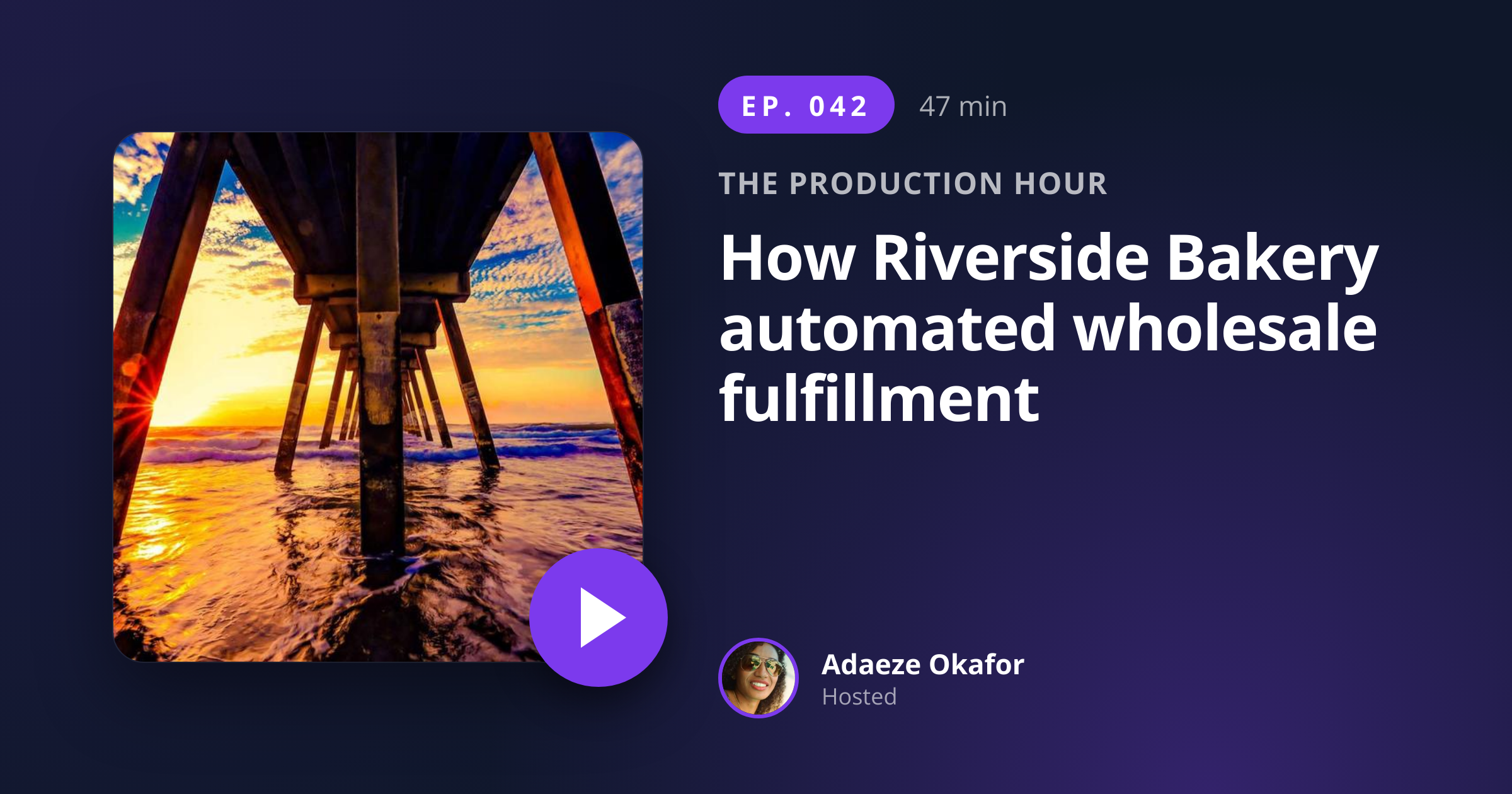
Podcast websites that publish show notes per episode use a hero image to anchor each page. Render the episode title with the host avatar and a category tag, embed the result above the show notes, and the page reads as a polished editorial piece rather than a transcript dump. The image also doubles as the og:image for that page when paired with the open-graph-image template for the share variant.

Knowledge base articles needing visual structure

Long-form support docs benefit from a hero that telegraphs the topic before the reader scrolls. Render the article title with a category badge ("Billing", "Integrations", "Troubleshooting") and embed at the top of the doc page. Halberd Software's help center uses this pattern across 240 articles, and the bounce rate on long pages drops because readers see they have landed on the right thing.

Output specifications

Dimensions
1600x900
Color space
sRGB
Transparency
Not supported
File size range
120 KB to 400 KB

Matches the spec at 16:9 widescreen for blog and CMS themes.

How it works

1

Send a JSON payload

POST to the template endpoint with the values you want rendered. Authenticate with your API key.

2

We render the image

The template is rendered server-side as a 1600x900 PNG.

3

You get back a URL

Cache it, embed it in your page, attach it to an email.

Quick example

A single cURL call to render a Blog Featured Hero as a PNG:

curl -X POST https://app.html2img.com/api/v1/templates/blog-hero \
  -H "X-API-Key: YOUR_API_KEY" \
  -H "Content-Type: application/json" \
  -d '{"title":"The quiet rise of the small-team dev shop","subtitle":"Why eight-person studios are quietly outperforming the unicorn class.","category":"Industry","read_time":"7 min read","author_name":"Adaeze Okafor","author_role":"Editor at Northwind Weekly","author_avatar_url":"https://i.pravatar.cc/160?img=49","background_image_url":"https://picsum.photos/seed/blog-hero/1600/900","background_color":"#0F172A","accent_color":"#22D3EE"}'

For the full PHP, Node and Python equivalents, plus every input the template accepts, see the Blog Featured Hero API reference. Setting up your key is covered in the authentication guide.

Common pitfalls

Theme aspect ratios disagree across templates

Some themes crop heroes to 1.91:1 for sharing while displaying 16:9 on the post page itself. Test your theme's archive view and OG behavior, and switch to the open-graph-image template for the share variant if your theme expects a different aspect ratio.

Title length variance creates inconsistent visual weight

Short titles render bold while long titles shrink, and the index page ends up looking lopsided across rows. Standardize on a title length range (40 to 80 characters) in your editorial guidelines so the index reads as a coherent grid.

Low-contrast accents over photographic backgrounds

A pastel accent color over a busy hero photo disappears against the image. Either pass an accent_color with a contrast ratio above 4.5 against the typical photo, or use a solid background_color rather than a photographic background.

Inputs at a glance

A quick summary of what the Blog Featured Hero template accepts. The full reference, with example values and array shapes, is in the docs.

Name Type Required
title string Required
subtitle string Optional
category string Optional
read_time string Optional
author_name string Optional
author_role string Optional
author_avatar_url url Optional
background_image_url url Optional
background_color string Optional
accent_color string Optional

See the full inputs reference for descriptions, examples and validation rules.

Related templates

Other templates in the content and marketing category.

Browse by category

A starting point from each of the other two template categories.

See the full template gallery for every design grouped by category.

Related guides

FAQ

Try it free

25 renders a month on the free tier. See the pricing page for higher-volume plans.