I had a perfectly reasonable OG image template. Flexbox layout, custom font, a gradient background, a small CSS grid for a two-column footer with the author name and publish date. Worked in the browser. Looked great in Figma. Then I moved it into next/og and half of it disappeared.
No errors. No warnings. Satori, the renderer behind ImageResponse, just silently ignored the parts it doesn't support. CSS grid, gone. The calc() I was using for spacing, ignored. A CSS variable for the brand colour, treated as an unknown value. The fallback rendered, which was worse than if it had thrown, because I didn't notice until someone shared the link on Slack and the preview was visibly broken.
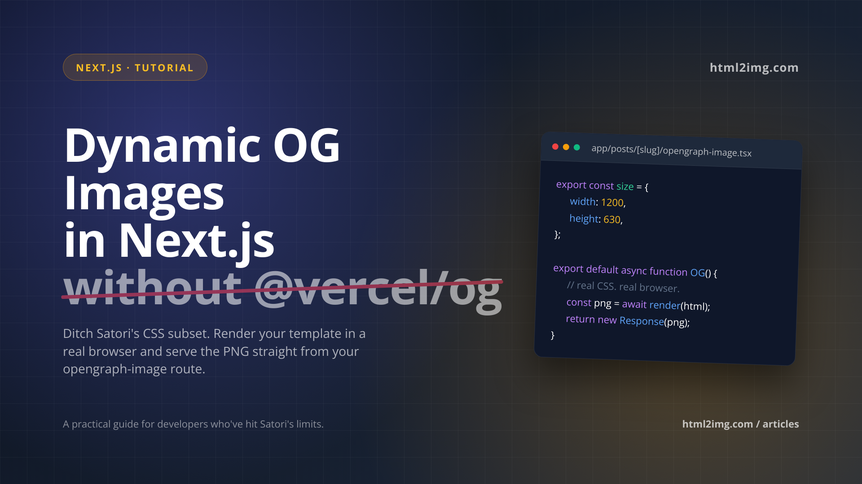
If you've been building dynamic OG images in Next.js and hit the same wall, this article is about the other way to do it: rendering your template in an actual browser via an API, and serving the resulting PNG from your opengraph-image route. Same developer ergonomics, no CSS subset to memorise, and your template is literally just HTML and CSS that renders the way you'd expect.
Why @vercel/og falls short once your template gets real
Satori is clever. It parses JSX, approximates a subset of CSS, and produces an SVG which then gets rasterised to PNG. For simple cards, a title over a solid background with one font, it's lovely. The problems show up when your designer hands you something that looks like an actual marketing asset.
Flexbox is supported. Grid is not. display: flex has to be set explicitly on every container, even <span>, because Satori's defaults aren't the browser's. Custom fonts have to be fetched inside the request handler and passed into ImageResponse, not loaded at module scope. The entire bundle, including fonts and any inlined imagery, has to stay under 500KB on Edge. CSS variables don't resolve. calc() doesn't compute. Box shadows work, mostly, until they don't.
You can work around all of this. I did, for a while. The problem is that every design tweak becomes a translation exercise. You're not writing CSS any more, you're writing the subset of CSS that Satori understands, and the feedback loop is slow because rendering happens at request time on Edge.
The alternative that I keep coming back to is rendering the template in a real Chromium instance. You write normal HTML and CSS, including grid, variables, custom fonts loaded with @font-face, animations you can freeze on a specific frame if you want, anything. Then you screenshot it at 1200×630 and serve the PNG. The only question is where that Chromium lives.
Running Puppeteer yourself on Vercel or AWS Lambda is possible but tedious. The chromium binary is too large for the default Lambda size limit, so you end up on @sparticuz/chromium or a layer, watching memory usage, dealing with cold starts, pinning versions when Chrome updates break things. For an OG image pipeline that has to work reliably every time someone shares a link, I'd rather not own that problem. An API that takes HTML and gives you back a PNG cuts out the whole category of infrastructure work.
The approach
The pattern is straightforward. In your route folder, you add an opengraph-image.tsx file (Next.js picks this up automatically and wires it to the right meta tag). Inside it, you build the HTML and CSS for the card using whatever data the route has access to, post it to the html2img API, and return the resulting PNG as the response.
Because Next.js caches OG image routes aggressively by default, you don't pay the API cost on every share. The image gets generated once per unique URL and then served from the framework's cache. If your content changes, you bust the cache the same way you'd bust any route cache.
Building the thing in Next.js
Here's a working implementation for a blog where each post has its own OG image with the title, author, publish date, and category.
Here's what we're going to be making:
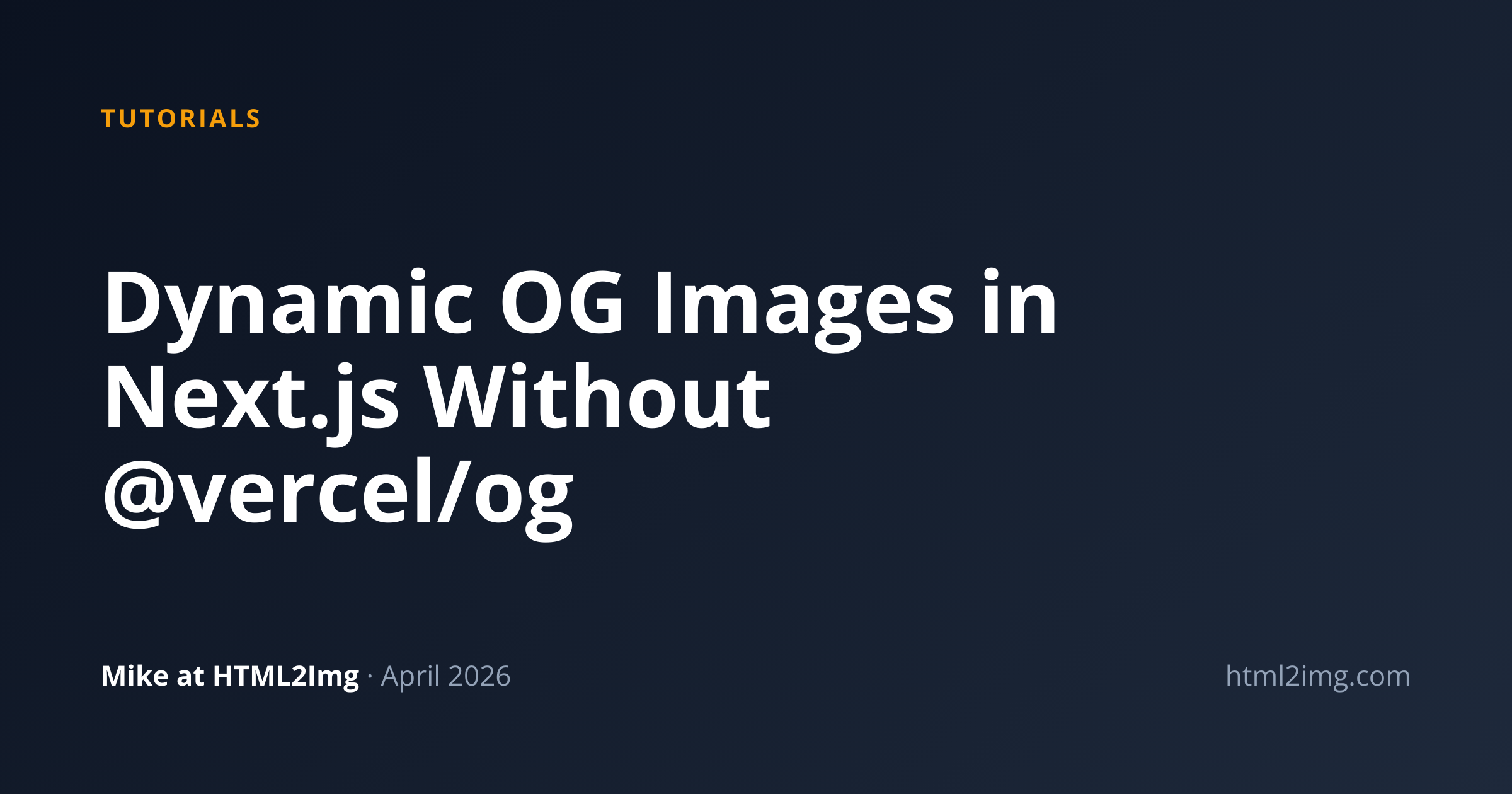 Looks great, right?
I'm using the App Router. If you're on Pages Router, the same idea works inside an API route, you just return the bytes yourself.
Inside the post route folder, app/posts/[slug]/opengraph-image.tsx:
import { getPostBySlug } from '@/lib/posts';
export const size = { width: 1200, height: 630 };
export const contentType = 'image/png';
export default async function OpengraphImage({
params,
}: {
params: { slug: string };
}) {
const post = await getPostBySlug(params.slug);
const html = `
<!DOCTYPE html>
<html>
<head>
<style>
@import url('https://fonts.googleapis.com/css2?family=Inter:wght@400;700;900&display=swap');
:root {
--brand: #0b1220;
--accent: #f59e0b;
--muted: #94a3b8;
}
* { box-sizing: border-box; margin: 0; padding: 0; }
body {
width: 1200px;
height: 630px;
background: linear-gradient(135deg, var(--brand) 0%, #1e293b 100%);
font-family: 'Inter', system-ui, sans-serif;
color: white;
padding: 80px;
display: grid;
grid-template-rows: auto 1fr auto;
}
.category {
font-size: 20px;
font-weight: 700;
color: var(--accent);
text-transform: uppercase;
letter-spacing: 2px;
}
h1 {
font-size: 68px;
font-weight: 900;
line-height: 1.1;
align-self: center;
max-width: 900px;
}
footer {
display: grid;
grid-template-columns: 1fr auto;
align-items: end;
color: var(--muted);
font-size: 22px;
}
.author { color: white; font-weight: 700; }
</style>
</head>
<body>
<div class="category">${escapeHtml(post.category)}</div>
<h1>${escapeHtml(post.title)}</h1>
<footer>
<div><span class="author">${escapeHtml(post.author)}</span> · ${post.publishedAt}</div>
<div>yourdomain.com</div>
</footer>
</body>
</html>
`;
const response = await fetch('https://api.html2img.com/v1/render', {
method: 'POST',
headers: {
'Content-Type': 'application/json',
Authorization: `Bearer ${process.env.HTML2IMG_API_KEY}`,
},
body: JSON.stringify({
html,
viewport_width: 1200,
viewport_height: 630,
device_scale_factor: 2,
wait_for_selector: 'h1',
}),
});
if (!response.ok) {
throw new Error(`html2img returned ${response.status}`);
}
const png = await response.arrayBuffer();
return new Response(png, {
headers: {
'Content-Type': 'image/png',
'Cache-Control': 'public, max-age=31536000, immutable',
},
});
}
function escapeHtml(str: string) {
return str
.replace(/&/g, '&')
.replace(/</g, '<')
.replace(/>/g, '>')
.replace(/"/g, '"');
}A few things worth pointing out. device_scale_factor: 2 gives you a retina-quality 2400×1260 PNG, which is what Twitter actually wants these days, rendered into the 1200×630 viewport. wait_for_selector: 'h1' makes sure the page has rendered the heading before the screenshot runs, which matters if you're pulling a font from Google Fonts. Without that wait, you can occasionally get an image where the font hasn't loaded yet and the fallback renders instead.
The escapeHtml helper is not optional. If someone's post title contains a quote character or an ampersand and you interpolate it into an HTML string without escaping, you get either a broken image or, depending on what you're rendering, a small HTML injection vector on your own server. Always escape.
Set your API key as an environment variable and you're done. Next.js will call this function when Twitter or LinkedIn or Slack hits /posts/my-post/opengraph-image.png, cache the result, and serve it from CDN on subsequent requests.
Gotchas I've hit
Fonts are the most common source of surprise. Google Fonts via @import works but adds a network round-trip inside the render. If latency matters to you, either use a system font stack, inline a @font-face with a base64-encoded woff2, or host the font on your own CDN. The wait_for_selector parameter helps, but if the selector appears before the font loads, you still get a fallback. For guaranteed results, add a small ms_delay on top.
Image assets inside the HTML need to be publicly accessible URLs. If your logo is behind auth, inline it as a base64 data URL instead. Same for any background images.
Caching is worth thinking about carefully. The Cache-Control: immutable header on the route is safe because Next.js gives each OG image route a unique URL per slug, but if your post content changes and you want the OG image to reflect that, you need to either include a content hash in the route or manually revalidate. I lean towards including a short hash of the title in the URL for content that might be edited.
Finally, error handling. If the API call fails, you don't want your share previews to break. Wrap the fetch in a try/catch and return a static fallback image on failure. A broken OG image is much worse than a generic one.
The framework-specific setup is covered in more detail in the html2img React and Next.js usage guide. If you want to see more template examples beyond blog cards, the product card and testimonial card examples are good starting points for social-share-style imagery. And for the full list of rendering parameters, including webhook support for async generation when you're batch-regenerating a lot of images, the parameters reference has the complete set.
Write the HTML the way you'd write any landing page, let a real browser render it, cache the output. That's the whole pattern.