---
title: "Markdown to Image Converter | Markdown to PNG Online"
description: "Convert Markdown to a styled PNG image. Headings, lists, tables, blockquotes and fenced code blocks all render. Free in the browser, with an API behind it."
url: "https://html2img.com/tools/markdown-to-image/"
---
# Markdown to Image Converter
Paste Markdown and get back a styled PNG, headings, tables, code blocks and all.
The Markdown to Image Converter takes a Markdown document, converts it with a GitHub-flavoured parser, renders it with clean document styling, and returns a PNG. Headings, nested lists, tables, blockquotes, inline code, fenced code blocks, links, and task lists all render the way you would expect to see them on GitHub. The output is a single image sized to the content, so a short note produces a small image and a long release note produces a tall one.
This exists because Markdown is where a lot of writing already lives, and almost nowhere that writing needs to go accepts it. Slack mangles tables, X accepts no formatting at all, LinkedIn strips everything, and email clients render Markdown as literal asterisks. Converting to an image is the pragmatic answer: the formatting survives intact because it is no longer formatting, it is pixels. Release notes, changelog entries, documentation snippets and comparison tables all travel far better as one clean image than as text that each platform reformats differently.
## At a glance
- **Tool:** https://html2img.com/tools/markdown-to-image/
- **Cost:** free, no account and no API key needed
- **Runs in:** the browser, against the same renderer as the API
## How it works
1. **Paste your Markdown**
Drop in any GitHub-flavoured Markdown. The sample that loads with the converter exercises headings, lists, a blockquote, a table, and a fenced code block, so you can see the styling before you replace it.
2. **It is parsed to HTML**
The document is converted with a GitHub-flavoured Markdown parser, so tables, strikethrough, task lists and autolinks all work. Raw HTML in the source is escaped rather than executed, which keeps a Markdown converter a Markdown converter.
3. **Rendered with document styling**
The HTML is wrapped in a stylesheet with the spacing, rules and monospace treatment people expect from rendered Markdown, then rendered at 1000 pixels wide in a real browser.
4. **Download or copy the hosted URL**
The image grows to fit the content rather than cropping it, so nothing is cut off at the bottom. The PNG is served from the CDN at a stable URL.
## What people use it for
### Release notes for social
A changelog entry posted as an image keeps its headings and bullet structure on platforms that would otherwise flatten it into an unreadable paragraph. One image, formatting intact, on every network.
### Documentation snippets in chat
Pasting a table into Slack loses the table. Rendering that section to an image keeps the columns aligned and gives people something they can actually read on a phone.
### Comparison tables
Feature and pricing comparisons are the classic thing that only makes sense as a table and only survives as an image. Markdown is a far quicker way to build one than a design tool.
### Newsletter content blocks
Email clients disagree about almost every layout feature, which makes complex formatting a gamble. An image of the rendered Markdown looks identical in Gmail, Outlook and Apple Mail because there is nothing left to interpret.
### Notes, summaries and study material
Structured notes written in Markdown convert to shareable images without a screenshot tool, which is a small thing that adds up if you do it regularly.
## Examples
### A release note
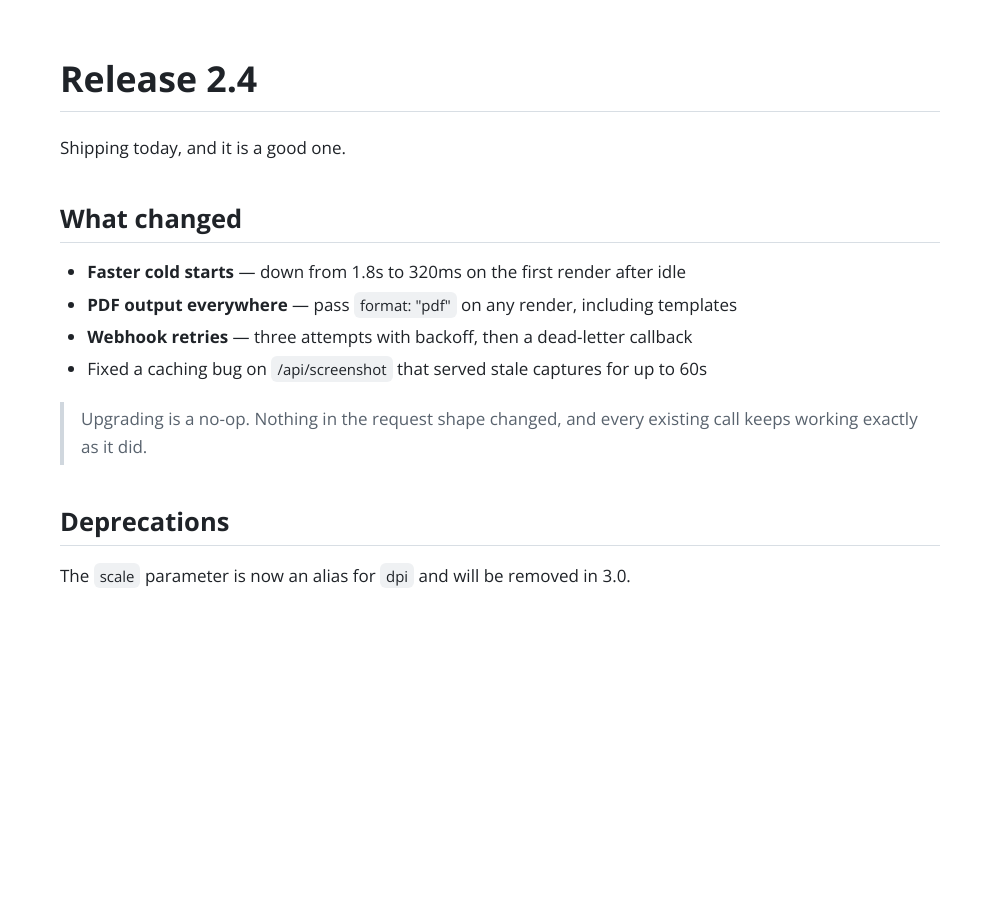
Headings, a bulleted change list, a blockquote and a code block, the standard shape of a changelog entry. The sample loaded in the converter is this document.
### A comparison table
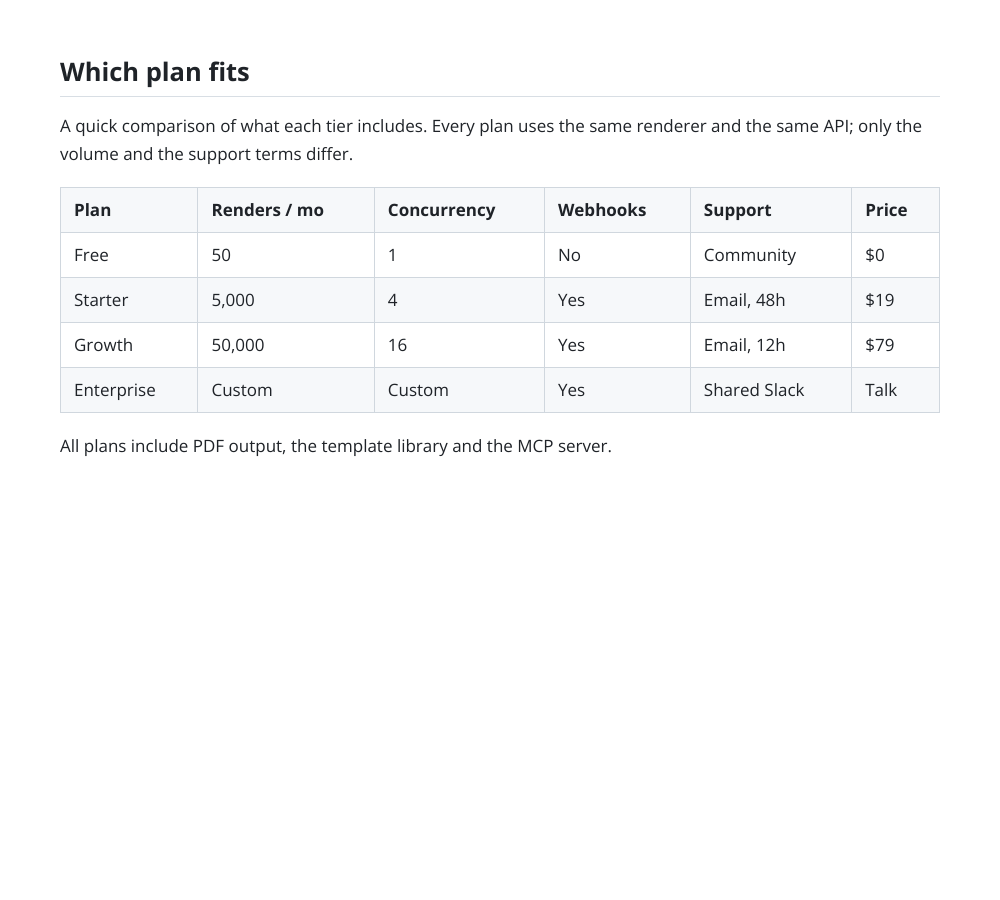
A Markdown table with a header row and alternating row shading, rendered so the columns stay aligned wherever the image is posted.
### A documentation snippet
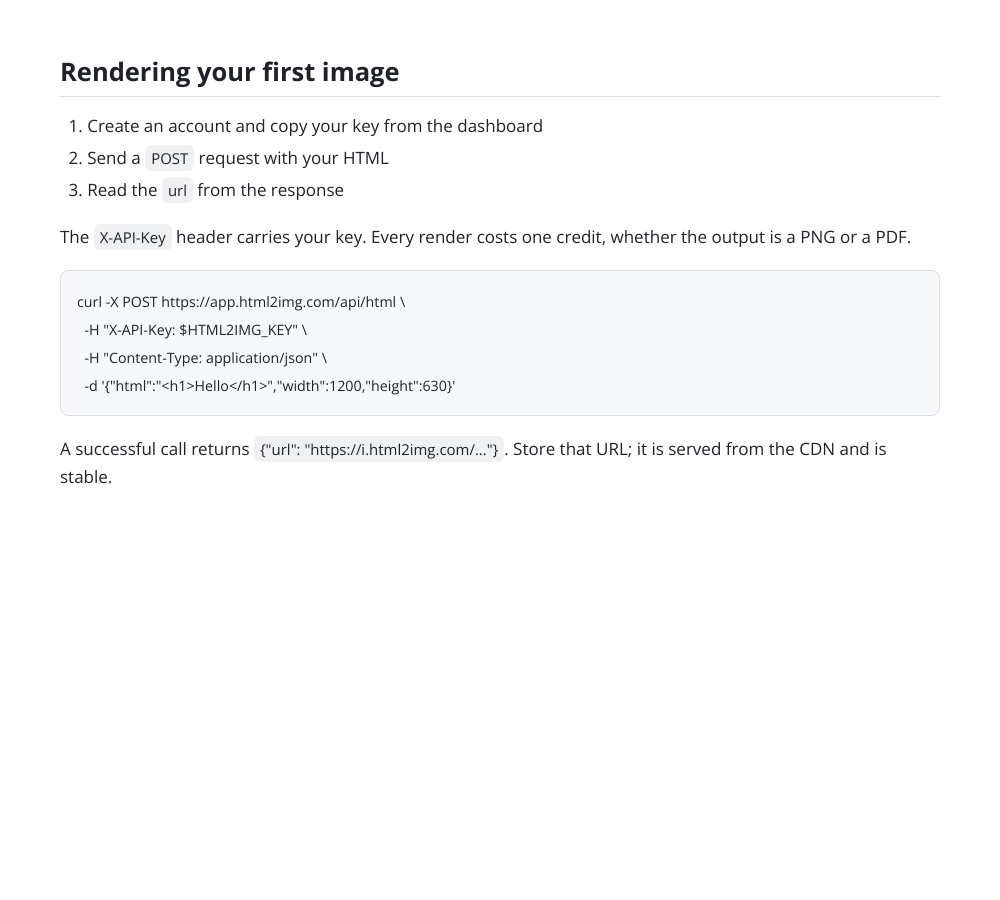
A short how-to with a numbered list, inline code, and a fenced code block, the shape of a docs section quoted in a support reply.
## Tips
### Keep code lines short
Code blocks wrap rather than scroll, because an image has no scrollbar. Lines over about 80 characters wrap onto a second line, which reads badly. Break long lines in the source and the render stays clean.
### Shorter documents read better
The image grows to fit the content, so a very long document becomes a very tall image that most platforms shrink to illegibility. Two or three screens of Markdown is about the practical limit for something meant to be read in a feed.
### Raw HTML is escaped, not rendered
HTML in the source shows up as literal text. That is deliberate: this is a Markdown renderer. When you need HTML, the HTML to Image Converter takes a full document and gives you complete control of the styling.
### Images need absolute URLs
A relative image path has nothing to resolve against, because the document is not being served from anywhere. Use full https URLs for any image referenced in the Markdown.
### Restyle it by rendering HTML directly
The document styling here is fixed. If you need your own fonts and colours, convert the Markdown to HTML in your own code, wrap it in your stylesheet, and post that to the HTML endpoint instead.
## Do this from your own code
This tool is a front end for the API. The same output from your own code:
```http
POST https://app.html2img.com/api/html
X-API-Key: YOUR_API_KEY
Content-Type: application/json
```
```json
{
"html": "Release 2.4
\n- Faster cold starts
- PDF output
",
"css": "body { font-family: system-ui, sans-serif; padding: 40px; line-height: 1.6; }",
"width": 1000
}
```
The API renders HTML, not Markdown. Convert the Markdown to HTML in your own language first (marked in JavaScript, python-markdown in Python, league/commonmark in PHP), then send the result as the html field.
### cURL
```bash
curl -X POST https://app.html2img.com/api/html \
-H "X-API-Key: YOUR_API_KEY" \
-H "Content-Type: application/json" \
-d '{"html":"Release 2.4
\n- Faster cold starts
- PDF output
","css":"body { font-family: system-ui, sans-serif; padding: 40px; line-height: 1.6; }","width":1000}'
```
## Questions
### Which Markdown flavour is supported?
GitHub-flavoured Markdown. Tables, strikethrough, task lists and autolinks work on top of the CommonMark core, so a README that renders on GitHub renders here.
### Is syntax highlighting applied to code blocks?
Code blocks render in a monospace face on a tinted background with a border, but tokens are not colourised. For syntax-highlighted output the Code Screenshot Generator is the right tool: it highlights the code and adds window chrome.
### Can I use my own fonts and colours?
Not in this converter, which uses one clean document style. Converting the Markdown to HTML yourself and posting it to the HTML endpoint with your own CSS gives you complete control.
### How wide is the output?
1000 pixels wide, with the height growing to fit the content. That is wide enough for tables and code to breathe while staying readable when a platform scales the image down.
### Does raw HTML in my Markdown render?
No, it is escaped and shown as text. Markdown documents from untrusted sources routinely carry HTML, and a converter that executed it would be a very different and much less predictable tool.
### How do I convert Markdown to an image from code?
The API renders HTML rather than Markdown, so convert it in your own language first, with marked in JavaScript, python-markdown in Python, or league/commonmark in PHP, then post the resulting HTML to the HTML endpoint. The code examples on this page show that call.
### How much does it cost?
Free on this page at three renders an hour and ten a day per visitor. A free account adds 50 renders and API access.
## Related
- [code-screenshot template](https://html2img.com/templates/code-screenshot/)
- [quote-card template](https://html2img.com/templates/quote-card/)
- [blog-hero template](https://html2img.com/templates/blog-hero/)
- [code-screenshot-for-social-media](https://html2img.com/articles/code-screenshot-for-social-media/)
- [satori-css-limits](https://html2img.com/articles/satori-css-limits/)
- [how-to-choose-html-to-image-api](https://html2img.com/articles/how-to-choose-html-to-image-api/)
## See also
- [Every free tool](https://html2img.com/tools/)
- [API documentation](https://html2img.com/docs/)
- [OpenAPI specification](https://html2img.com/openapi.json)